

How to Secure API Credentials in Custom GoHighLevel Integrations
How to Secure API Credentials in Custom GoHighLevel Integrations
A single exposed API credential can turn a custom GoHighLevel integration into a serious security risk. If an unauthorized person gains access to a token with excessive permissions, they may be able to retrieve sensitive CRM records, modify contact information, or interfere with connected business processes. For agencies managing multiple client accounts, the consequences can extend beyond a single business. Securing API credentials in GoHighLevel integrations is not just a technical requirement. It is an essential part of protecting customer data, maintaining system reliability, and building trustworthy automation infrastructure.
Understanding GoHighLevel API Authentication
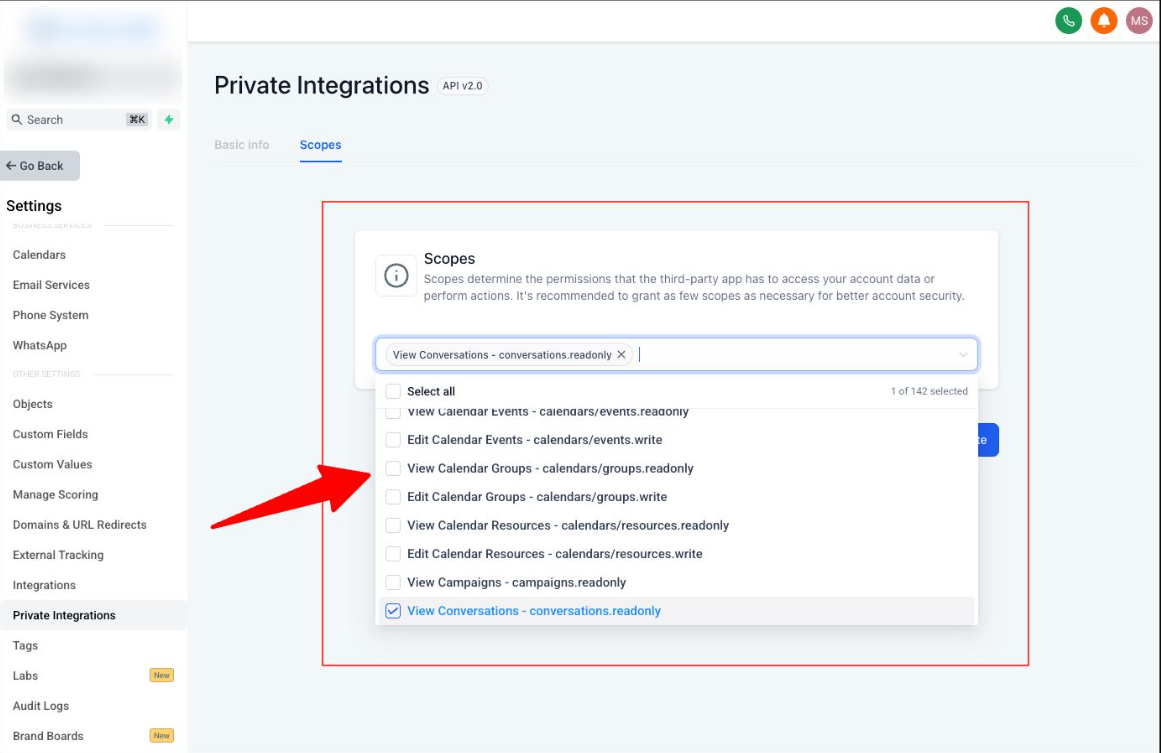
GoHighLevel supports different authentication methods depending on the integration's purpose, access requirements, and architecture. Choosing the correct method is the first step toward secure API credential management.
Private Integration Tokens
Private Integration Tokens (PITs) are suitable for internal integrations, custom reporting systems, and server to server connections involving a specific account or location. They allow developers to select the required scopes, limiting the permissions available to the integration.
Unlike legacy API keys, Private Integration Tokens support API v2 and provide more granular access control. They are static credentials that do not automatically refresh, so they require secure storage and appropriate rotation.
OAuth 2.0 Access Tokens
OAuth 2.0 is appropriate for public applications, Marketplace integrations, and applications that require authorization from different HighLevel users or accounts.
OAuth allows users to authorize an application without sharing their account passwords. Access tokens are issued through an authorization flow, while scopes define the resources and actions the application can access. HighLevel's OAuth documentation describes the Authorization Code Grant flow for its v2 APIs.
Private Integration Tokens and OAuth access tokens should not be treated as interchangeable. The authentication method should match the integration's intended use.
5 Best Practices for Securing GoHighLevel API Credentials
1. Store Credentials in Secure Environments
API credentials should never be hardcoded into application source code.
For custom integrations, environment variables can keep sensitive values separate from application logic. For production environments, a dedicated secrets manager provides stronger controls, including access restrictions, centralized management, and auditing.
For example, an external application that synchronizes customer information with GoHighLevel should retrieve its token from a protected backend environment. Developers should avoid committing credential files to Git repositories, even private ones.
If a credential accidentally enters a repository, deleting the visible file is not enough. The token should be revoked or rotated because it may remain in the repository's history.
2. Apply the Principle of Least Privilege
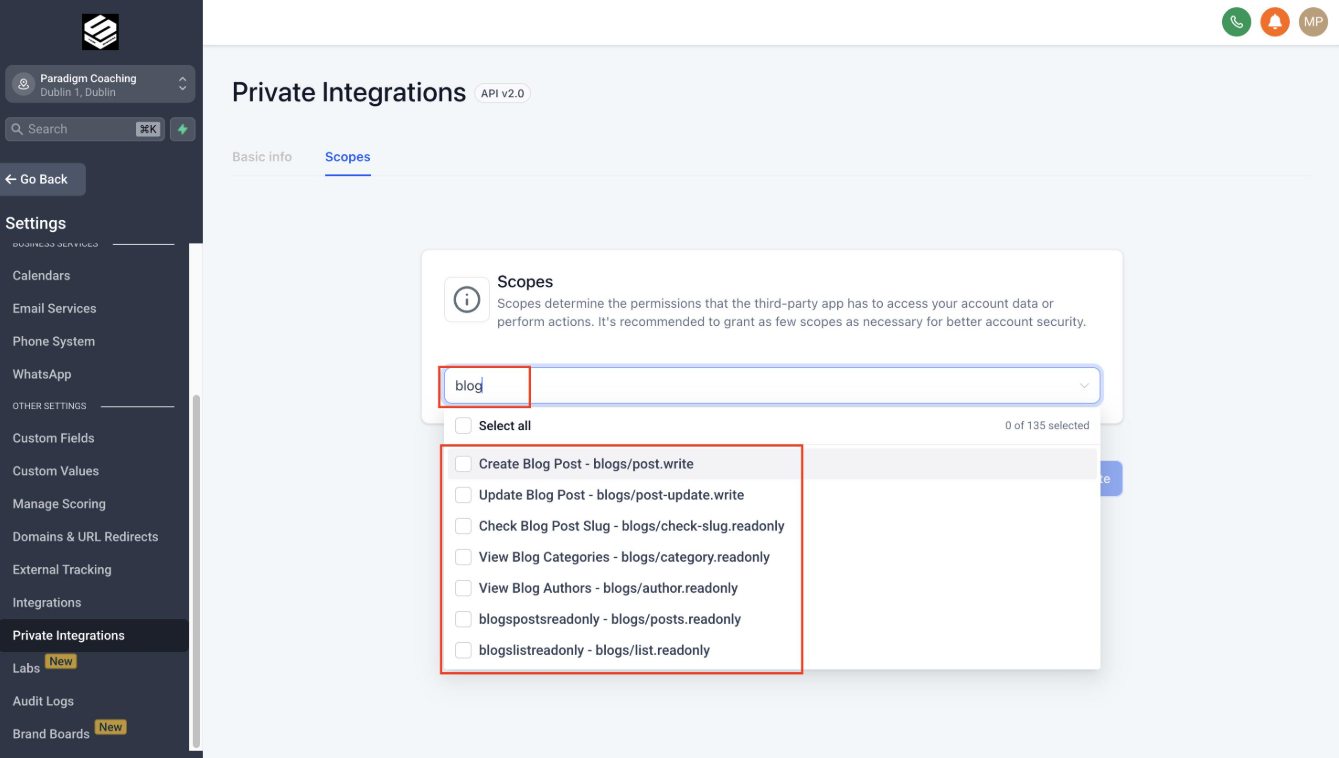
One of the most important GoHighLevel API security practices is granting only the permissions an integration actually needs.
If a custom reporting application only reads contact information, it should not receive unnecessary permissions to create, update, or delete contacts.
During the integration planning stage, identify every required API operation and its corresponding scopes. Select only those scopes when configuring a Private Integration or OAuth application.
This reduces the potential damage if credentials are compromised and helps maintain a more controlled CRM environment.
3. Keep API Credentials Away From Frontend Applications
Frontend JavaScript, browser applications, and mobile applications cannot reliably keep embedded credentials secret.
Consider a business building a custom lead management dashboard connected to GoHighLevel. If the dashboard sends API requests directly from the browser using a private token, users may be able to inspect network requests and extract the credential.
A safer architecture uses a secured backend:
The frontend sends a request to the application's backend.
The backend authenticates the user and validates the request.
The backend retrieves the GoHighLevel credential from secure storage.
The backend makes the authorized API request.
Only the necessary response data is returned to the frontend.
This approach protects the token and creates an additional layer for controlling access to CRM data.
4. Separate Development and Production Credentials
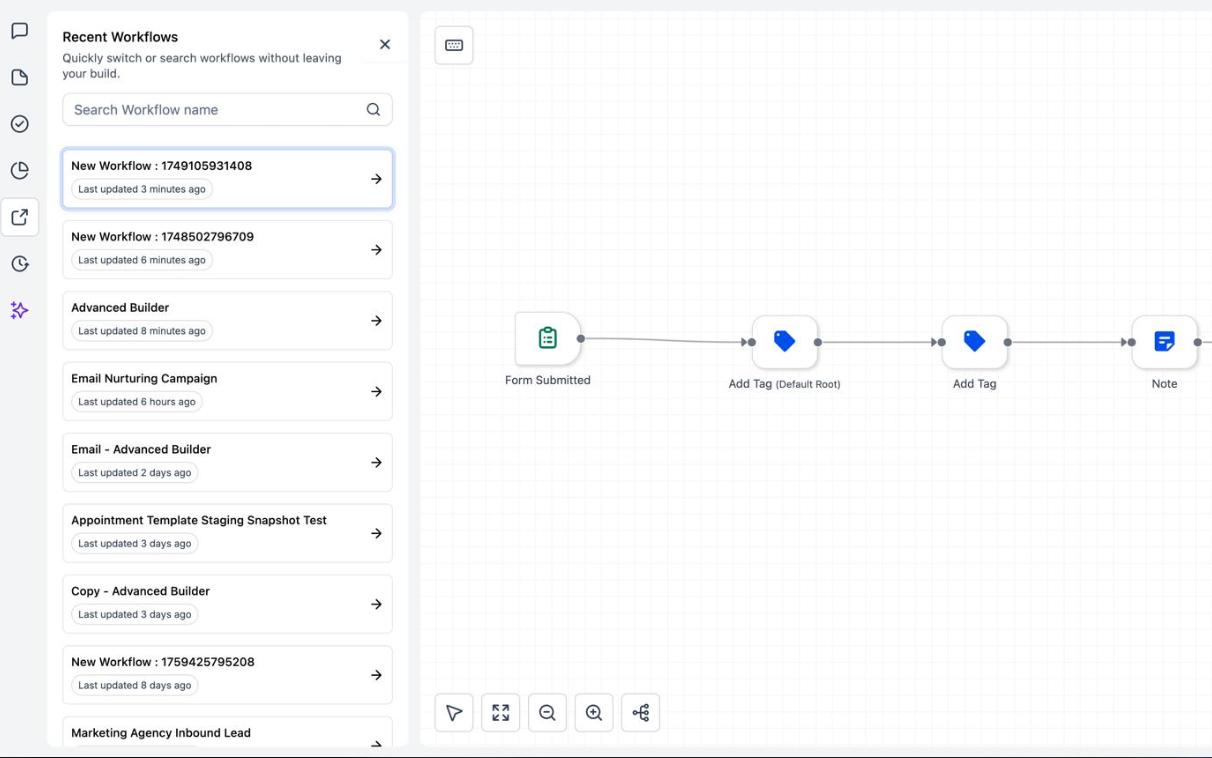
Testing custom GoHighLevel integrations using production credentials can expose real customer records to unnecessary risks.
Development and testing environments should use separate credentials wherever the integration architecture supports it. Test data should be used instead of real customer information whenever possible.
Production credentials should be accessible only to approved deployment environments and authorized personnel. Developers should also avoid copying production tokens into local scripts, shared documents, or testing tools without appropriate security controls.
Separating environments reduces accidental data changes and makes integration testing more controlled.
5. Rotate Credentials and Prepare for Exposure
Credential rotation reduces the period during which a compromised token may remain usable.
HighLevel recommends rotating Private Integration Tokens every 90 days. Its documented rotation process allows the token to be updated while managing the expiration of the previous credential.
A practical rotation process should include:
Reviewing which applications currently use the credential.
Generating or rotating the token.
Updating the secure configuration.
Testing the integration.
Confirming that the previous credential is no longer required.
If a token is exposed in a public repository, screenshot, or application log, do not wait for the scheduled rotation. Revoke or rotate it immediately, review relevant access activity where available, and investigate whether unauthorized requests may have occurred.
Secure API Requests and Webhook Integrations
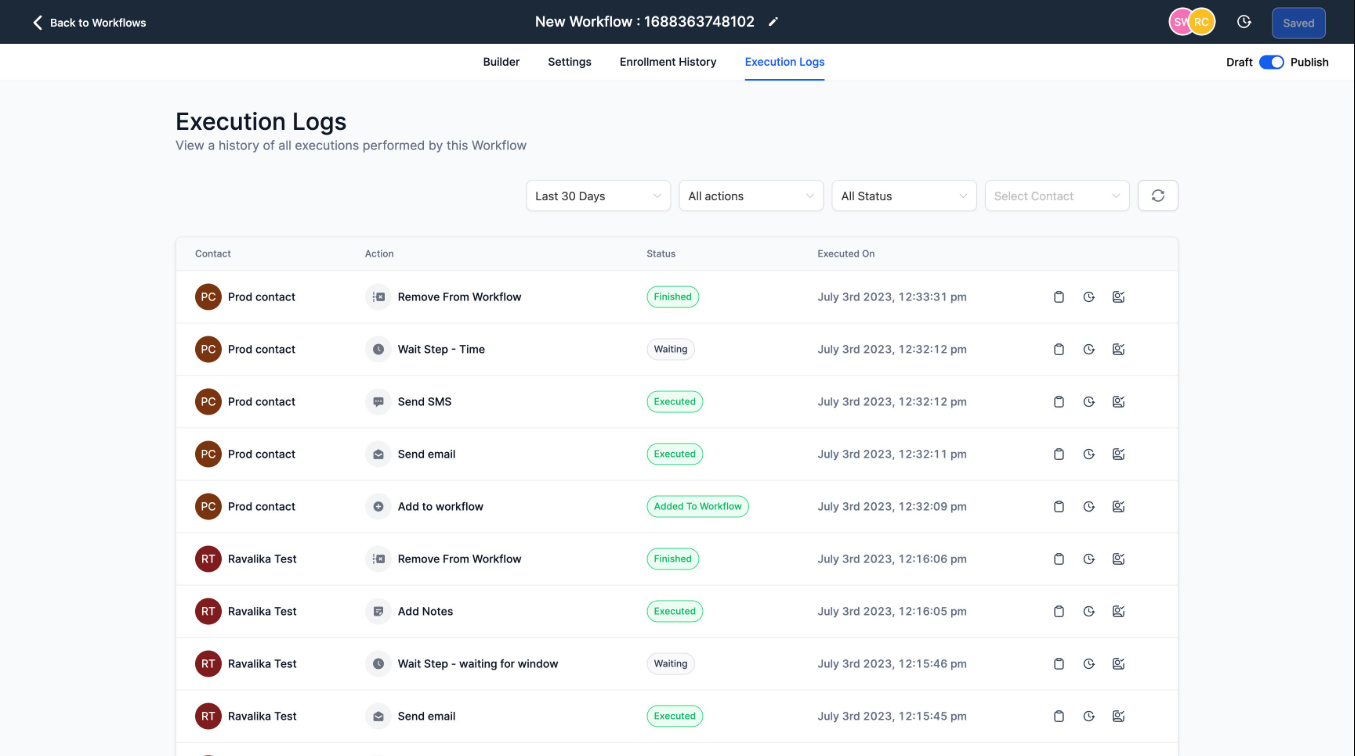
Protecting credentials is only one part of building secure GoHighLevel custom integrations. API requests and webhook data also require careful handling.
When sending API requests, use HTTPS to protect data in transit. Avoid including tokens in query parameters because URLs may be recorded in browser histories, server logs, or monitoring systems. Use the authentication header required by the relevant API documentation.
Webhook integrations require similar attention. An incoming webhook should be validated using the security mechanism documented for that specific webhook source. Do not assume every GoHighLevel webhook uses the same signature validation method.
Additionally, API responses may contain personal information such as names, phone numbers, and email addresses. Logging complete responses can unintentionally expose sensitive CRM data.
Instead, configure logs to capture operational details such as request status, timestamps, and error codes while excluding credentials and unnecessary personal information.
Common API Credential Security Mistakes
Several mistakes can weaken an otherwise well designed integration:
Using legacy API keys for new integrations instead of supported authentication methods.
Sharing tokens through email, messaging applications, or public documents.
Granting excessive scopes to custom applications.
Storing credentials directly in source code.
Leaving unused credentials active indefinitely.
Using production credentials during development.
Recording authorization headers in debugging logs.
These problems are preventable through secure development practices, proper credential management, and periodic integration reviews.
Frequently Asked Questions
1. How do you secure API credentials in GoHighLevel integrations?
Store credentials in protected backend environments or a secrets manager. Apply the minimum required permissions, prevent frontend exposure, and rotate credentials regularly.
2. Are Private Integration Tokens safer than legacy GoHighLevel API keys?
Private Integration Tokens provide more granular scope based permissions and access to API v2. They are the recommended option for new internal integrations over legacy API keys.
3. Should GoHighLevel API tokens be stored in frontend JavaScript?
No. Frontend code is accessible to users and can expose embedded credentials. API requests requiring private credentials should be handled through a secured backend.
4. How often should GoHighLevel Private Integration Tokens be rotated?
HighLevel recommends rotating Private Integration Tokens every 90 days. Any exposed credential should be rotated or revoked immediately.
5. When should a custom GoHighLevel integration use OAuth 2.0?
OAuth 2.0 is appropriate for public applications, Marketplace integrations, and applications requiring user authorized access across accounts. Private Integration Tokens are generally suited to internal integrations with defined access requirements.
Conclusion
Securing API credentials in custom GoHighLevel integrations requires more than generating a token and connecting an application. Proper authentication, restricted permissions, secure storage, backend protection, and credential rotation all contribute to a reliable integration architecture.
A well built CRM integration should protect sensitive customer information while supporting efficient business operations. For agencies and businesses implementing custom GoHighLevel systems, security should be considered from the initial planning stage rather than added after deployment.
WispCode helps businesses build custom GoHighLevel integrations, CRM systems, workflow automation, and secure automation architectures designed around their operational requirements. Visit WispCode to explore integration solutions or discuss how a secure custom system can support your business processes.
Need Expert Help with GoHighLevel?
New to GoHighLevel and ready to get started? Buy your GoHighLevel account here and launch with confidence.
Already know what you need and want our team to handle everything, from complete setup and customization to funnels, workflows, automations, CRM, and pipelines? Click here.