

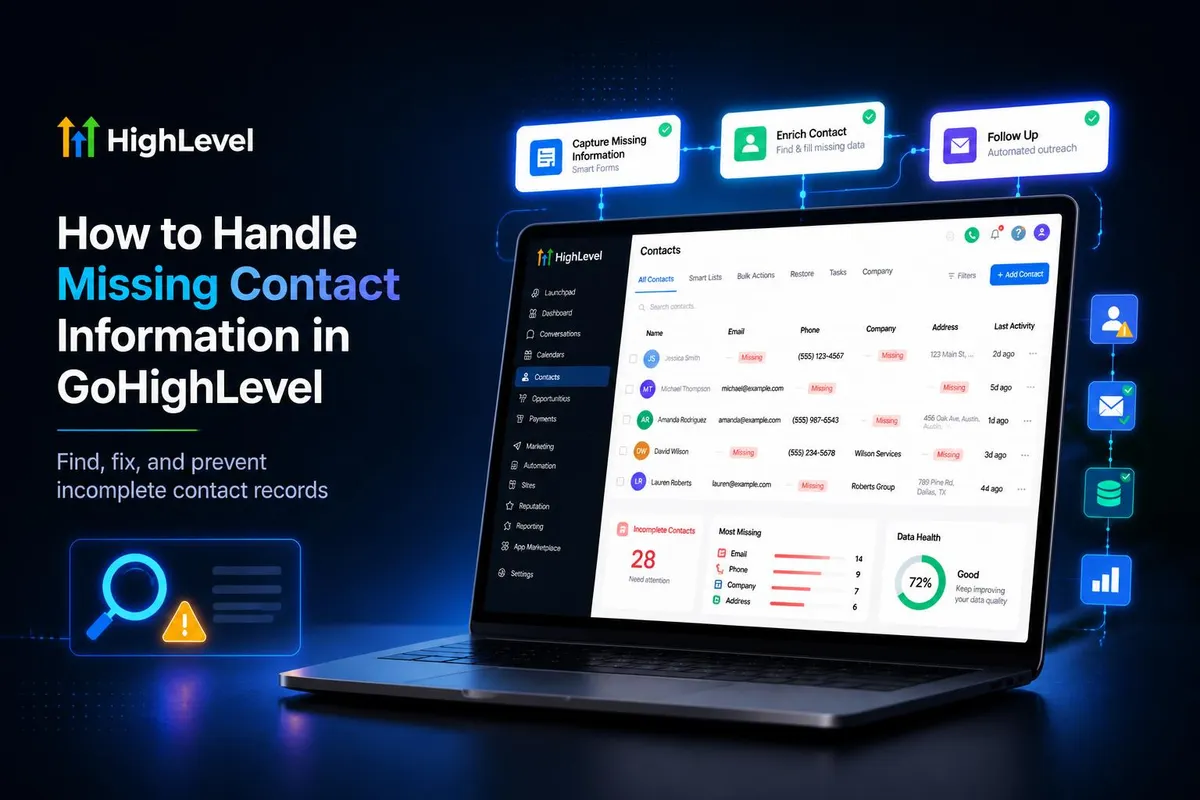
How to Handle Missing Contact Information in GoHighLevel
How to Handle Missing Contact Information in GoHighLevel
Missing contact information can create problems throughout the sales process. A lead may enter your GoHighLevel CRM with a name but no email address, or a phone number may be missing from a record that your team relies on for follow-up. These gaps can make communication more difficult, limit segmentation options, and leave sales teams uncertain about the next step.
Learning how to handle missing contact information in GoHighLevel starts with understanding that an incomplete record is not necessarily a lost opportunity. The right approach is to identify what is missing, determine which information is genuinely necessary, and establish a reliable process for collecting and maintaining accurate data.
Why Contact Information Goes Missing
Incomplete contact records can result from several issues, including short lead forms, abandoned submissions, manual data-entry errors, and inconsistent information received from different lead sources.
For example, a prospect might provide a name through a lead capture form without supplying an email address. Another contact might have an email address but no phone number, making phone-based follow-up unavailable.
These gaps can affect lead qualification, communication, reporting, and sales-team handoffs. They may also reduce the usefulness of contact segmentation when the business depends on particular fields to organize prospects.
However, not every lead requires every possible detail. A business should identify the minimum information necessary for each stage of its sales process rather than treating every blank field as a problem that must immediately be resolved.
How to Handle Missing Contact Information in GoHighLevel
Identify Missing Details
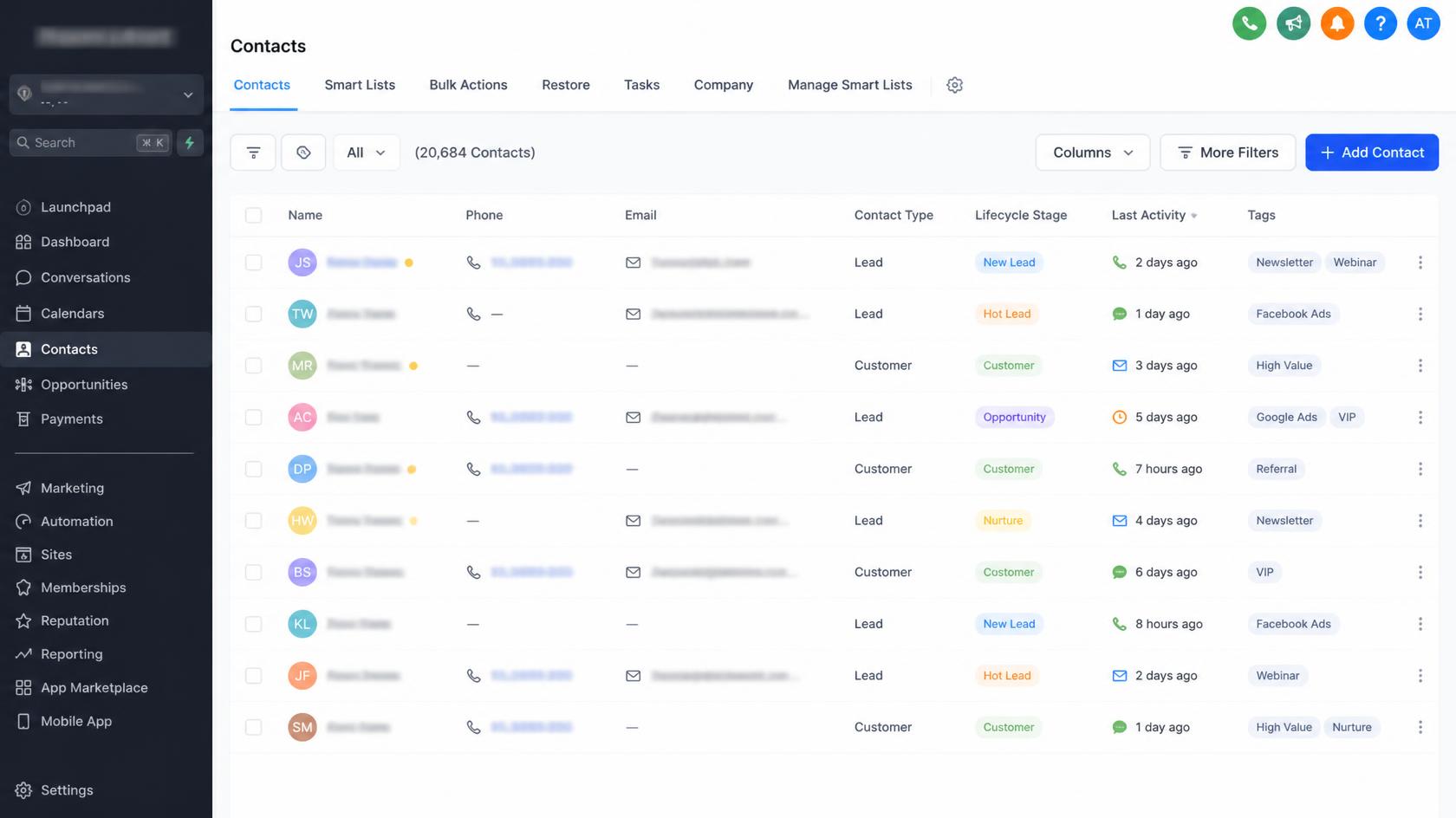
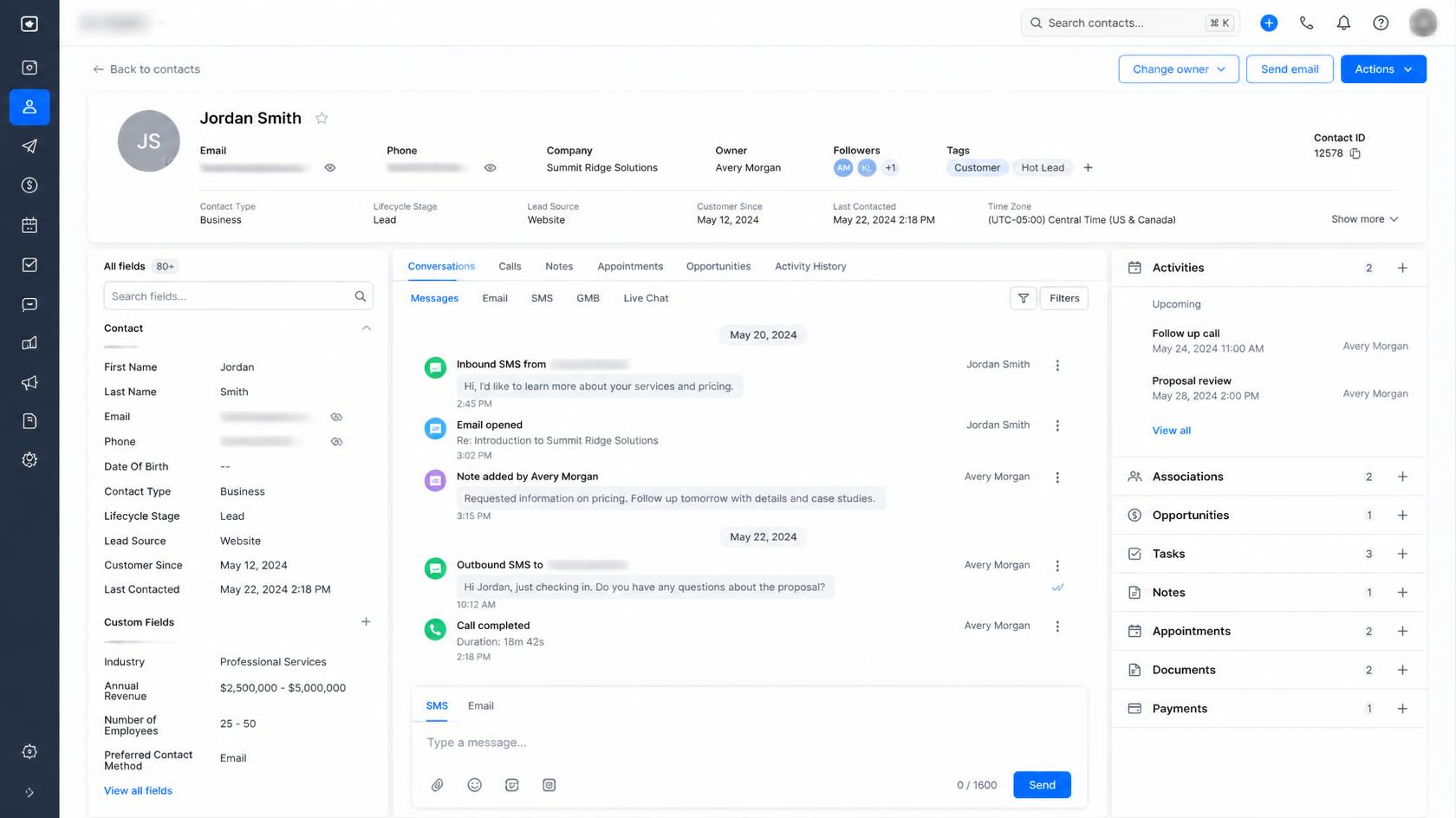
Start by reviewing the relevant contact records in GoHighLevel and identifying which essential details are absent or inaccurate. Depending on your business, these might include an email address, phone number, company name, or information needed to qualify a lead.
Establish clear data requirements for different lead sources and sales stages. For instance, an email address may be necessary for an email follow-up campaign, while a phone number may be essential for a process that relies on calls or SMS.
Use the contact information available in your GHL CRM to assess whether each lead can proceed through the intended process. Avoid assuming that every incomplete record is unusable.
A consistent review process helps teams distinguish between leads that need additional information and those that are already suitable for the next step.
Improve Lead Data Collection
One of the most effective ways to reduce missing information is to improve how you collect it in the first place.
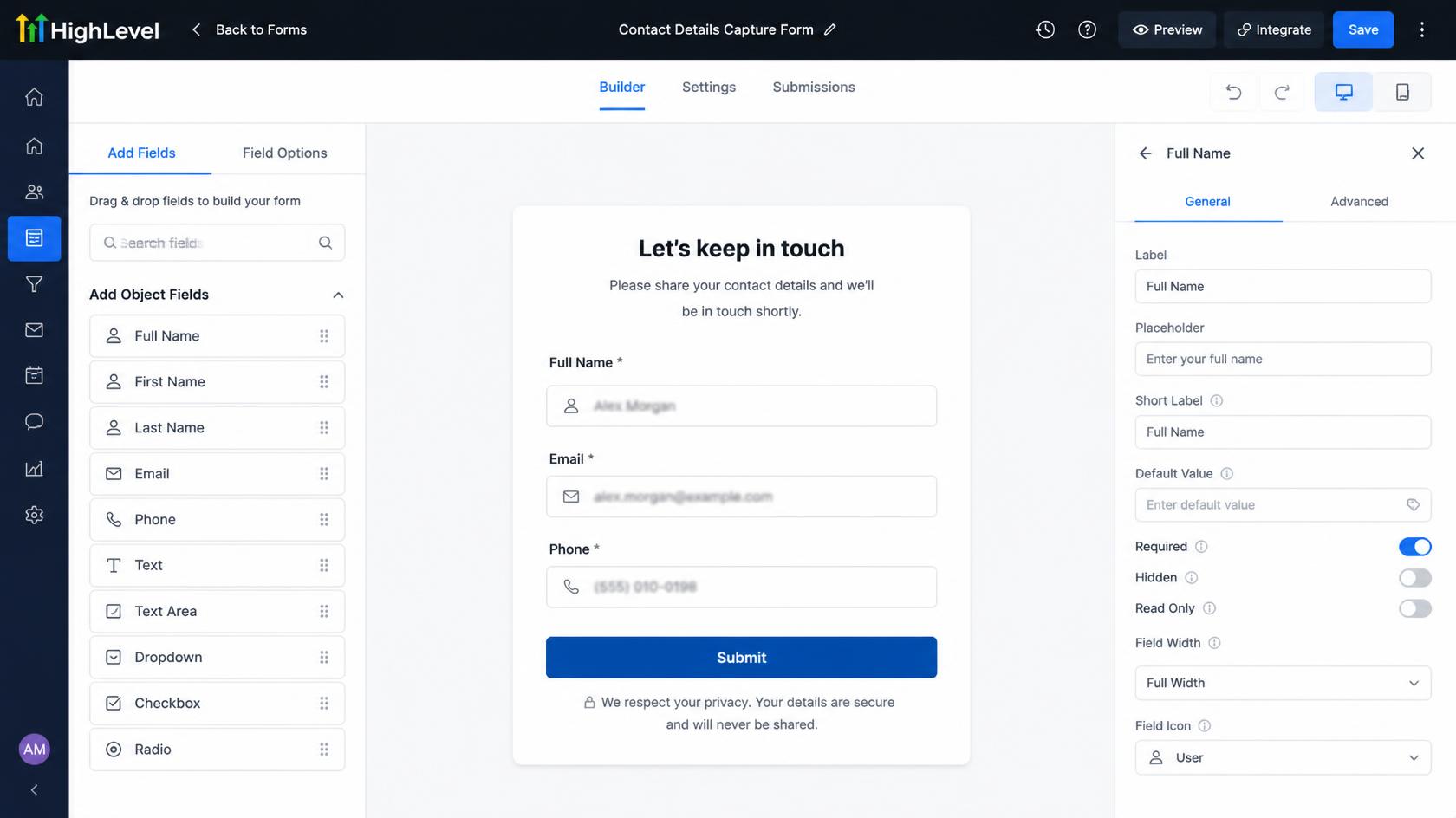
Review the forms, booking processes, and other lead capture methods used by your business. Make essential fields clear and request information that supports a legitimate business purpose.
For example, a service business might need a prospect's name and phone number to arrange a consultation. An email address may also be useful for sending appointment details or additional information.
However, requiring too many fields can discourage people from completing a form. Balance your data requirements against the effort involved in submitting an enquiry.
Consider these practical steps:
Define the minimum information required for each lead source.
Make essential fields easy to understand.
Explain why additional information is requested when appropriate.
Review submitted records periodically to identify recurring gaps.
Adjust data collection processes when incomplete submissions become a pattern.
Better collection practices can improve CRM data quality without adding unnecessary friction to lead generation.
Use Workflows and Follow-Up Processes Carefully
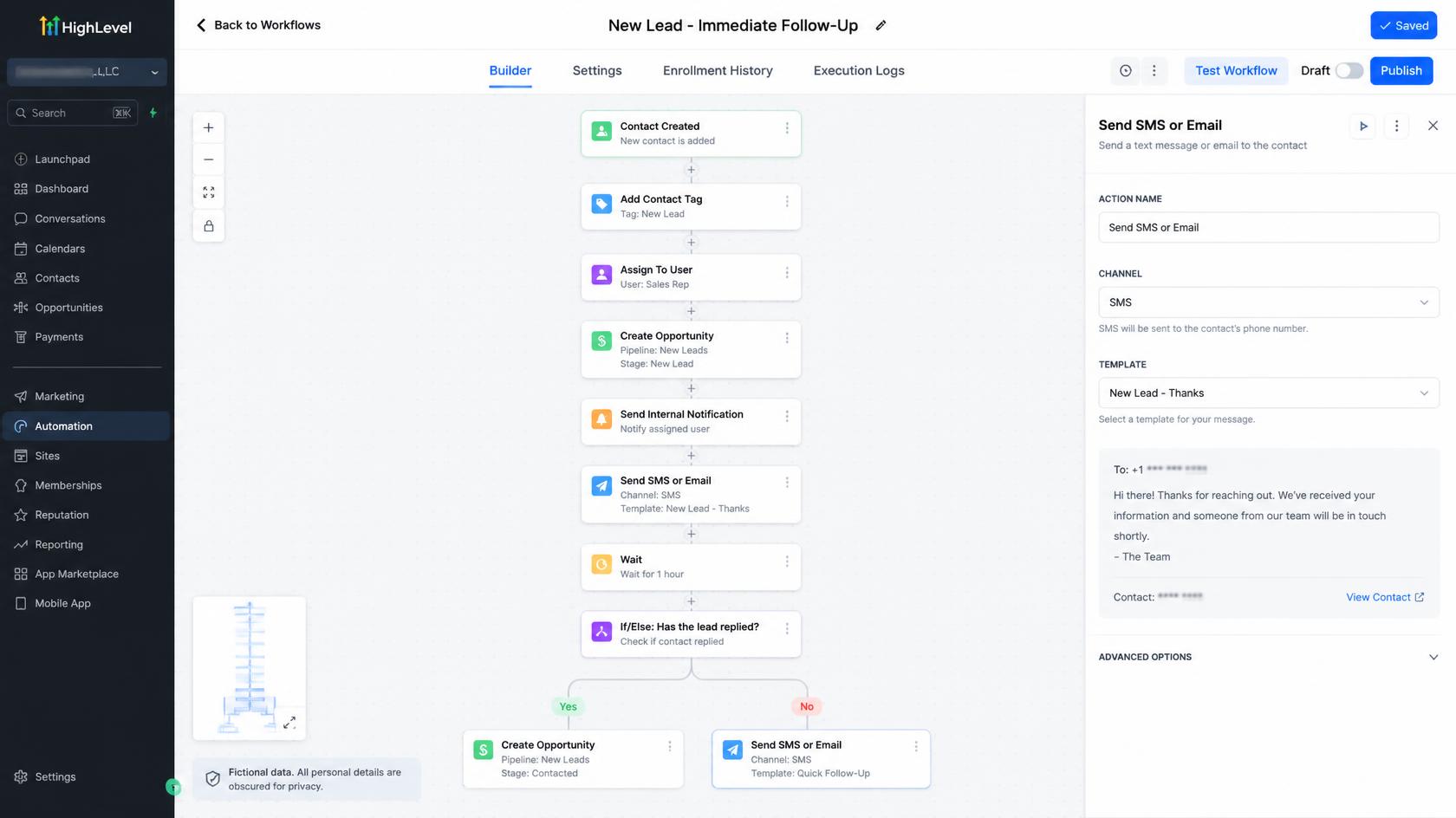
GoHighLevel workflow automation can support lead management when the appropriate triggers, conditions, and actions are available and correctly configured.
A trigger starts a workflow, while an action performs a step after the workflow begins. Understanding this distinction is important when designing a process for incomplete contact records.
For example, a business might use an appropriate workflow to support follow-up after a lead submits a form, provided the required contact details and communication permissions are available. The exact workflow design depends on the event, the available data, and the capabilities supported by the account's configuration.
Do not assume that a workflow can automatically discover an email address or phone number that a prospect never supplied. Automation can organize processes and deliver suitable follow-up, but missing information generally requires a legitimate source or a request to the contact.
Before implementing conditional logic or a specific workflow action to identify incomplete records, verify that the proposed configuration is supported by current GoHighLevel functionality.
Request Missing Information Through an Appropriate Channel
When a usable contact method is available, requesting the missing details can be a straightforward solution.
Suppose a prospect provides a phone number but leaves the email field empty. If the business has the appropriate permission to contact that person through the intended channel, it may send a polite message asking for the email address needed for the next step.
A simple example is:
“Hi Alex, thanks for your enquiry. Could you please share your email address so we can send you the relevant information? Thank you!”
The message should explain why the information is needed and avoid requesting unnecessary personal details.
If neither an email address nor a phone number is available, the business may need to wait for another legitimate interaction, review the original lead source, or use another permitted method of obtaining the information. It should never treat an unavailable contact channel as usable.
Keep Contact Records Accurate
Collecting missing details is only part of effective GoHighLevel contact management. The information must also remain accurate and consistent.
When a prospect provides the missing information, update the relevant contact record using the available contact-management functionality. Check the submitted details for obvious errors and follow your organization's process for correcting inaccurate information.
Duplicate records can create additional problems by separating a person's information across multiple entries. Establish a consistent process for reviewing potential duplicates and deciding which record should be maintained.
Avoid assuming that every email address or phone number is automatically validated by GoHighLevel. Apply appropriate verification practices where necessary, and distinguish confirmed information from details that have not been checked.
Accurate records help sales teams understand each prospect's status, coordinate handoffs, and make better use of available segmentation and reporting.
A Practical Example of Handling an Incomplete Lead
Imagine a marketing agency receives a new lead containing a prospect's name but no email address.
First, the team identifies the missing field and checks whether another usable contact method is available. If a phone number was provided, the team determines whether contacting the prospect through that channel is permitted and appropriate.
Next, the agency politely requests the email address if it is needed to deliver the requested information. Once the prospect supplies it, the team updates the contact record and continues the relevant follow-up process.
If no usable contact method exists, the lead may need to remain pending until additional information becomes available through a legitimate source.
This example illustrates a business process, not an automatic sequence that GoHighLevel necessarily performs without configuration or human involvement.
Common Mistakes to Avoid
When managing incomplete CRM records, avoid these common mistakes:
Rejecting every incomplete lead: A missing field does not automatically mean a prospect lacks value.
Overloading lead forms: Requesting unnecessary details can create friction and discourage submissions.
Assuming automation can find missing data: Workflows should rely on supported capabilities and legitimately available information.
Ignoring unusable contact details: An empty or invalid email address cannot support email delivery.
Allowing duplicate records to accumulate: Inconsistent records make follow-up and reporting harder to manage.
Ignoring privacy and communication preferences: Respect applicable requirements, consent, and Do Not Disturb settings where relevant.
Avoiding these mistakes helps preserve legitimate conversion opportunities while keeping your CRM more reliable.
Final Thoughts
Handling missing contact information in GoHighLevel requires a combination of good data collection, careful contact management, appropriate follow-up, and realistic automation.
By identifying essential fields, requesting missing details through permitted channels, maintaining accurate records, and using supported workflow functionality, businesses can create a more organized lead-management process.
The goal is not to collect every possible detail. It is to maintain the information necessary to communicate appropriately, qualify prospects, and move genuine opportunities through the sales process. When contact data is managed consistently, GoHighLevel becomes a more useful foundation for lead generation, CRM operations, and conversion-focused follow-up.
Frequently Asked Questions (FAQs)
1. How do I handle missing contact information in GoHighLevel?
Review the contact record to identify missing or inaccurate details. Determine which information is essential, request it through an appropriate and permitted communication channel, and update the record when accurate details become available.
2. Can GoHighLevel workflows automatically fill in missing contact information?
Not automatically in every situation. Workflows can support contact management and follow-up when properly configured, but they cannot be assumed to discover information that a contact has never provided. Any proposed automation must use supported GoHighLevel functionality.
3. What should I do if a GoHighLevel contact has no email address?
Check whether another valid contact method is available. If permitted, ask the prospect to provide an email address through an appropriate channel. If no usable contact method exists, wait for another legitimate opportunity to obtain the information.
4. Does missing contact information affect lead generation and conversion?
Yes. Missing details can prevent certain follow-up activities, limit segmentation, and make lead qualification more difficult. Maintaining accurate contact records helps businesses organize prospects and reduce avoidable communication failures.
5. How can I prevent incomplete contact records in GoHighLevel?
Improve your lead capture forms, clearly identify essential fields, avoid unnecessary data collection, and regularly review contact records for missing details, inaccuracies, and duplicates. Establishing consistent data management practices helps maintain CRM reliability and supports more effective follow-up.
Need Expert Help with GoHighLevel?
New to GoHighLevel and ready to get started? Buy your GoHighLevel account here and launch with confidence.
Already know what you need and want our team to handle everything, from complete setup and customization to funnels, workflows, automations, CRM, and pipelines? Click here.



