

GoHighLevel Email Verification Action Explained
How to Improve Lead Quality by Verifying Email Addresses Using the Email Verification Action in GoHighLevel
Introduction
A clean and reliable contact database is important for any business running email marketing or automated follow-up. If a contact's email address is invalid, your team may waste time sending messages that never reach the intended recipient.
GoHighLevel provides the Email Verification action as part of its workflow actions. It can be added to an automation when you want to verify a contact's email address as part of your workflow process.
This can be useful when new leads enter your CRM through forms, funnels, campaigns, or other sources. Instead of treating every collected email address the same way, businesses can build a workflow that verifies the address and then uses the verification result to determine the appropriate next step.
For example, a business can verify an email address before continuing with a particular email follow-up process. This helps create a more structured approach to managing contact data.
What Is the Email Verification Action?
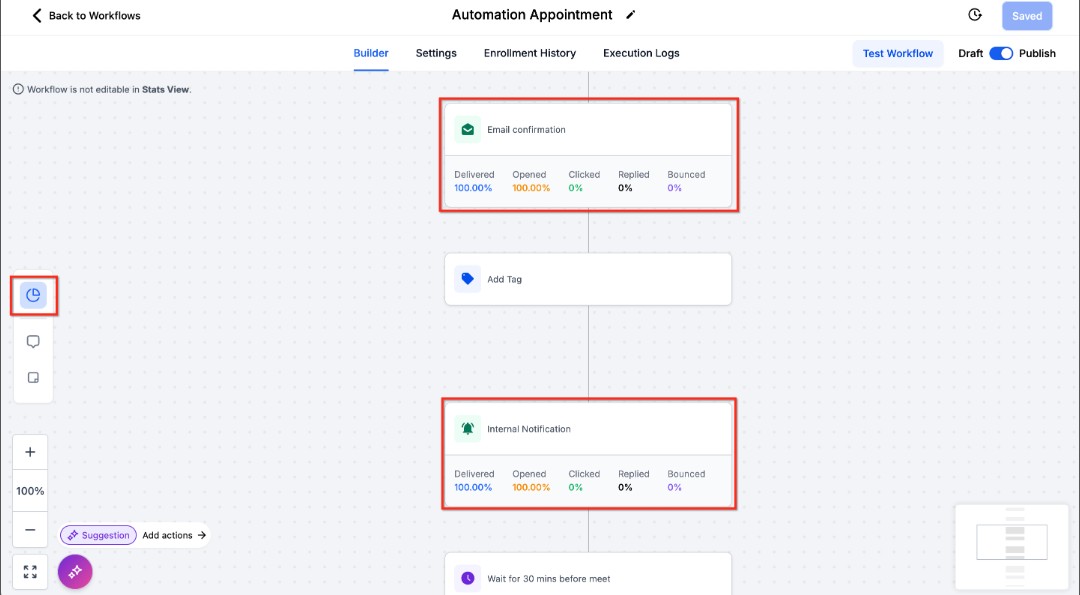
The Email Verification action is a workflow action used to verify the email address associated with a contact.
It can be placed inside a workflow alongside other actions, allowing email verification to become part of a broader lead management process.
For example, when a new lead enters your workflow, you can place the Email Verification action at an appropriate point in the sequence. The workflow can then continue with the actions required by your business process.
This is particularly useful when email addresses are collected from multiple sources. Contact information can sometimes contain mistakes, outdated addresses, or addresses that need to be checked before being used for further communication.
By incorporating verification into the workflow, businesses can make email quality part of their automated process rather than relying entirely on manual checking.
How to Add Email Verification to a Workflow
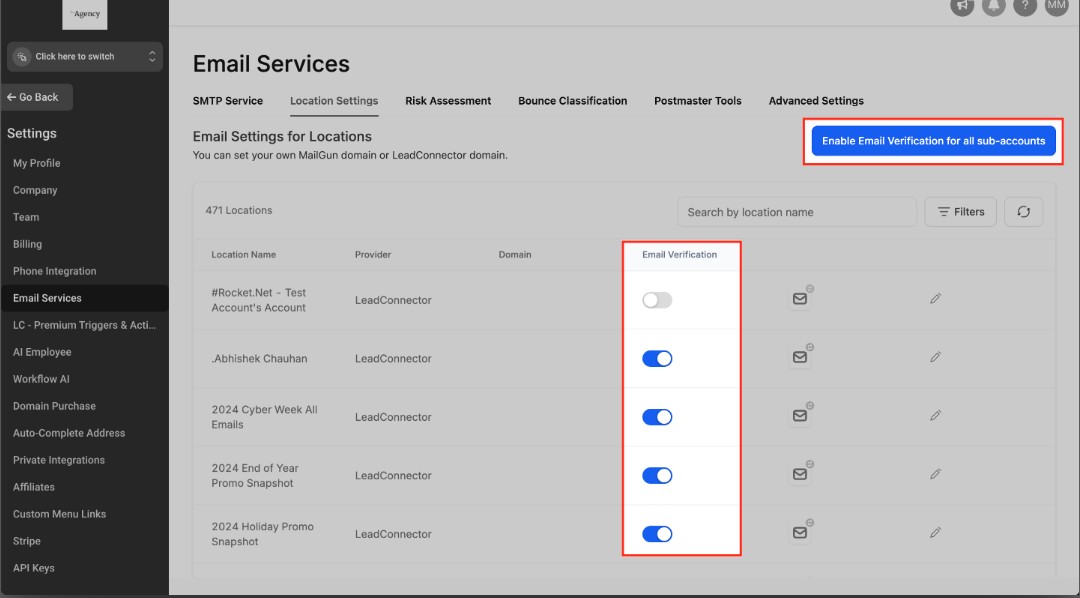
To use the action, open Automation > Workflows in your GoHighLevel account.
Create a new workflow or open an existing workflow where email verification should take place.
First, configure the trigger that determines when the workflow should begin.
For example, the workflow might start when a new contact submits a form or reaches a particular stage in your lead management process.
After configuring the trigger, click the plus (+) icon to add a workflow action.
Search for Email Verification and select it.
Place the action at the point where you want the email verification process to occur.
The trigger determines when the automation starts, while the Email Verification action performs the verification step within that automation.
Why Verify Emails During Lead Management?
Email verification can be useful when email communication is an important part of your sales or marketing process.
If your workflows depend heavily on email follow-up, maintaining better email data can help your team manage contacts more effectively.
For example, a business collecting leads through several different channels may want to include email verification as part of its initial lead processing.
The verification step can be positioned before other email-focused actions in the workflow, depending on the way the business wants to structure its automation.
This creates a more deliberate process for handling newly collected contact information instead of immediately treating every submitted email address as equally reliable.
Build Email Verification Into Your Lead Workflow
The Email Verification action works best when it is part of a larger process rather than an isolated automation step.
A simple structure could look like:
New Lead → Email Verification → Continue Lead Processing → Follow Up
The first step starts the workflow when the appropriate event occurs.
The Email Verification action is then reached as part of the workflow sequence.
After that, the workflow can continue with the next actions defined by your lead management strategy.
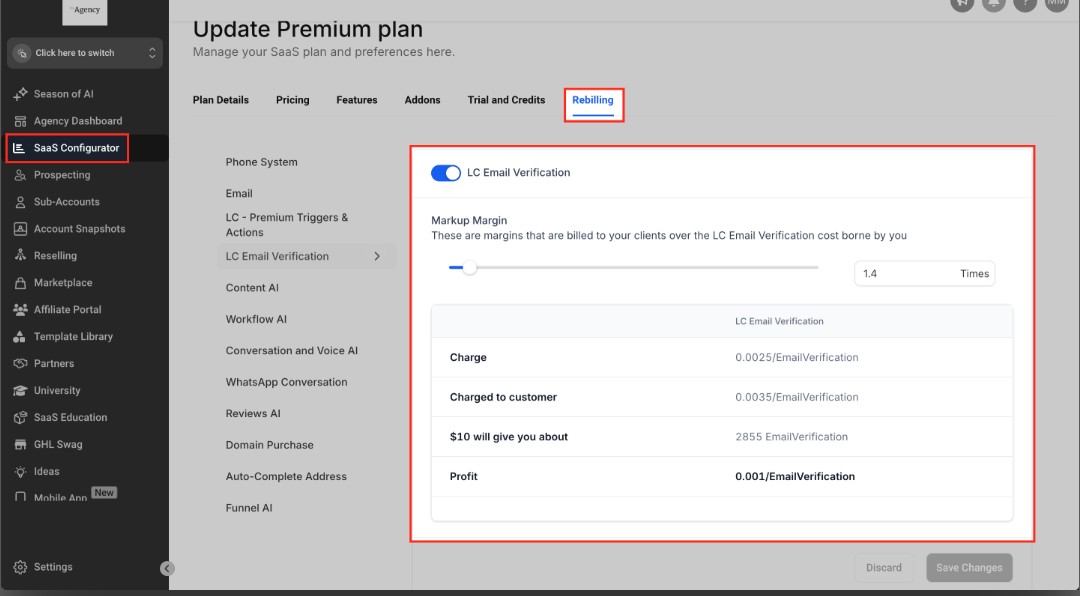
Continue the Lead Workflow After Verification
Once the Email Verification action has been added, you can decide what should happen next in your workflow.
The verification step should fit naturally into your existing lead management process. After it runs, the workflow can continue with the actions your business needs, such as organizing the contact, notifying a team member, or continuing the appropriate follow-up sequence.
A simple structure can look like:
New Lead → Email Verification → Lead Processing → Follow-Up
This keeps email verification as one step within a broader lead management process instead of creating a separate manual task for your team.
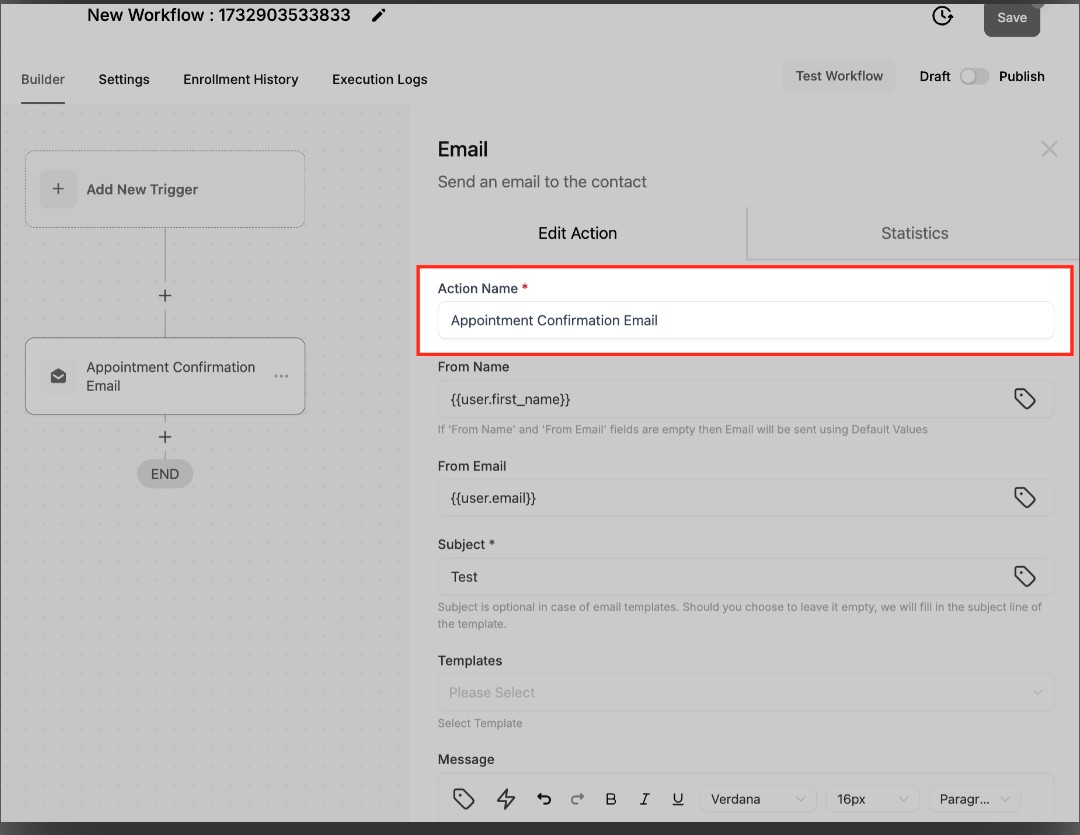
Combine Verification With Other Workflow Actions
The Email Verification action does not have to operate by itself.
Depending on your process, you can place it alongside other workflow actions that organize and manage contacts.
For example, your workflow might verify an email and then continue with the next appropriate contact-management or follow-up action.
The exact sequence should be based on your business requirements. Avoid adding unnecessary steps simply because they are available. A focused workflow is easier to understand, test, and maintain.
Test the Workflow Before Publishing
Before activating your automation, test the complete workflow.
Start with a test contact and make sure the workflow is triggered under the conditions you intended.
Then verify that the Email Verification action is reached correctly and that the following workflow steps behave as expected.
Pay particular attention to any actions that depend on the verification process. Make sure your workflow does not accidentally send inappropriate follow-up or create unnecessary tasks because of an incorrectly configured sequence.
Testing is especially important when the workflow will process a large number of leads automatically.
Conclusion
The Email Verification action gives GoHighLevel users a way to include email verification within their automated lead-management workflows.
Instead of making email checking a completely manual process, businesses can place the action at an appropriate point in their automation and then continue with the rest of their lead-processing strategy.
When combined with organized contact management and carefully planned follow-up, email verification can become a useful part of maintaining cleaner customer data and a more structured sales process.
The key is to use the action intentionally, keep the workflow focused, and test everything before allowing real leads to enter the automation.
Frequently Asked Questions
1. What does the Email Verification action do?
It performs an email verification step for the contact as part of a GoHighLevel workflow.
2. Is Email Verification a trigger?
No. Email Verification is a workflow action, meaning it is performed after a workflow has already started.
3. Where can I use Email Verification?
You can place it inside a workflow wherever email verification fits your lead-processing process.
4. Does a verified email mean the lead is qualified?
No. Email verification and lead qualification are different things. Verification concerns the email address, while qualification depends on your business's lead criteria.
5. Should I test the workflow before publishing?
Yes. Testing helps confirm that the trigger, Email Verification action, and subsequent workflow steps operate as intended.
Need Expert Help with GoHighLevel?
New to GoHighLevel and ready to get started? Buy your GoHighLevel account here and launch with confidence.
Already know what you need and want our team to handle everything, from complete setup and customization to funnels, workflows, automations, CRM, and pipelines? Click here.



