

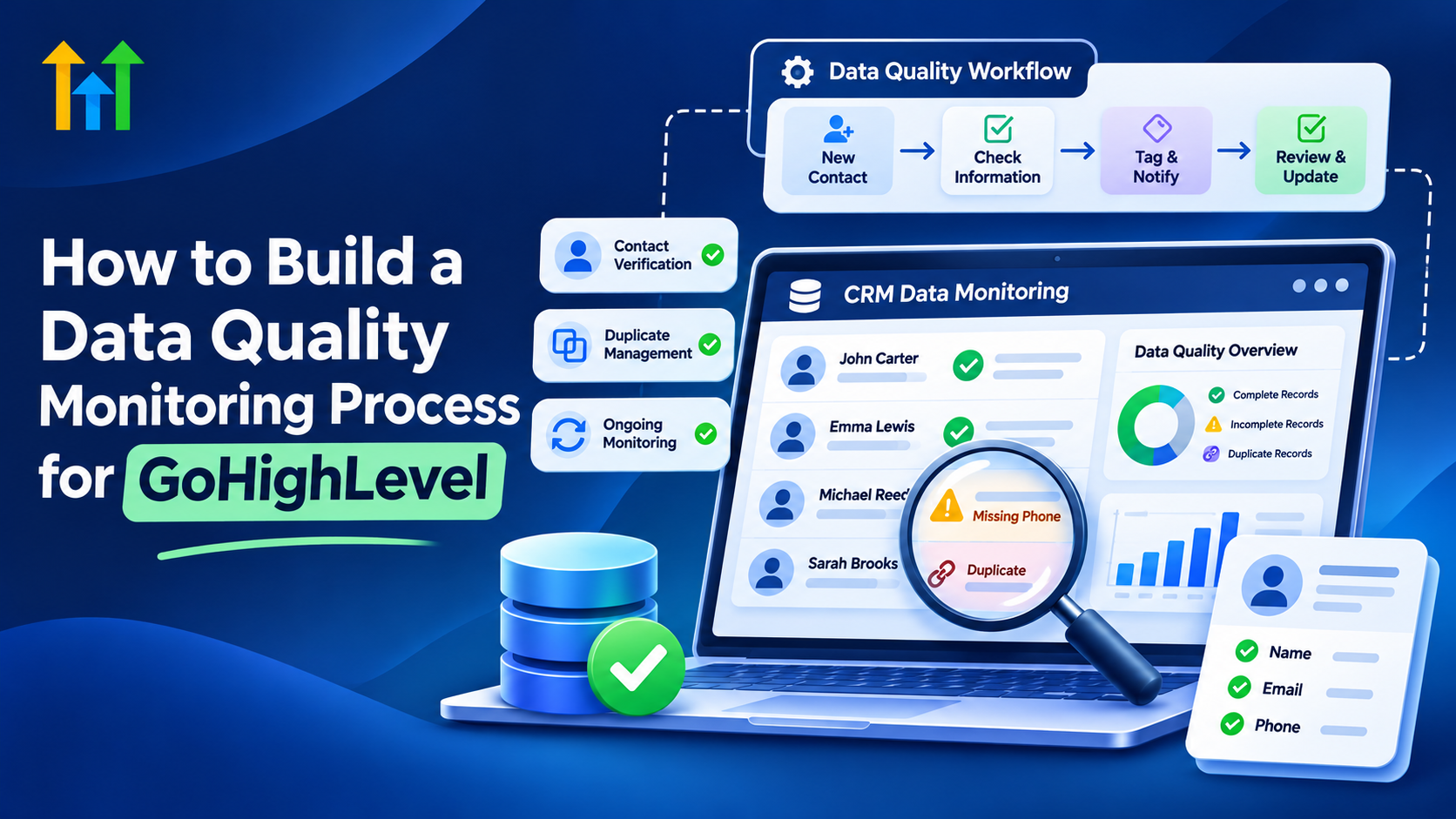
How to Build GoHighLevel Data Quality Monitoring
How to Build a Data Quality Monitoring Process for GoHighLevel
Introduction
A CRM is only as reliable as the information stored inside it. Duplicate contacts, missing phone numbers, outdated customer details, inconsistent tags, and incorrect opportunity stages can create problems that businesses may not immediately notice.
These issues can interrupt automated workflows, affect customer communication, and reduce reporting accuracy.
By establishing a structured GoHighLevel data quality monitoring process, businesses can identify problems earlier, maintain organized customer records, and build more dependable automation systems.
What Is Data Quality Monitoring in GoHighLevel?
Data quality monitoring is the ongoing process of reviewing, identifying, and correcting problems within a CRM database.
An effective monitoring process focuses on six key dimensions:
Accuracy: Information correctly represents the customer.
Completeness: Essential contact information is available.
Consistency: Records follow standardized formats.
Uniqueness: Unnecessary duplicate records are minimized.
Validity: Information meets defined business requirements.
Timeliness: Customer information remains up to date.
Businesses can combine GoHighLevel contact management, Smart Lists, custom fields, and workflows with regular manual reviews to monitor these dimensions.
Why Data Quality Matters for GoHighLevel Users
Reliable CRM data supports better lead management, customer segmentation, workflow execution, and pipeline reporting.
For example, a real estate agency needs accurate buyer preferences, while an insurance agency depends on updated contact details. Home service businesses require correct service locations, and healthcare organizations need reliable administrative contact information.
Consider a roofing company that receives a lead without a phone number. A monitoring workflow could flag the incomplete record and notify an employee before the sales team attempts to contact the prospect.
How to Build a Data Quality Monitoring Process in GoHighLevel
Step 1: Define Your CRM Data Quality Standards
Determine which information your business needs to collect and maintain. Establish standards for names, phone numbers, email addresses, lead sources, tags, and custom fields.
GoHighLevel allows businesses to create custom fields for storing industry-specific customer information beyond standard contact properties.
For example, a home service company could create custom fields for service type and property location.
Step 2: Identify Common Data Quality Issues
Review your CRM database regularly for duplicate contacts, missing information, incomplete custom fields, inconsistent tags, outdated customer details, and incorrect opportunity stages.
Prioritize issues that directly affect customer communication, sales activities, or automated processes.
Document recurring problems to identify whether they originate from forms, integrations, imports, or manual data entry.
Step 3: Use Smart Lists to Monitor Contact Records
GoHighLevel Smart Lists dynamically organize contacts based on predefined filtering conditions.
Navigate to Contacts and open Smart Lists. Create a monitoring list using an available contact field and the Is Empty filter to identify records with missing information.
For example, filtering contacts whose City field is empty can help identify incomplete location information.
Smart Lists help identify records matching specific conditions but cannot independently guarantee information accuracy.
Step 4: Build Workflows for Data Quality Monitoring
GoHighLevel workflow automation can help businesses identify incomplete records and assign corrective actions.
A practical monitoring workflow could include:
Trigger: Contact Created.
Condition: Use If/Else to check required information.
Action: Add a
data-quality-reviewtag to incomplete contacts.Action: Send an internal notification.
Action: Add a task for the responsible employee.
Manual review: Verify and correct the contact information.
The workflow identifies records requiring attention, while team members handle corrections that require verification.
Step 5: Establish a Duplicate Contact Management Process
Duplicate contacts can fragment customer information and complicate communication.
GoHighLevel provides a Manage Duplicates tool for identifying potential matches using names, phone numbers, or email addresses.
Review potential duplicates carefully before selecting a master contact and merging records. Businesses should also configure their Contact Deduplication Preferences according to their requirements.
Step 6: Monitor Pipeline and Opportunity Data
Regularly review opportunities to ensure their stages, assigned users, values, and statuses reflect actual sales activities.
For example, an accepted estimate should not remain indefinitely in an initial lead stage.
Use the Opportunities section to review pipeline records and correct inconsistencies before they affect sales reporting.
Step 7: Schedule Regular Data Quality Reviews
Assign clear responsibilities and establish a consistent monitoring schedule.
Frequency | Quality check | Responsible person | Corrective action |
|---|---|---|---|
Daily | Incomplete contacts | Support team | Update records |
Weekly | Duplicate contacts | CRM administrator | Review and merge |
Weekly | Opportunity stages | Sales manager | Correct stages |
Monthly | Overall data quality | Operations manager | Review standards |
Regular monitoring prevents unresolved data problems from accumulating.
Essential Data Quality Metrics to Track
Businesses should measure the effectiveness of their monitoring process using practical metrics:
Contact completeness rate.
Duplicate contact rate.
Missing critical field rate.
Outdated record rate.
Average issue resolution time.
These are recommended business metrics rather than necessarily built-in GoHighLevel reporting measurements. Businesses can calculate them using contact exports, spreadsheets, or appropriate external reporting tools.
Best Practices for Maintaining High-Quality CRM Data
Standardize information collection across forms, use consistent custom fields and tag naming conventions, and review workflows regularly.
Assign ownership for correcting incomplete records, verify information before merging contacts, and train employees on proper CRM data management.
Continuously refine monitoring rules as business requirements change.
Conclusion
Reliable automation begins with reliable CRM data. GoHighLevel provides valuable tools for organizing records, identifying specific data issues, and coordinating corrective activities.
By combining these capabilities with consistent monitoring procedures and team accountability, businesses can maintain a more dependable CRM system.
Start by reviewing your existing database and establishing a repeatable data quality monitoring process.
Frequently Asked Questions (FAQs)
1. What is data quality monitoring in GoHighLevel?
It is the ongoing process of identifying and correcting incomplete, duplicate, inaccurate, or outdated CRM information.
2. Can GoHighLevel automatically identify incomplete contact records?
Yes. Configured Smart List filters and workflow conditions can identify specific missing information.
3. How can businesses manage duplicate contacts?
Businesses can use the Manage Duplicates tool, review potential matches, and merge appropriate records.
4. Can GoHighLevel workflows help monitor CRM data quality?
Yes. Workflows can flag records, apply tags, send internal notifications, and create review tasks.
5. How often should businesses review their CRM data?
Daily operational checks, weekly contact reviews, and monthly quality assessments are recommended.
Need Expert Help with GoHighLevel?
New to GoHighLevel and ready to get started? Buy your GoHighLevel account here and launch with confidence.
Already know what you need and want our team to handle everything, from complete setup and customization to funnels, workflows, automations, CRM, and pipelines? Click here.