

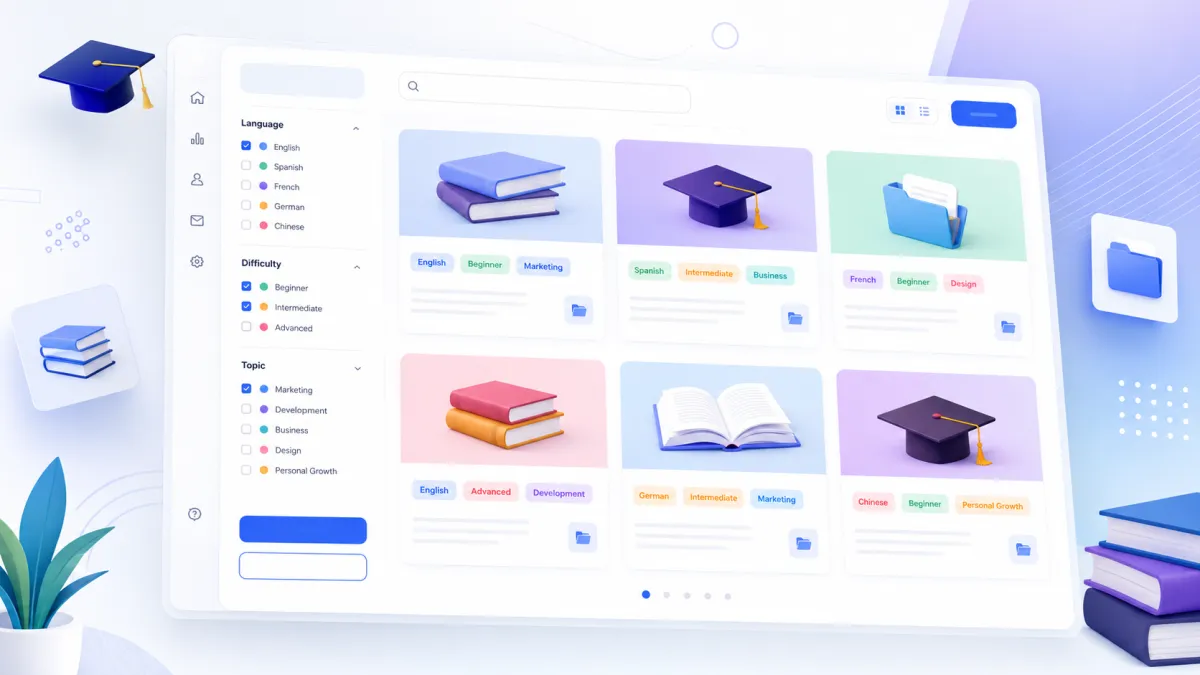
GoHighLevel Course Tags
GoHighLevel Course Tags: Organize and Discover Courses Faster
Managing multiple online courses can quickly become challenging, especially when learners need to find specific content from a growing course library. Without a proper organization system, course collections can become difficult to navigate, making it harder for students to discover the right learning material.
To improve the course discovery experience, GoHighLevel has introduced Course Tags, a new feature designed to help creators organize their courses while making it easier for learners to find relevant content inside the Client Portal.
With this update, GoHighLevel Courses can now be categorized using structured tags based on important details like language, difficulty level, and topic. This creates a cleaner learning environment and helps learners browse courses more efficiently.
What Are GoHighLevel Course Tags?
GoHighLevel Course Tags are a new organization feature that allows course creators to categorize their courses using predefined tags. These tags provide a simple way to group and identify courses based on specific characteristics.
Instead of manually organizing courses or depending on custom fields, creators can now use built-in tags directly within their course settings. This makes Course Management easier and creates a more organized course library for learners.
The goal of Course Tags is simple: help creators structure their content better and help learners quickly discover courses that match their needs.
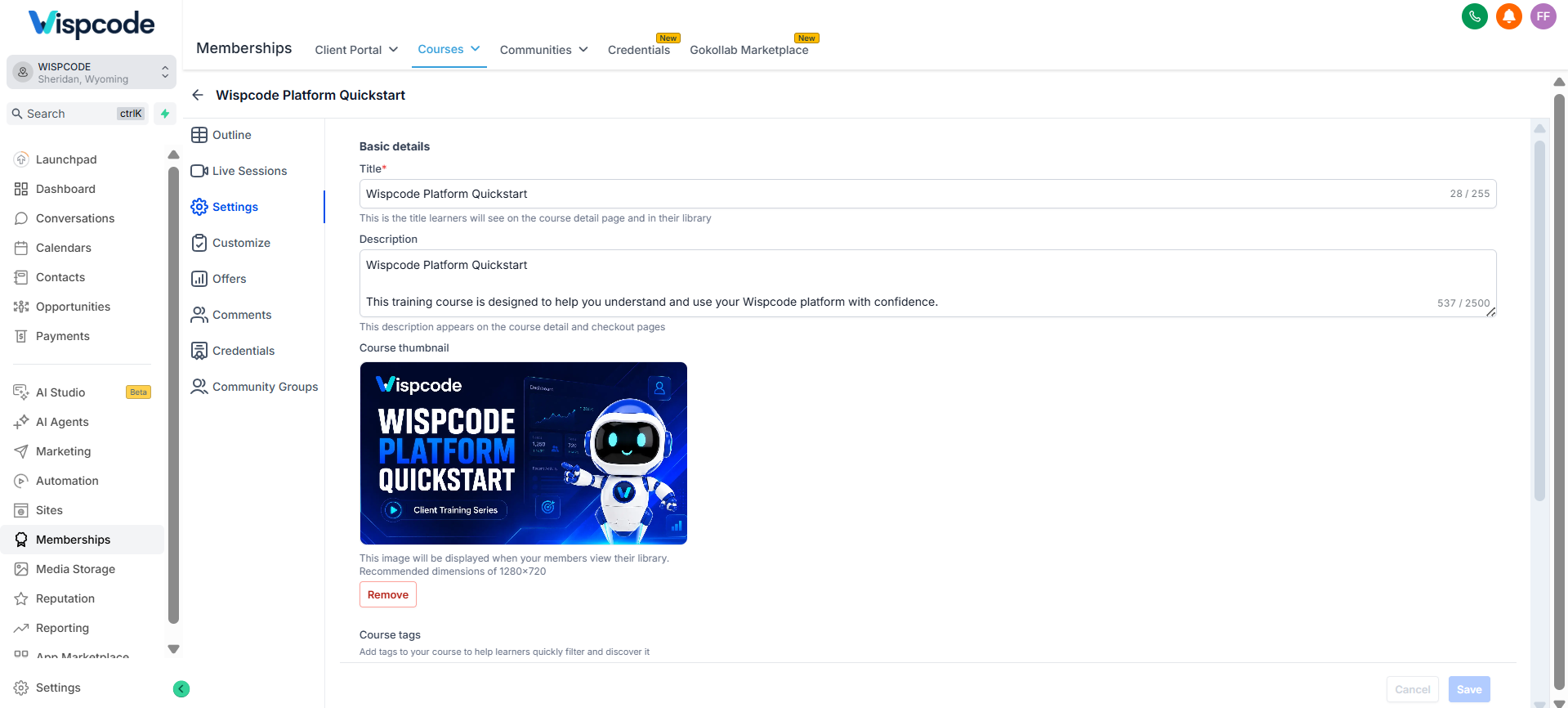
What’s New With GoHighLevel Course Tags?
The latest GoHighLevel update introduces several improvements that make managing and browsing courses easier. Course creators now have access to a more organized tagging system that improves the overall learning experience.
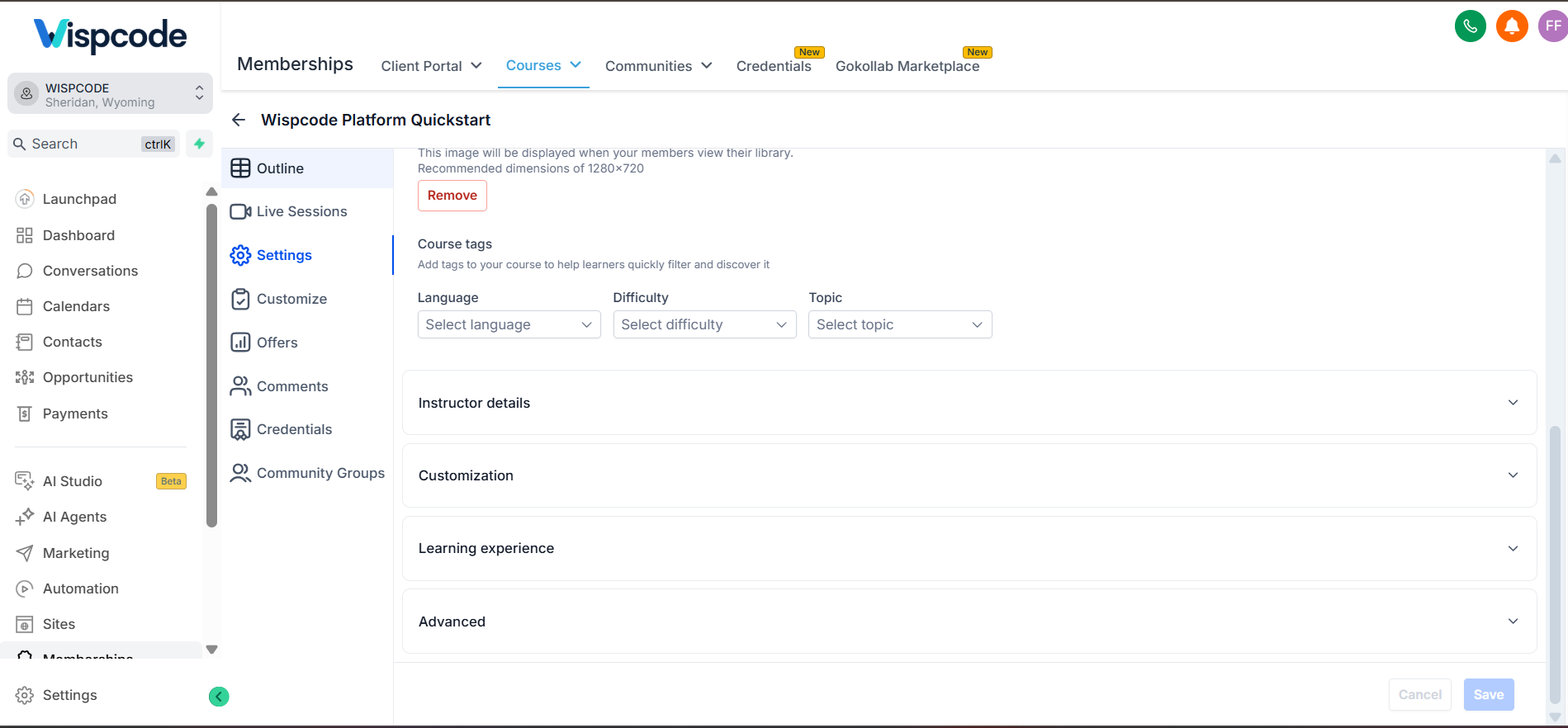
Add Language, Difficulty, and Topic Tags From Course Settings
Creators can now assign tags directly from the course settings. The available tag categories include:
Language: Identify the language of the course content.
Difficulty: Help learners understand the skill level or complexity of the course.
Topic: Categorize courses based on their subject or area of focus.
These options allow creators to organize their course libraries more effectively while maintaining consistent categorization.
Learners Can Filter Courses Using Tags
One of the biggest improvements with Course Tags is the ability for learners to filter the course library using tags.
Instead of searching through multiple courses manually, learners can use available filters to quickly find content that matches their preferred language, skill level, or interests.
This makes the learning journey smoother and improves the way users interact with GoHighLevel Memberships.
Tags Appear Directly on Course Cards
To make course identification faster, tags are now displayed directly on course cards.
When learners browse the course library, they can immediately see important course information without opening each individual course. This creates a more visual and organized browsing experience.
Standardized Predefined Tags
GoHighLevel has introduced standardized, predefined tags to ensure consistent categorization across courses.
This helps maintain organization throughout the course library by providing a unified tagging system instead of requiring creators to manually create different labels.
Available Across All Courses and My Courses Views
Course Tags are available in both major course library views:
All Courses
My Courses
This ensures that learners can benefit from improved organization regardless of where they are browsing within the course library.
Benefits of GoHighLevel Course Tags
The introduction of Course Tags brings several improvements for both course creators and learners.
Faster Course Discovery for Learners
When learners have access to multiple courses, finding the right content can become time consuming. Course Tags make discovery faster by allowing users to filter courses based on relevant categories.
Whether learners are looking for a specific topic, language, or difficulty level, tags help them locate suitable courses more easily.
A Cleaner and More Organized Learning Library
A well-structured course library creates a better experience for users. With Course Tags, creators can organize their content in a cleaner way and present their courses in a more professional format.
This improves Online Course Organization and makes the entire learning environment easier to navigate.
No Need for Custom Fields or Manual Organization
Before this update, creators may have needed alternative methods to organize course information. With the introduction of Course Tags, creators can categorize courses directly using built-in options.
This removes the need to rely on custom fields or manual organization methods.
A Better Client Portal Experience
Course Tags help create a more polished, catalog-like browsing experience inside the Client Portal.
By displaying categories and filters clearly, learners get a smoother way to explore available courses and choose content that fits their learning goals.
How to Get Started With GoHighLevel Course Tags
Setting up Course Tags is simple and can be done directly from your course settings.
Follow these steps:
Go to Memberships → Courses → Settings.
Find the Course Tags section.
Select the appropriate Language, Difficulty, and Topic tags for your course.
Save your course.
After saving the course, learners can immediately start using the new filters to discover courses more easily.
This simple setup allows creators to improve their course organization without complicated configuration.
What’s Coming Next for Course Tags?
GoHighLevel is continuing to improve the Course Tags experience. The next planned improvement will introduce the ability to create tags as well.
This upcoming addition will provide more flexibility for creators when organizing their courses.
Final Thoughts
The introduction of GoHighLevel Course Tags is a valuable improvement for anyone managing courses through GoHighLevel Memberships. By adding structured categories, searchable filters, and visible tags on course cards, this update makes course libraries easier to organize and easier for learners to explore.
For creators, it provides a cleaner approach to Course Management. For learners, it creates a faster and more intuitive way to discover relevant content inside the Client Portal.
As GoHighLevel continues improving its course features, Course Tags represent another step toward creating a better online learning experience for both creators and students.
Watch This GoHighLevel Update in Action
Want a quick overview of this new GoHighLevel feature? We’ve created a short video explaining the update, its benefits, and how you can use it effectively.
Click below to watch the video and stay ahead with the latest GoHighLevel updates.
Need Expert Help with GoHighLevel?
New to GoHighLevel and ready to get started? Buy your GoHighLevel account here and launch with confidence.
Already know what you need and want our team to handle everything, from complete setup and customization to funnels, workflows, automations, CRM, and pipelines? Click here.



