


GoHighLevel Clear Associated Record Fields Action
How to Clean Up Related CRM Data Using the Clear Fields of Associated Record for Contact Action in GoHighLevel
Introduction
Keeping CRM data accurate is important when a business manages information across contacts and related records. Sometimes, information stored in a related record is only needed temporarily. After a particular business event, some of those fields may need to be cleared while the record itself should remain available.
GoHighLevel's Clear Fields of Associated Record for Contact action is designed for this type of situation. It allows a workflow to clear selected fields from a Custom Object record associated with a contact, without deleting the associated record.
This can be useful for resetting outdated information, clearing previously used form entries, or handling workflow conditions where certain data should no longer remain populated.
For example, HighLevel's official documentation uses a loyalty program example where a customer's loyalty points and last redemption date are cleared after a reward redemption while the loyalty record itself remains intact.
What Is the Clear Fields of Associated Record for Contact Action?
The Clear Fields of Associated Record for Contact action lets you select specific fields within an associated Custom Object and clear their stored values.
The important distinction is that the action does not delete the Custom Object record. Instead, it removes the values from the fields you select while keeping the record available.
This makes the action useful when a record needs to be retained for future use, but certain information inside that record needs to be reset.
For example, a business could have a Custom Object containing information about a customer's service request. Once a particular process is completed, selected temporary fields could be cleared while the associated record remains available for future activity.
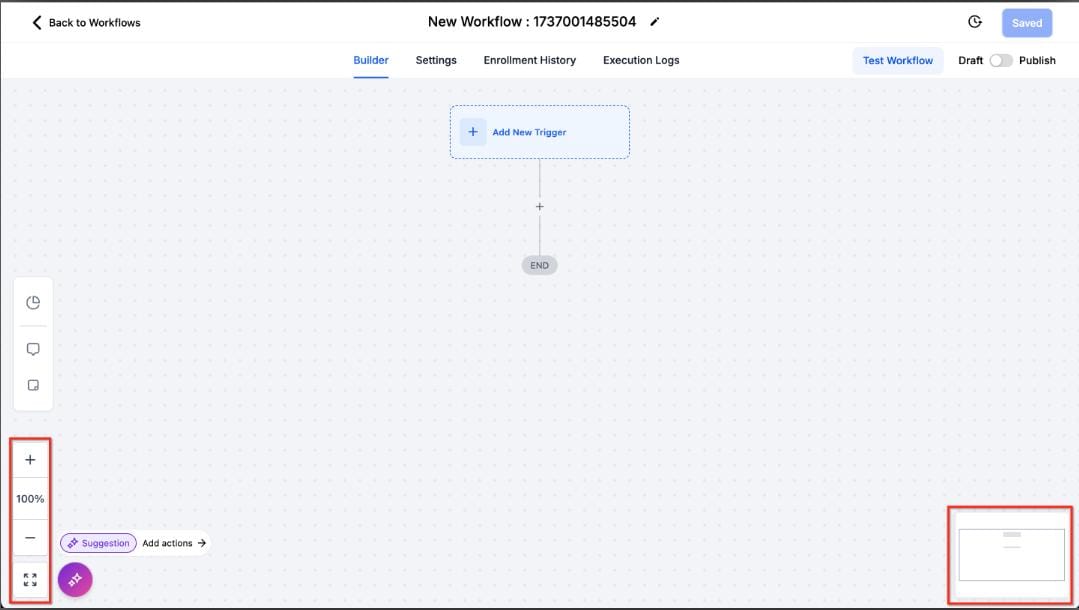
How the Action Works
The action works with Custom Objects associated with contacts.
When configuring it, you select the relevant Custom Object, use the appropriate association label, and choose the fields whose values should be cleared.
HighLevel states that the action requires Custom Objects to already exist in the sub-account and requires an association label between the Custom Object and contacts. There must also be at least one association between the Custom Object and the contact for the action to work.
This means the action is not intended to clear arbitrary contact fields. Its purpose is specifically to clear selected fields in a related Custom Object record connected to the contact.
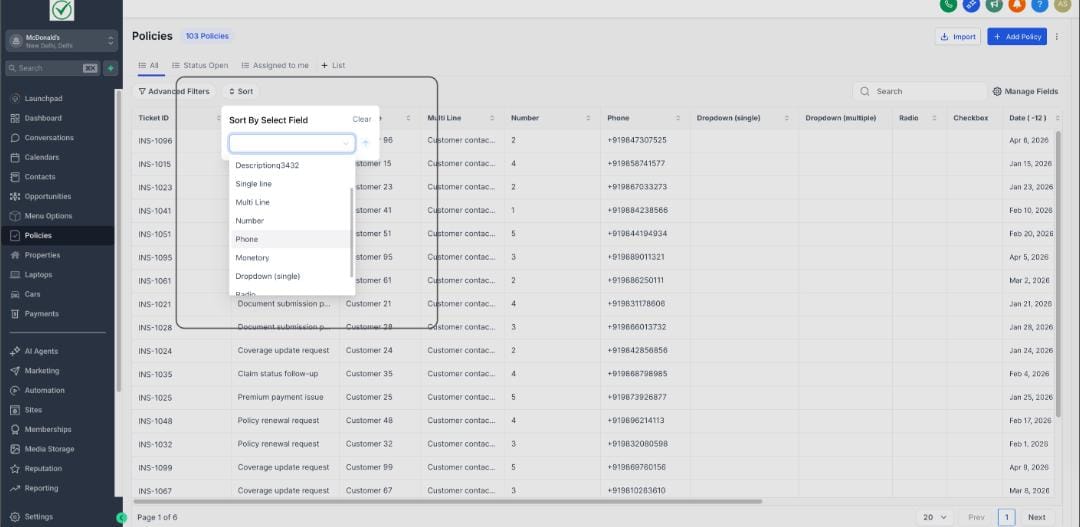
Where to Add the Action in a Workflow
To use this action, open the relevant workflow in your GoHighLevel sub-account.
Choose the point in the workflow where the related Custom Object information needs to be reset and click the plus (+) icon to add an action.
Search for Clear Fields of Associated Record for Contact and select it.
You can then configure the associated Custom Object and the relevant association before choosing the fields you want to clear.
The workflow trigger determines when the automation runs. The Clear Fields of Associated Record for Contact action determines which associated record fields are cleared when the workflow reaches that step.
This makes the action particularly useful as part of a larger process rather than as a standalone manual data-cleanup tool.
Select the Fields You Want to Clear
After selecting the action, you can choose the specific fields that should be reset.
HighLevel allows users to select multiple fields for clearing.
This gives you control over the cleanup process. You do not have to remove every piece of information from the associated record.
For example, if a Custom Object contains several fields but only two contain temporary information, you can select those particular fields while leaving the rest of the record unchanged.
This selective approach is important because the purpose of the action is to clean specific data while preserving the associated record itself.
Why Clearing Fields Can Be Better Than Deleting a Record
There is an important difference between clearing information and deleting a record.
The Clear Fields of Associated Record for Contact action only clears the selected field values. The associated Custom Object record remains intact.
This can be useful when the record itself still has value for your CRM, reporting, or future processes.
For example, a loyalty program record may need to remain associated with a customer even after certain redemption-related values have been reset.
The official HighLevel example follows this approach by clearing Loyalty Points and Last Redemption Date after a reward redemption while keeping the loyalty program record intact.
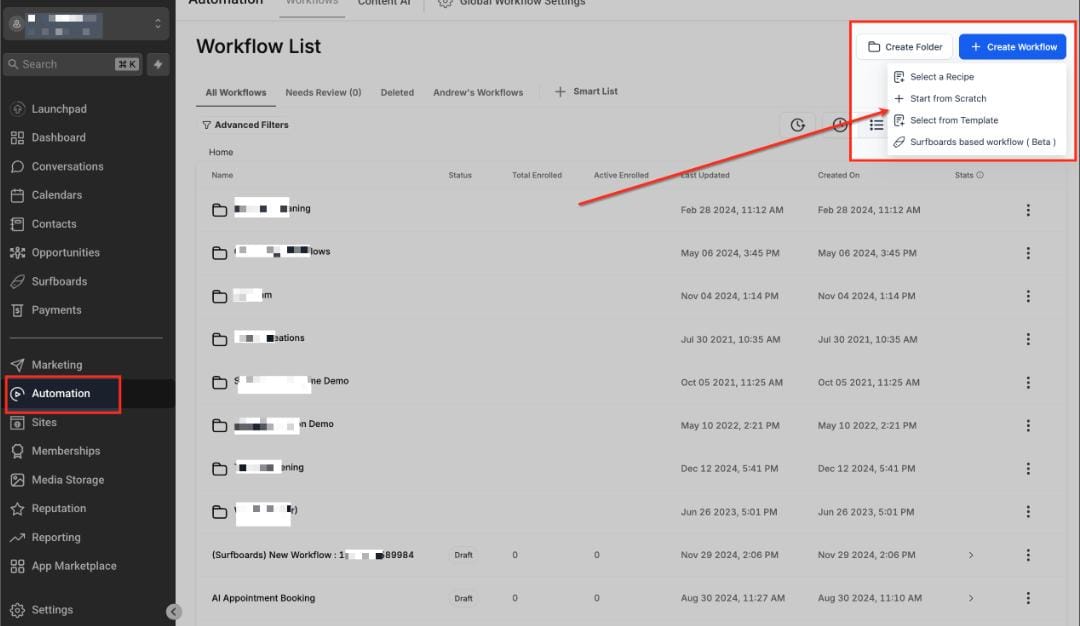
Build a Complete CRM Cleanup Workflow
The Clear Fields of Associated Record for Contact action becomes most useful when it is placed at the right point in a larger workflow.
A simple structure could look like:
Trigger → Find/Process Associated Record → Clear Selected Fields → Continue Workflow
The trigger determines when the automation should begin. Once the workflow reaches the cleanup step, the action clears the fields you selected from the associated Custom Object record.
For example, a business could trigger the workflow after a particular customer process is completed. The automation can then clear temporary information from the associated record while leaving the record itself available.
This approach keeps the cleanup connected to the business event that makes the data no longer necessary.
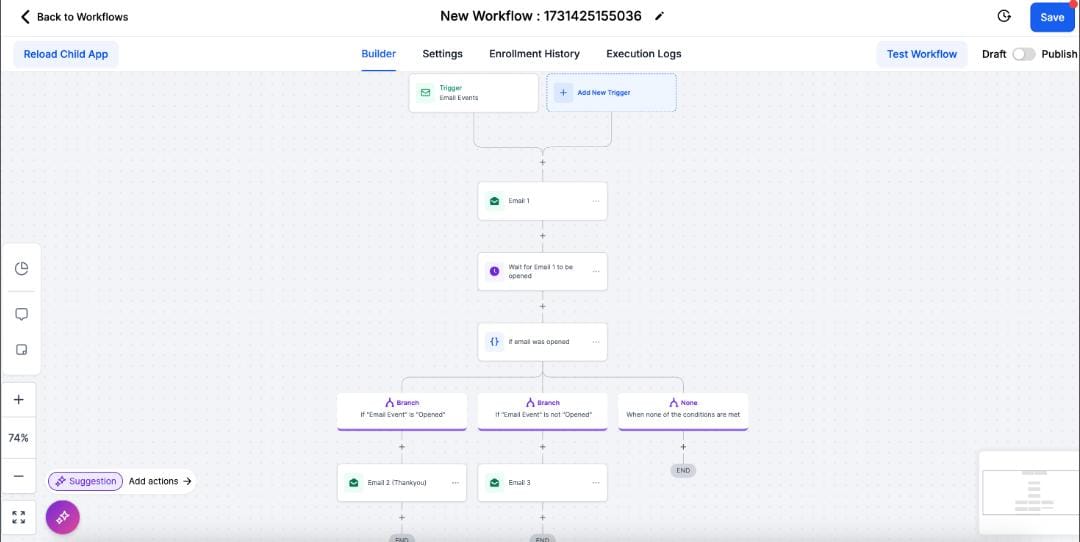
Test Before Publishing
Testing is an important step before enabling the automation for real contacts.
Use a suitable test contact that has an associated Custom Object record and values populated in the fields you intend to clear.
Run the workflow and check the associated record afterward.
Confirm that:
The selected fields were cleared.
Fields you did not select remain unchanged.
The associated Custom Object record still exists.
The workflow continues to the next action correctly.
Testing this way helps confirm that the automation is resetting the intended information without affecting unrelated CRM data.
Conclusion
The Clear Fields of Associated Record for Contact action gives GoHighLevel users a controlled way to reset selected information stored in an associated Custom Object without deleting the underlying record.
This makes it useful for recurring processes, temporary data, customer lifecycle management, and other situations where information needs to be cleared while the associated record remains available.
The most important part is selecting the correct Custom Object, association, and fields before activating the workflow.
When configured carefully, the action can help keep related CRM data cleaner while allowing businesses to preserve the records they still need.
Frequently Asked Questions
1. What does the Clear Fields of Associated Record for Contact action do?
It clears selected field values from a Custom Object record associated with a contact.
2. Does the action delete the associated record?
No. The action clears selected fields while keeping the associated record intact.
3. Can I clear multiple fields?
Yes. You can select multiple fields that need to be cleared.
4. What does the action require?
The Custom Object must exist in the sub-account, an association label must be configured between the Custom Object and contact, and an association must exist between the Custom Object and the contact.
5. When should I use this action?
Use it when selected information needs to be reset but the associated Custom Object record should remain available.
Need Expert Help with GoHighLevel?
New to GoHighLevel and ready to get started? Buy your GoHighLevel account here and launch with confidence.
Already know what you need and want our team to handle everything, from complete setup and customization to funnels, workflows, automations, CRM, and pipelines? Click here.



