

How Agencies Can Build an Effective GoHighLevel Account Audit Checklist
How to Create a GoHighLevel Account Audit Checklist for Agencies
An unnoticed workflow error, disconnected integration, or incomplete pipeline can disrupt a client's entire lead management process. For agencies managing multiple GoHighLevel sub accounts, these issues can remain hidden until leads are missed or appointments stop getting booked. A structured GoHighLevel account audit checklist helps agencies identify configuration problems, verify essential processes, and maintain reliable client systems.
1. Review Account Structure and Access
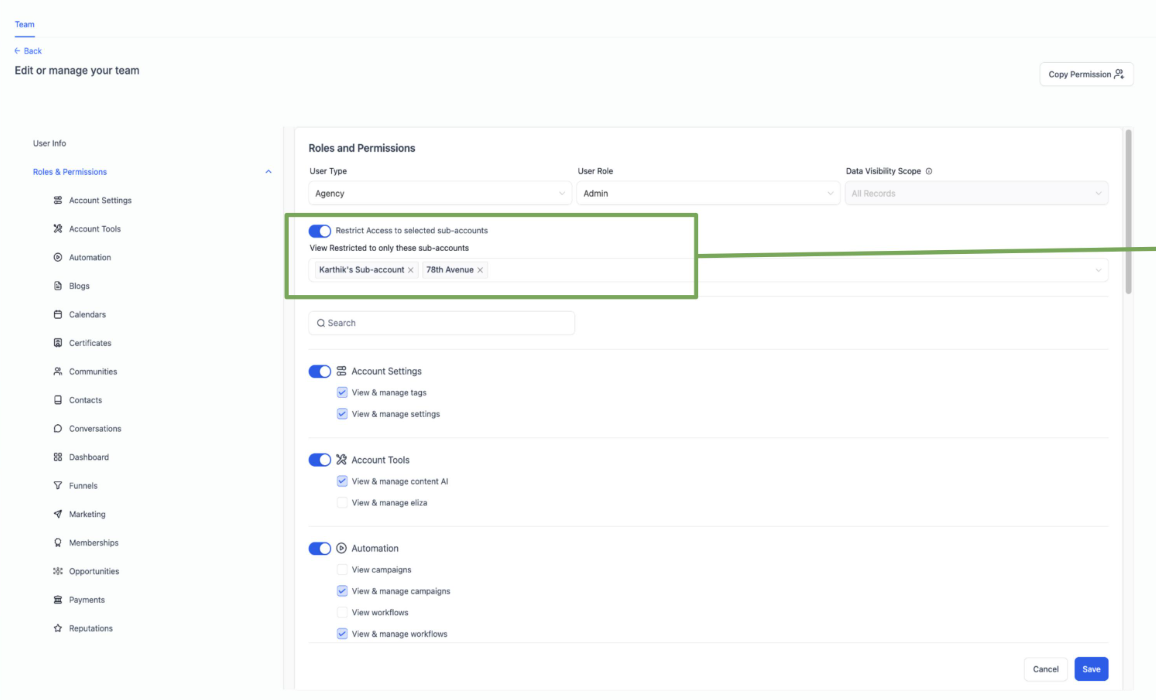
Start your GoHighLevel audit for agencies by reviewing account organization, business information, user access, and assigned responsibilities. Distinguish between agency level settings and individual sub account configurations.
Check whether team members have appropriate permissions and remove unnecessary access when authorized. Confirm that important account settings reflect the client's current business requirements.
2. Audit CRM and Contact Management
Review contact records, duplicate entries, custom fields, tags, and data consistency. Check whether the CRM structure supports the client's actual sales process.
Look for missing information, inconsistent tags, and fields that no longer serve a clear purpose. Verify suspicious duplicate records before merging or deleting anything, as different records may represent legitimate contacts.
3. Check Pipelines and Opportunities
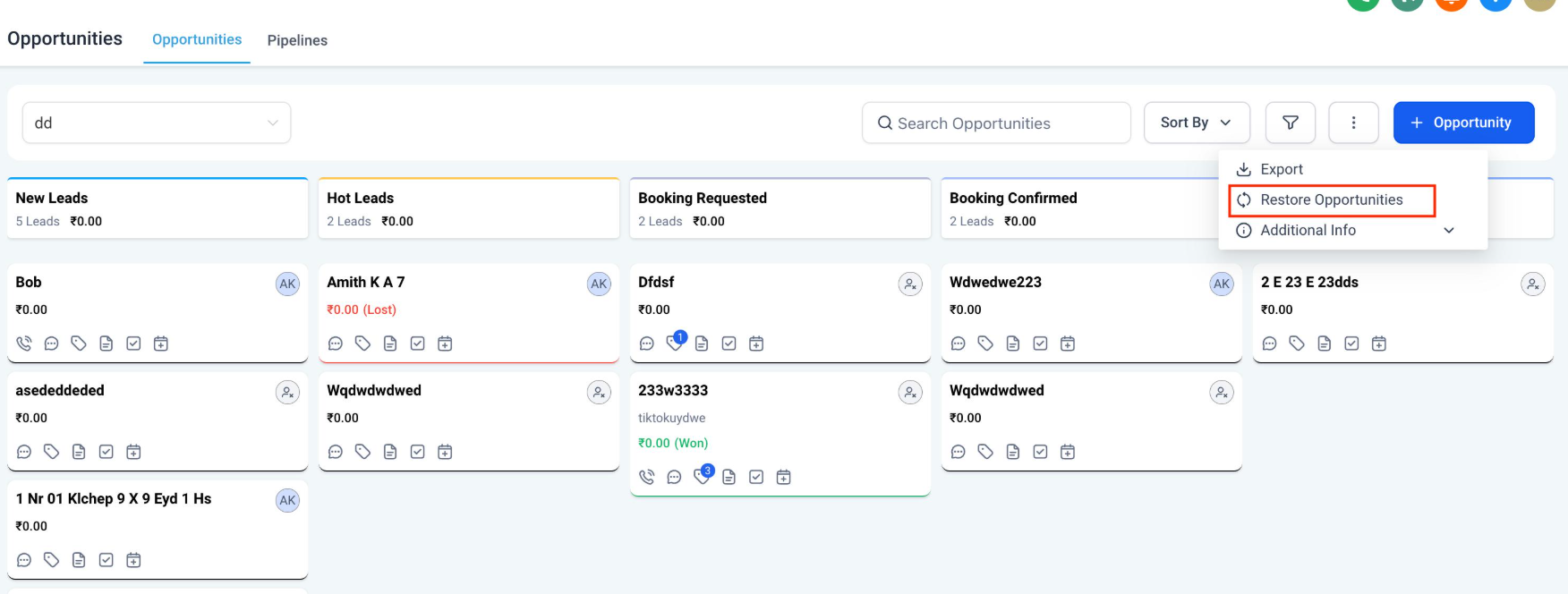
Inspect opportunity pipelines, stages, ownership, and status updates. Each stage should represent a meaningful step in the client's sales journey.
Identify outdated stages, opportunities without assigned owners, and records that remain in the wrong stage. Confirm that the team follows a consistent process for updating opportunities as leads progress.
4. Perform a GoHighLevel Workflow Audit
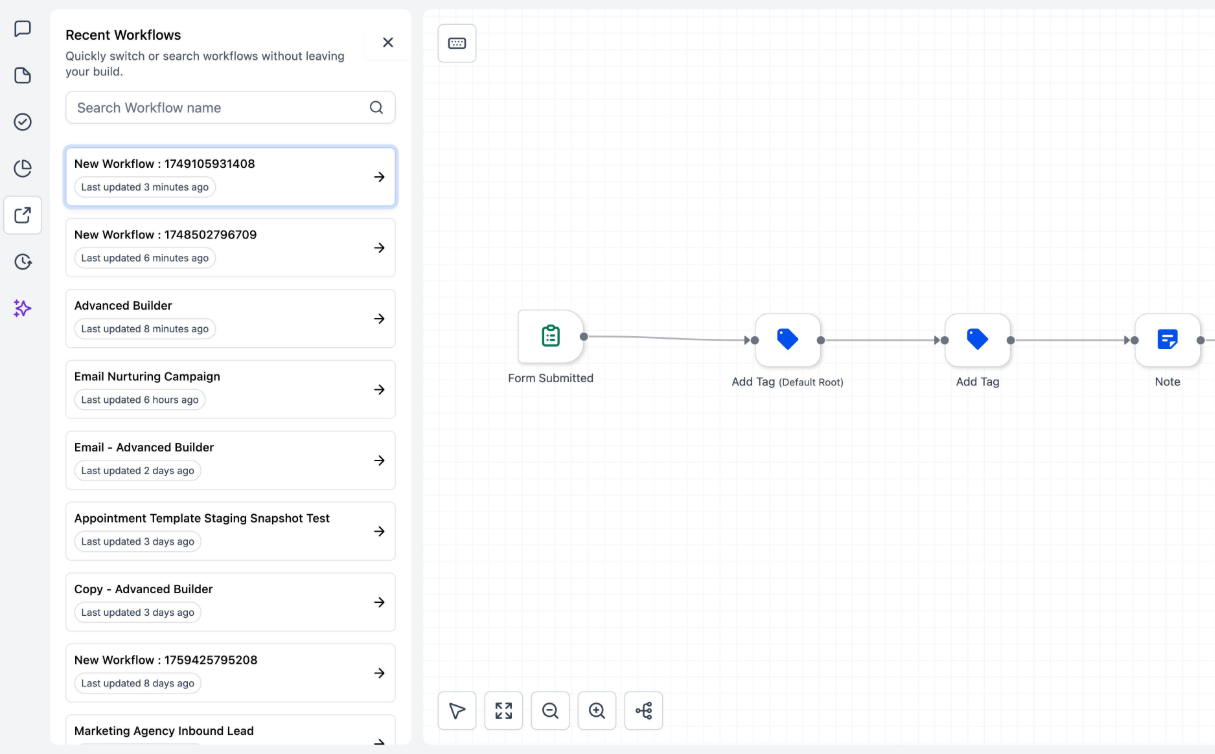
A GoHighLevel workflow audit should examine triggers, actions, conditions, timing, communication steps, and publishing status where applicable.
Look for incorrect enrollment conditions, repeated messages, missing actions, overlapping workflows, and sequences that do not behave as expected. Test important automations with controlled test records and verify the actual results before making them part of the client's daily operations.
5. Verify Calendars and Appointments
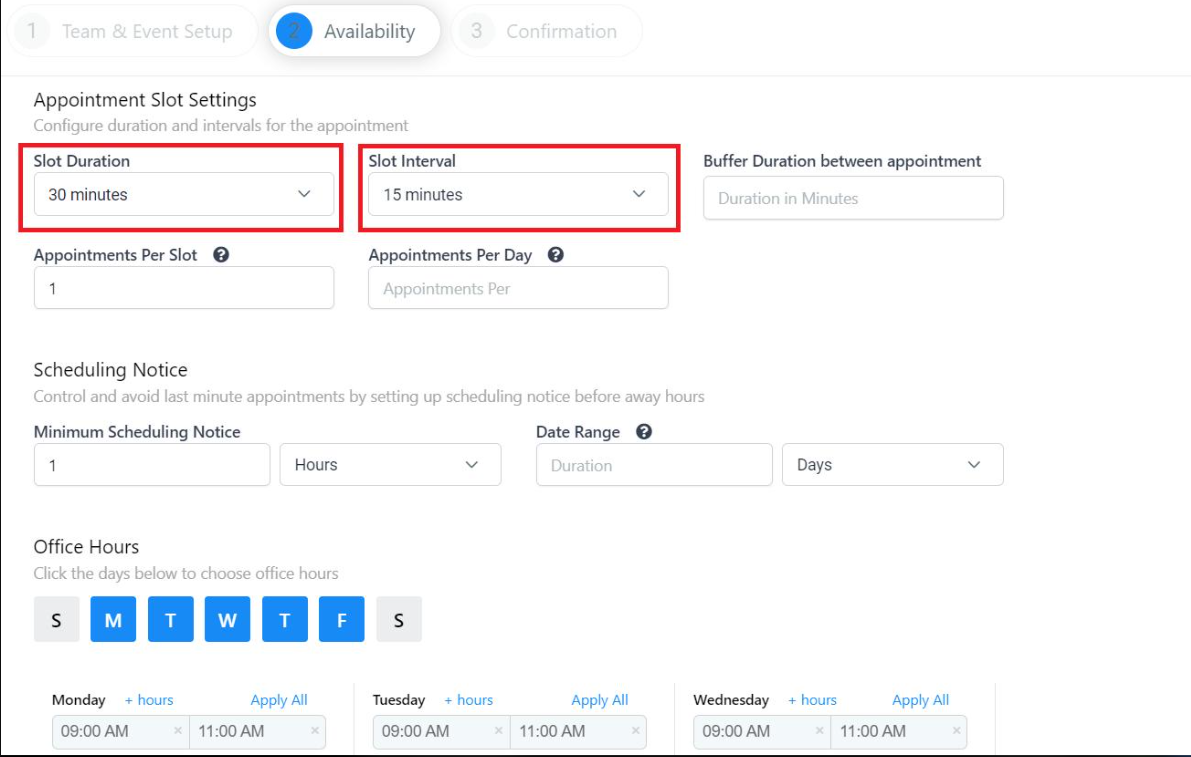
Review calendar availability, assigned team members, booking rules, connected calendars, and appointment notifications. Confirm that availability reflects the team's real schedule.
Test the complete booking journey, including appointment creation, confirmation messages, reminders, and calendar synchronization where configured. Investigate any missing notifications or scheduling conflicts.
6. Inspect Email, SMS, and Communication Setup
Check connected email services, phone number configuration, sender information, and communication workflows. Where relevant, verify domain authentication and applicable messaging registration requirements.
Review consent records and messaging practices according to the channels and jurisdictions involved. Remember that an account audit cannot guarantee message delivery or establish regulatory compliance by itself.
7. Test Forms, Funnels, and Lead Capture
Inspect important forms, landing pages, funnels, and websites. Submit test leads through key entry points and confirm that contact details are captured correctly.
Verify that submissions reach the intended pipeline or trigger the expected follow up process. Check for broken forms, outdated links, missing fields, and follow up steps that fail to execute.
8. Review Integrations and Reporting
Inspect connected applications, API based integrations, and external tools relevant to the client's operations. Verify whether information moves correctly between systems and investigate missing records or failed connections.
Review dashboards, lead tracking, appointment records, and opportunity reporting. Compare expected results against actual activity to identify gaps in tracking or data consistency.
GoHighLevel Account Audit Checklist for Agencies
Use this practical checklist during onboarding, troubleshooting, and routine account reviews.
Account and CRM
Verify business details, user access, and permissions.
Review contact quality, duplicate records, tags, and custom fields.
Confirm pipelines, opportunity stages, and ownership.
Workflows and Calendars
Inspect important workflow triggers, actions, conditions, and publishing status.
Test automation timing and check for unintended repeated messages.
Verify calendar availability, booking rules, confirmations, and reminders.
Communication and Lead Capture
Review email configuration, phone settings, and relevant authentication requirements.
Test important forms, funnels, websites, and lead capture points.
Confirm that test leads enter the correct CRM process.
Integrations and Reporting
Verify important integrations and expected data transfers.
Review lead, appointment, and opportunity reporting.
Document unresolved issues and record verification results.
Mark each item as verified, needs attention, or requires investigation. This makes the audit useful as an operational record rather than simply a completed checklist.
How to Prioritize Audit Findings
Not every issue requires immediate action. Use a suggested agency priority framework to organize findings according to business impact.
Critical: Lead capture failures, unauthorized access risks, or disruptions to essential business operations.
High: Broken automations, appointment problems, communication failures, or pipeline issues.
Medium: Inconsistent contact data, configuration gaps, and reporting problems.
Low: Naming inconsistencies, documentation improvements, and routine cleanup.
For each finding, record the issue, its business impact, recommended fix, responsible team member, and verification result. Obtain appropriate authorization before modifying live client systems, apply suitable safeguards, and retest important changes after implementation.
Build a Repeatable Agency Audit Process
A consistent GoHighLevel automation audit process helps agencies maintain system quality as their client base grows. Use the checklist during new client onboarding, after significant configuration changes, when troubleshooting problems, and during ongoing account maintenance.
Set review intervals according to account complexity, business risk, system changes, and client needs. Accounts handling critical lead capture or complex automations may require closer monitoring than simpler setups.
Over time, documented audits help teams understand existing configurations, track recurring problems, and maintain clearer responsibility for system maintenance. The goal is not merely to identify errors, but to verify that each client's GoHighLevel setup continues to support its intended business processes.
Frequently Asked Questions
1. What is a GoHighLevel account audit?
A GoHighLevel account audit is a structured review of account settings, CRM data, workflows, pipelines, calendars, integrations, and reporting to identify issues and verify system behavior.
2. How often should agencies audit GoHighLevel accounts?
The frequency depends on account complexity, business risk, system changes, and client requirements. Agencies should also review relevant configurations after significant changes or operational problems.
3. What should a GoHighLevel workflow audit include?
It should cover triggers, actions, conditions, timing, communication steps, publishing status, and controlled testing to verify that automations behave as expected.
4. Can agencies use the same audit checklist for every sub account?
Agencies can use a shared checklist as a starting point, but they should adapt it to each client's enabled features, integrations, workflows, and business requirements.
5. Why is regular GoHighLevel account auditing important?
Regular audits help agencies identify configuration issues, verify essential processes, improve documentation, and maintain more reliable client systems.
Need Expert Help with GoHighLevel?
New to GoHighLevel and ready to get started? Buy your GoHighLevel account here and launch with confidence.
Already know what you need and want our team to handle everything, from complete setup and customization to funnels, workflows, automations, CRM, and pipelines? Click here.



