

GoHighlevel Goal Action Updated
GoHighLevel Goal Action Now Supports User Replies for Smarter Workflow Automation
Introduction
Automation is essential for keeping leads engaged, but it should never continue when a real conversation has already begun. Sending scheduled emails or SMS messages after a salesperson or support agent has personally replied can create confusion and make customer communication feel disconnected.
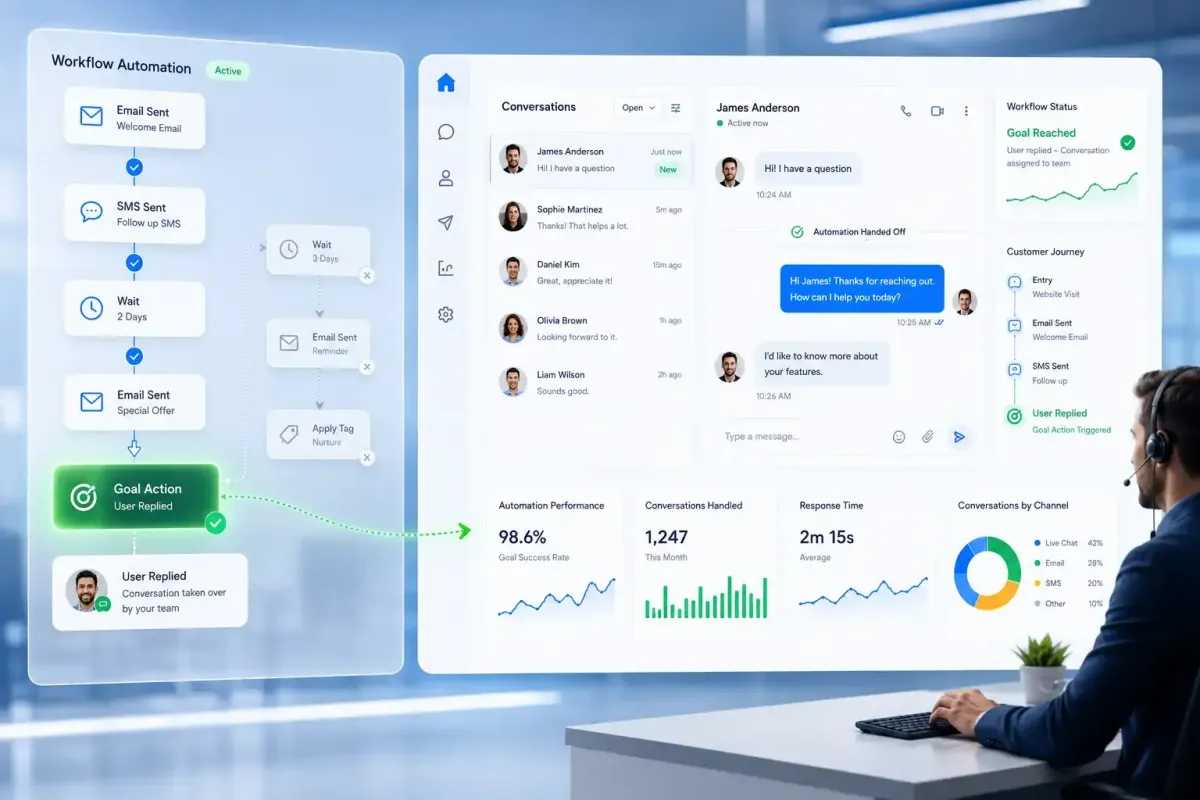
To solve this, GoHighLevel has introduced User Replied as a new Goal Event for GoHighLevel Workflows. This enhancement allows workflows to detect when a team member replies to a contact and immediately move that contact to a predefined Goal step. Instead of continuing through every scheduled action, the workflow automatically adapts to human interaction.
This update makes Workflow Automation, CRM Automation, and Customer Journey Automation more intelligent by ensuring automation supports your team rather than competing with it.
What is the User Replied Goal Event?
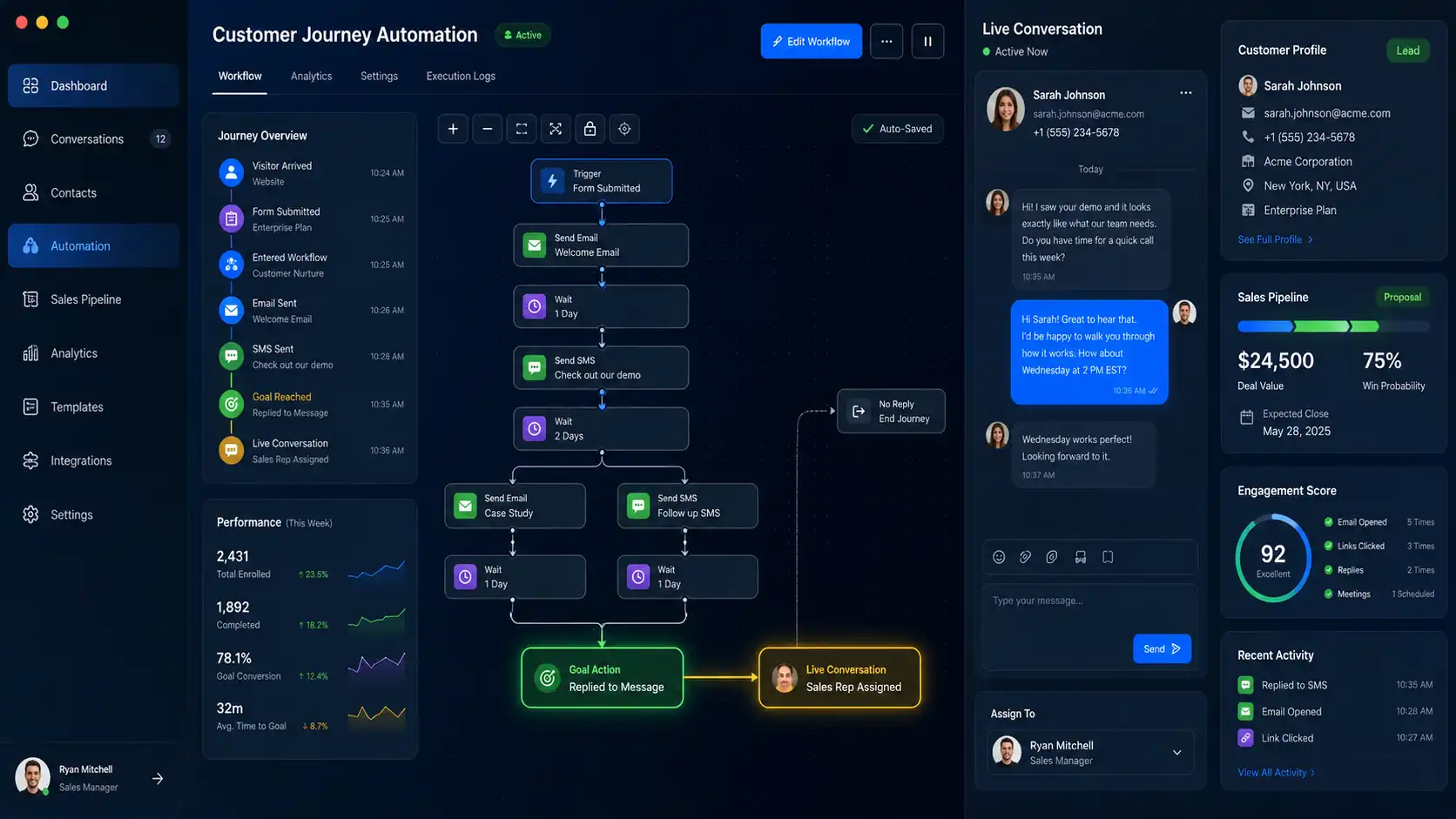
The User Replied Goal Event is a new option available within the GoHighLevel Goal Action. Once selected, it monitors for replies sent by users through supported conversation channels.
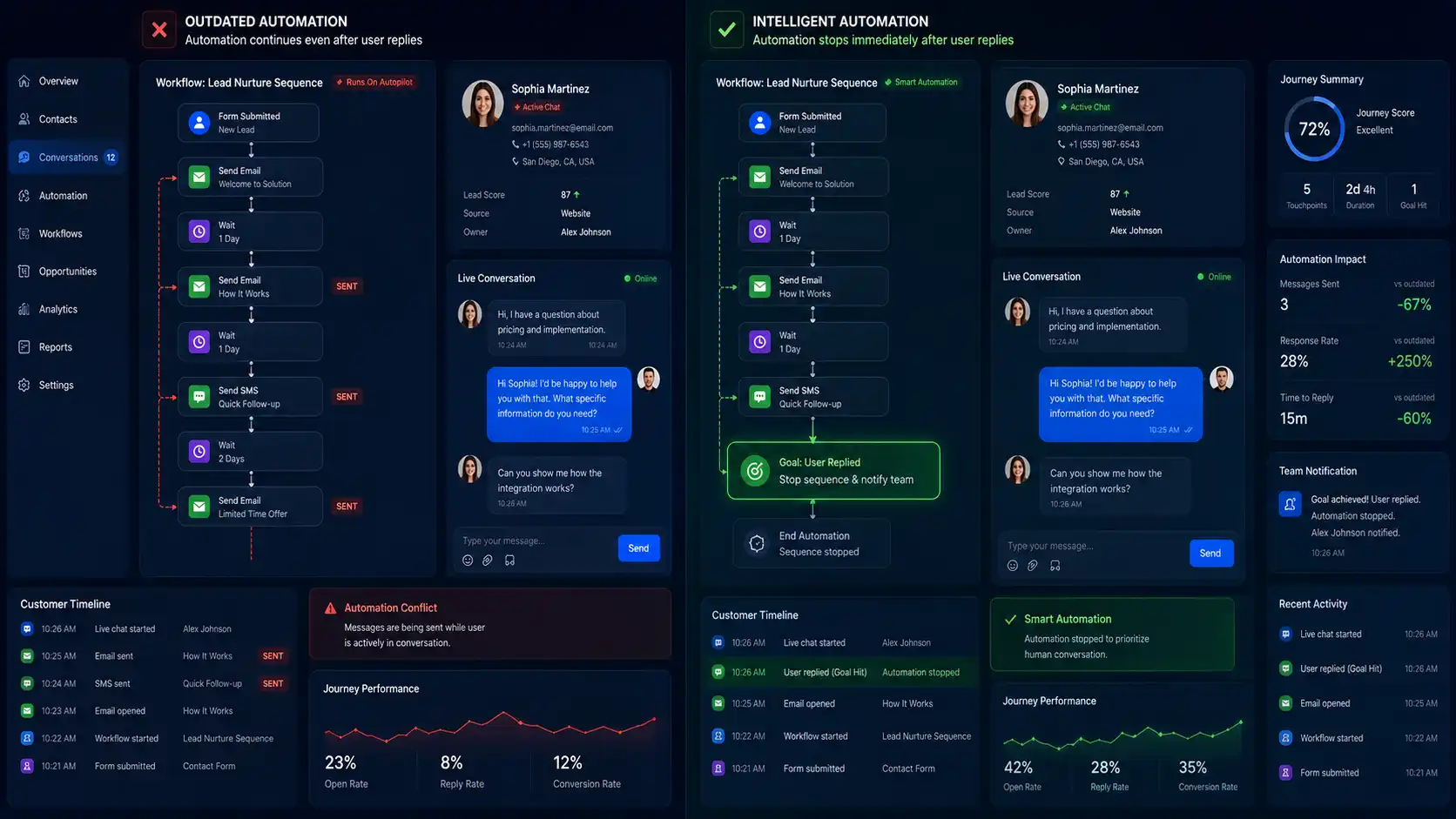
When a sales representative, support agent, or another team member responds to a contact, the workflow immediately recognizes that human engagement has started. Rather than continuing through scheduled emails, SMS campaigns, or reminder messages, the contact jumps directly to the Goal step.
This allows businesses to create workflows that react to real customer interactions instead of following a fixed sequence, making GoHighLevel Automation much more flexible.
How the New Goal Action Works
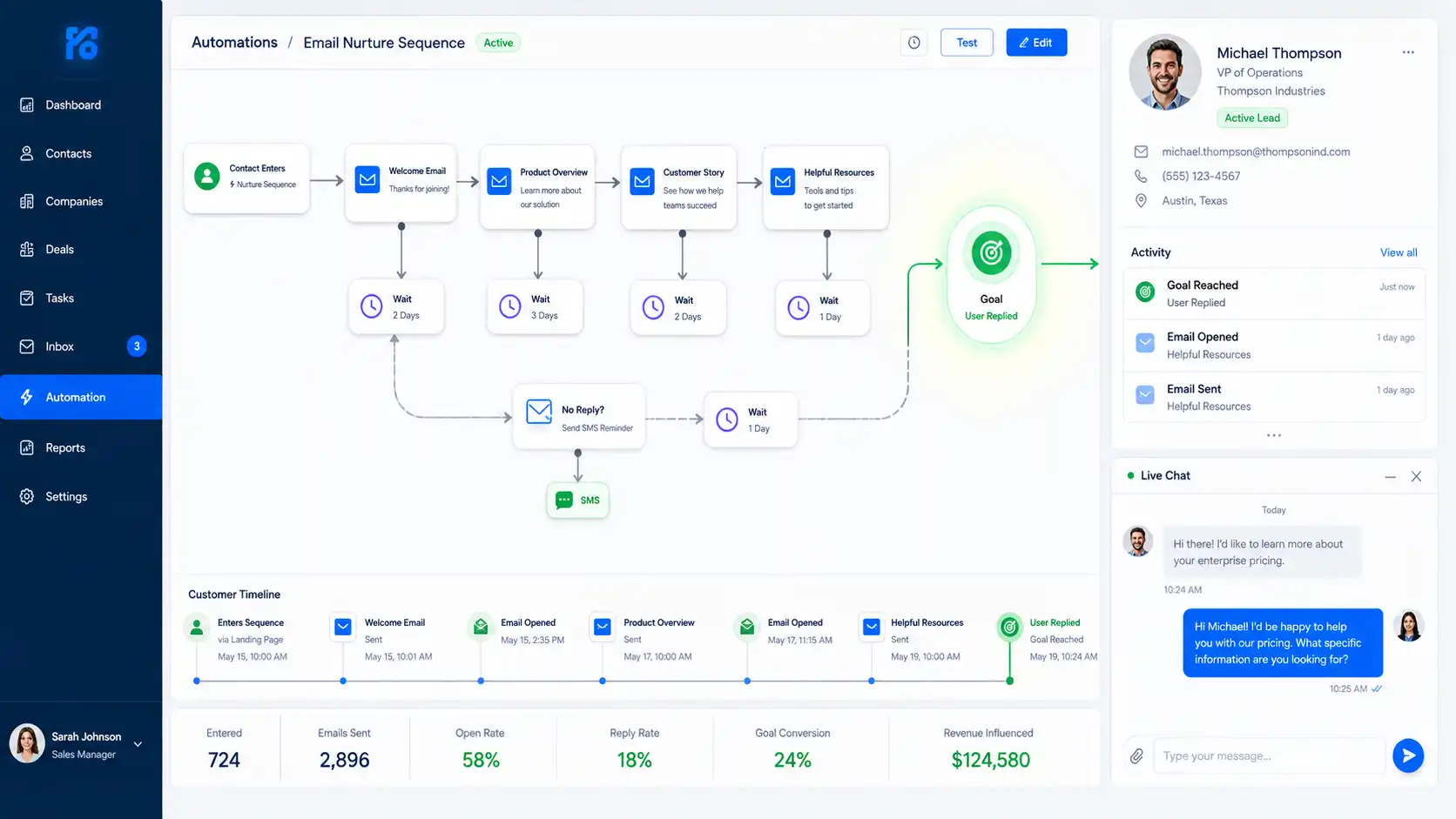
Using this feature is straightforward. Add a Goal Action to your workflow and select User Replied as the Goal Event. Then configure the actions that should happen after the Goal is reached.
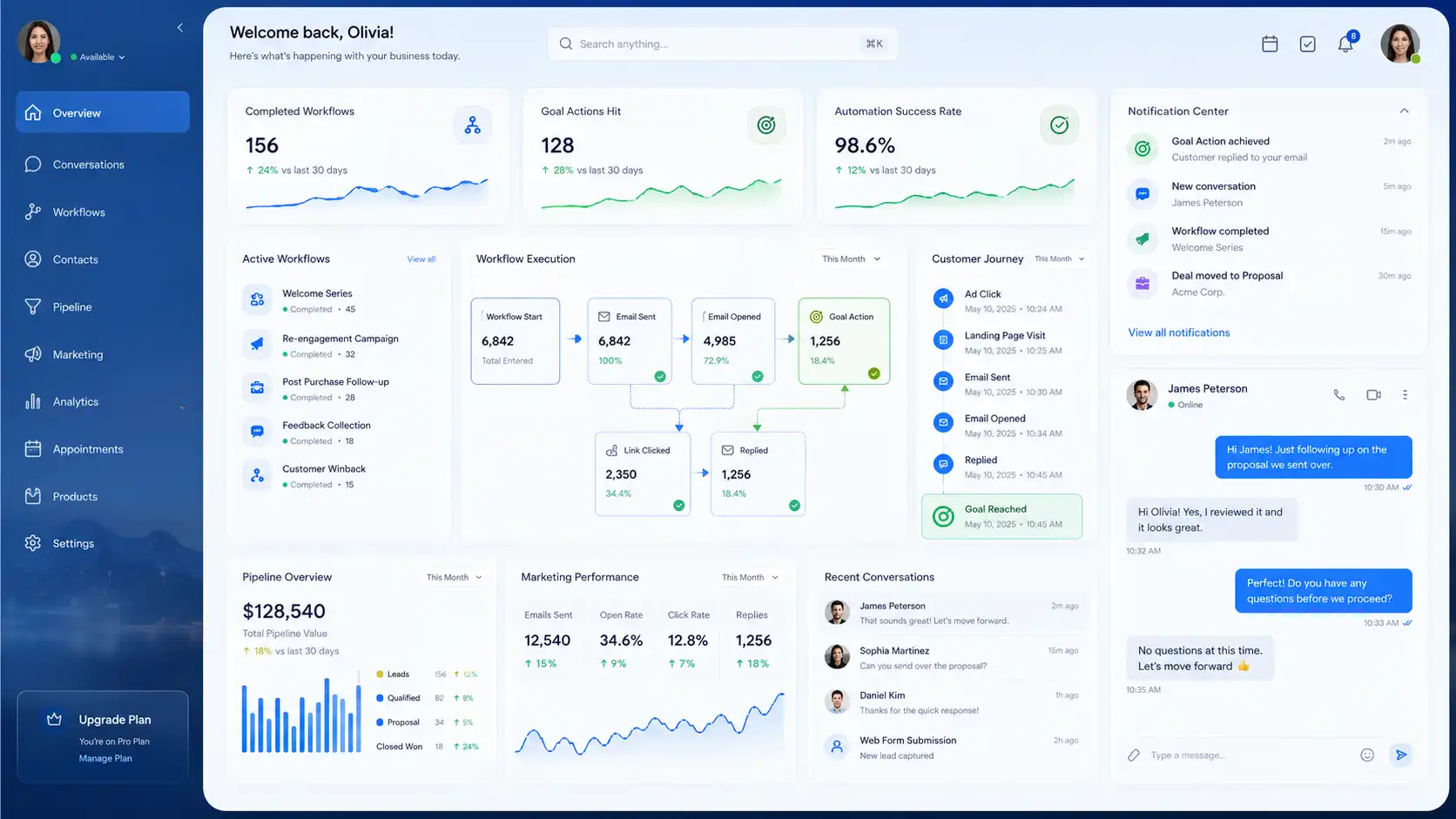
Once the workflow is active, any qualifying user reply immediately moves the contact to the Goal step. Every workflow action between the contact's current position and the Goal is skipped automatically, while any actions after the Goal continue as configured.
This behavior makes it easy to stop nurture campaigns, end reminder sequences, or redirect contacts into new automations without requiring manual intervention.
Key Benefits
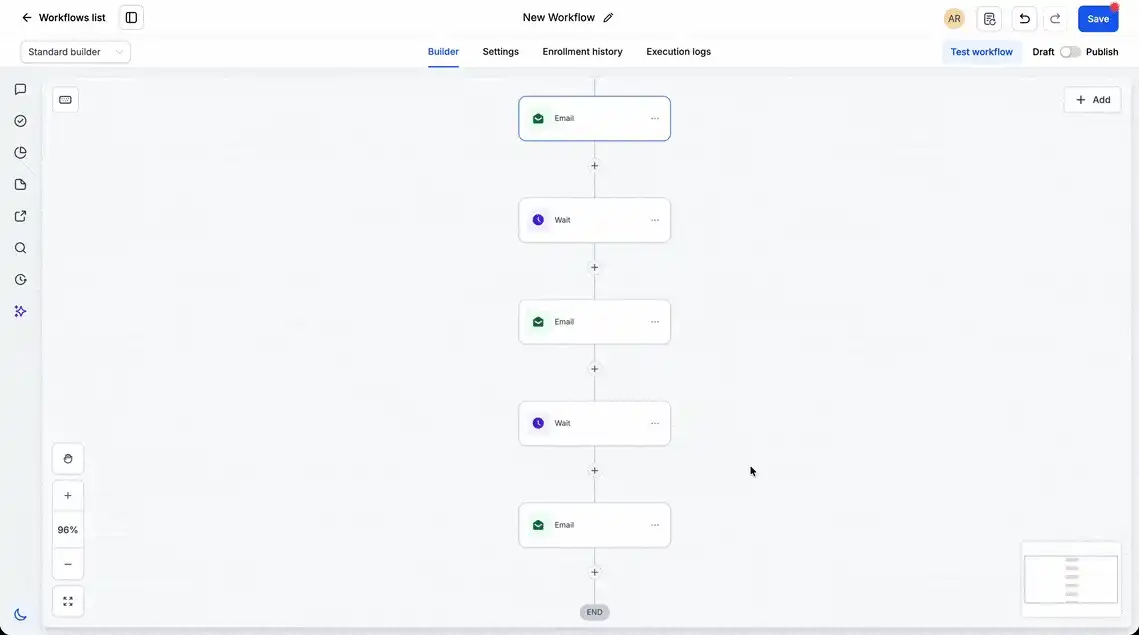
One of the biggest advantages of this update is preventing duplicate communication. Once a team member starts a conversation, there's usually no reason for automated emails or SMS reminders to continue. The workflow adjusts automatically, ensuring customers receive only relevant communication.
It also improves the overall customer experience. Automated messages arriving after a personal reply can make communication feel uncoordinated. By stopping unnecessary automation, businesses create a smoother and more professional interaction.
For teams managing multiple campaigns, the feature also strengthens Marketing Automation and Sales Automation by allowing workflows and human conversations to work together. Marketing can continue nurturing leads until sales steps in, and automation immediately adapts when that happens.
Real-World Use Cases
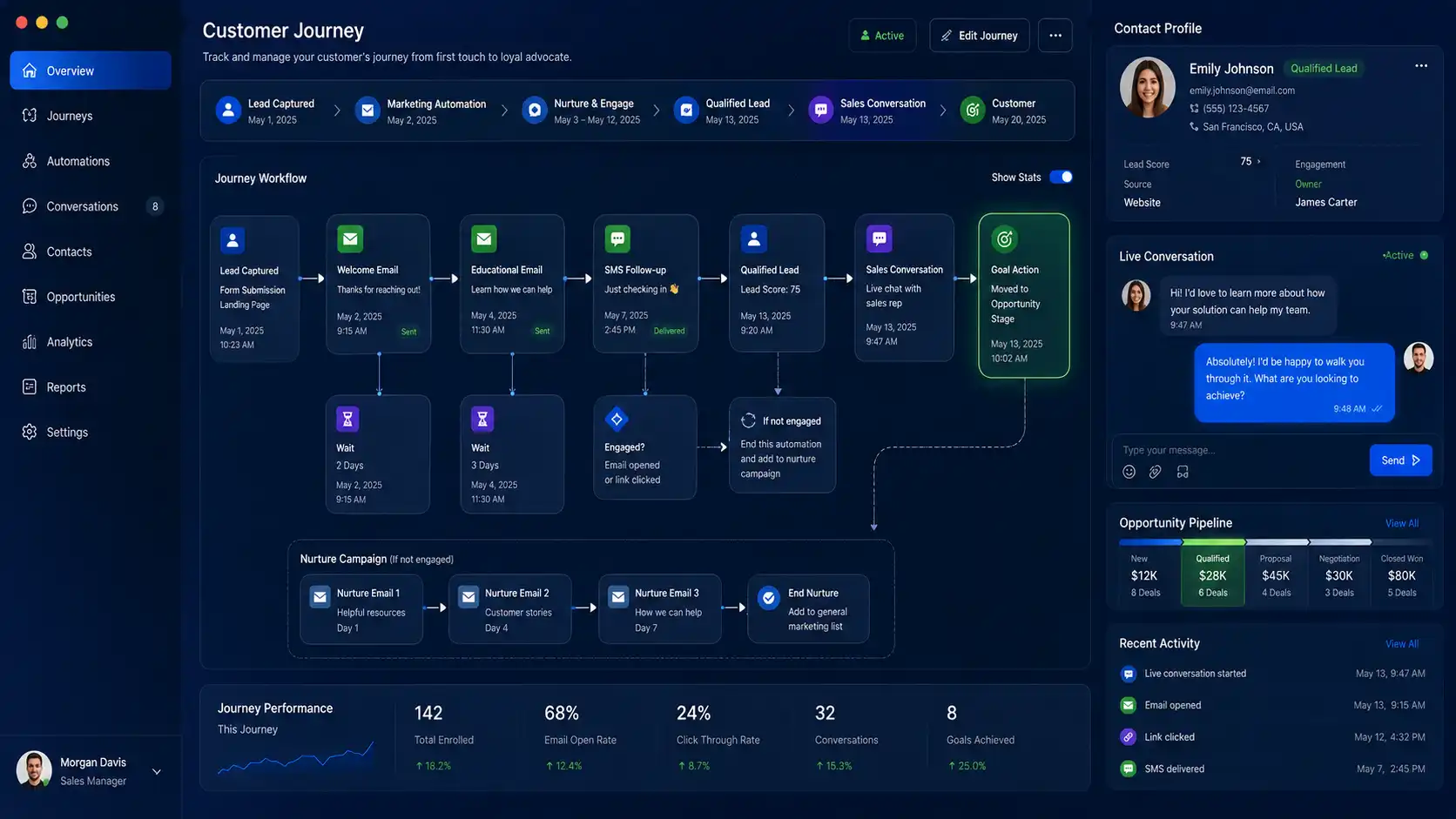
A customer submits a support request and receives automated "We're still working on your issue" updates every 24 hours.
As soon as a support agent personally replies in the conversation, the workflow instantly reaches the User Replied goal, stops the automated status updates, and lets the live conversation continue naturally.
How to Use It
Setting up the feature requires only a few steps:
Open the workflow where you want automation to respond to user replies.
Add a Goal Action.
Select User Replied as the Goal Event.
Configure the actions that should occur after the Goal is reached.
Save and publish the workflow.
Once active, every qualifying user reply immediately redirects the contact to the Goal, skipping unnecessary workflow actions.
Why This Update Matters
Modern Workflow Automation should enhance customer conversations, not interrupt them. Without this capability, contacts may continue receiving scheduled emails or reminder messages even after they are actively communicating with a sales or support representative.
The new GoHighLevel Goal Action solves that problem by making workflows responsive to real-world activity. Automation automatically steps aside when human engagement begins, allowing businesses to deliver more relevant and personalized communication.
This creates a better experience for customers while reducing manual workflow management for internal teams. Instead of constantly updating workflows or removing contacts manually, everything happens automatically the moment someone replies.
Additional Notes
There are a few important behaviors to keep in mind:
The Goal is triggered only when a user sends a reply through a supported conversation channel.
Contacts immediately jump to the configured Goal step, bypassing all intermediate workflow actions.
This feature is ideal for ending nurture campaigns, stopping reminder sequences, preventing duplicate messaging, and transitioning into Human-Led Conversations.
Any workflow actions placed after the Goal continue to execute as configured.
Conclusion
The new User Replied Goal Event makes GoHighLevel Workflows significantly smarter by allowing automation to react instantly when a team member engages with a contact. Instead of continuing scheduled emails and reminders, workflows automatically redirect contacts, helping businesses prevent duplicate communication and create a seamless transition from automation to Human-Led Conversations.
Whether you're building CRM Automation, Sales Automation, or Marketing Automation, this update gives your workflows the flexibility to adapt to real customer interactions while delivering a more professional and connected customer experience.
Need Expert Help with GoHighLevel?
New to GoHighLevel and ready to get started? Buy your GoHighLevel account here and launch with confidence.
Already know what you need and want our team to handle everything, from complete setup and customization to funnels, workflows, automations, CRM, and pipelines? Click here.



