

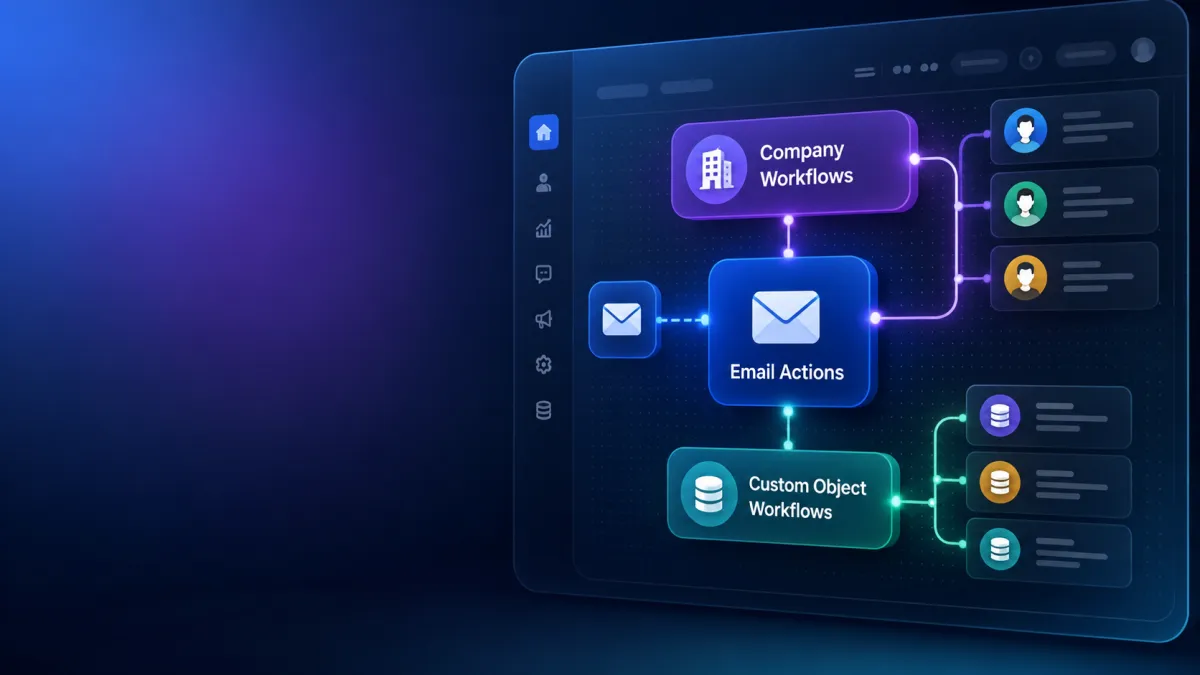
Email Actions
Email Actions Now Available in Company & Custom Object Workflows in GoHighLevel
Introduction
GoHighLevel continues to expand its workflow automation capabilities with another practical update for users who manage complex business processes. The latest enhancement brings Email Actions to Company Workflows and Custom Object Workflows, making it possible to send automated emails directly from these workflow types.
Previously, email actions inside workflows were only available for contact-type workflows. With this release, GoHighLevel removes that limitation by allowing users to build email automation within Company and Custom Object workflows as well. This update simplifies workflow design by reducing the need for additional workflow logic or manual actions when communicating with associated contacts.
For agencies, operations teams, CRM users, and businesses relying on GoHighLevel Email Builder and GoHighLevel Workflows, this update offers a more streamlined way to automate communication while keeping workflows organized and efficient.
What Is the New Update?
The newest GoHighLevel Update introduces Email Actions for two additional workflow types:
Company Workflows
Custom Object Workflows
This means users can now send automated emails directly from these workflows without being restricted to contact-based workflows.
When configuring an email action, GoHighLevel allows you to identify the appropriate recipients using association labels. For Custom Object Workflows, you can also choose whether the email should be sent to the earliest associated contact, the most recently associated contact, or every associated contact connected to that object.
The update expands where email automation can be used while maintaining a familiar workflow-building experience.

What Has Changed?
Before this release, workflow email actions were limited to contact-type workflows. If users wanted to automate emails from Company or Custom Object processes, they could not do so directly within those workflow types.
With this update, that limitation has been removed.
Users can now add the Send Email action inside both Company Workflows and Custom Object Workflows. As a result, emails can be automated within these workflows without creating additional workflow logic or manually triggering separate processes.
This enhancement extends the availability of GoHighLevel Email Automation to more workflow types while keeping the setup process straightforward.
Key Benefits
Automate Emails in More Workflow Types
The most significant improvement is the ability to send emails directly from Company and Custom Object Workflows. Users no longer have to rely solely on contact workflows when building automated email processes.
Reach Associated Contacts More Easily
Instead of building extra workflow logic or manually triggering email processes, users can send emails to associated contacts directly from the workflow by selecting the appropriate association labels.
This helps keep workflow configuration cleaner while making communication easier to manage.
Support Multiple Business Processes
According to the official update, the feature supports multiple custom business processes and use cases.
Because Email Actions are now available inside Company and Custom Object Workflows, organizations using different workflow structures can incorporate automated email communication into those existing processes.
How It Works
Getting started with the new Email Actions feature is straightforward.
First, navigate to Settings then Labs and enable the option called "Email Action in Company & Custom Object Workflows."

Once enabled, open either a Company Workflow or a Custom Object Workflow. Add a new workflow action and search for Send Email.
Next, choose the association label or labels that identify which contacts should receive the email.
If you're working inside a Custom Object Workflow, GoHighLevel also allows you to choose one of three recipient options:
Earliest associated contact
Most recently associated contact
All associated contacts
After selecting the recipients, simply write your email subject and content, save the workflow, and publish it.
The process closely follows the familiar workflow-building experience, making the new functionality easy to adopt.


Important Notes
Before using this feature, there are several important details to keep in mind.
Emails Use Your Bulk Email Domain
All emails sent through these workflow email actions use the domain configured for Bulk Email. Users should ensure their Bulk Email configuration is already set up before relying on these automated emails.
Up to 10 Association Labels
Each email action supports selecting up to 10 association labels. This provides flexibility when determining which associated contacts should receive the message.
Duplicate Contacts Receive Only One Email
If a contact matches multiple selected association labels, GoHighLevel prevents duplicate messages by sending only one email to that contact for that email action.
This helps avoid unnecessary duplicate communication while keeping email delivery organized.
Why This Update Matters
This update expands the flexibility of GoHighLevel Workflows by making Email Actions available in more workflow types.
Rather than limiting email automation to contact workflows, users can now build automated communication directly into Company and Custom Object Workflows. This creates a more consistent workflow-building experience and reduces the need for additional workflow logic simply to send emails to associated contacts.
The ability to choose recipients using association labels and, for Custom Object Workflows, select the earliest, latest, or all associated contacts also provides greater control over how workflow emails are delivered within supported business processes.
Overall, the update helps users incorporate email communication into more areas of their existing workflow automation while keeping configuration simple and organized.
Final Thoughts
The introduction of Email Actions for Company Workflows and Custom Object Workflows is a valuable addition to the GoHighLevel Email Builder and workflow automation toolkit.
By extending email actions beyond contact workflows, GoHighLevel gives users more flexibility when designing automated processes while reducing the need for additional workflow logic or manual intervention. The setup process remains familiar, recipient selection is straightforward, and built-in safeguards—such as single-email delivery for duplicate contacts—help ensure cleaner communication.
Marketing agencies, CRM users, operations teams, business owners, and anyone using GoHighLevel CRM to automate business processes are likely to benefit from this update. If your workflows involve Companies or Custom Objects, you can now integrate automated email communication directly into those workflows with a simpler and more efficient setup.
Frequently Asked Questions (FAQs)
1. What does this GoHighLevel update add?
It adds Email Actions to Company Workflows and Custom Object Workflows.
2. Can I send emails from Company Workflows now?
Yes. You can add the Send Email action directly to Company Workflows.
3. Can I email associated contacts?
Yes. Recipients can be selected using association labels.
4. What recipient options are available for Custom Object Workflows?
You can email the earliest associated contact, the latest associated contact, or all associated contacts.
5. How do I enable this feature?
Enable it from Settings > Labs before using it in workflows.
6. Which email domain is used for sending emails?
Emails are sent using your configured Bulk Email domain.
Need Expert Help with GoHighLevel?
New to GoHighLevel and ready to get started? Buy your GoHighLevel account here and launch with confidence.
Already know what you need and want our team to handle everything, from complete setup and customization to funnels, workflows, automations, CRM, and pipelines? Click here.



