
How to Plan a Custom GoHighLevel Integration From Scratch
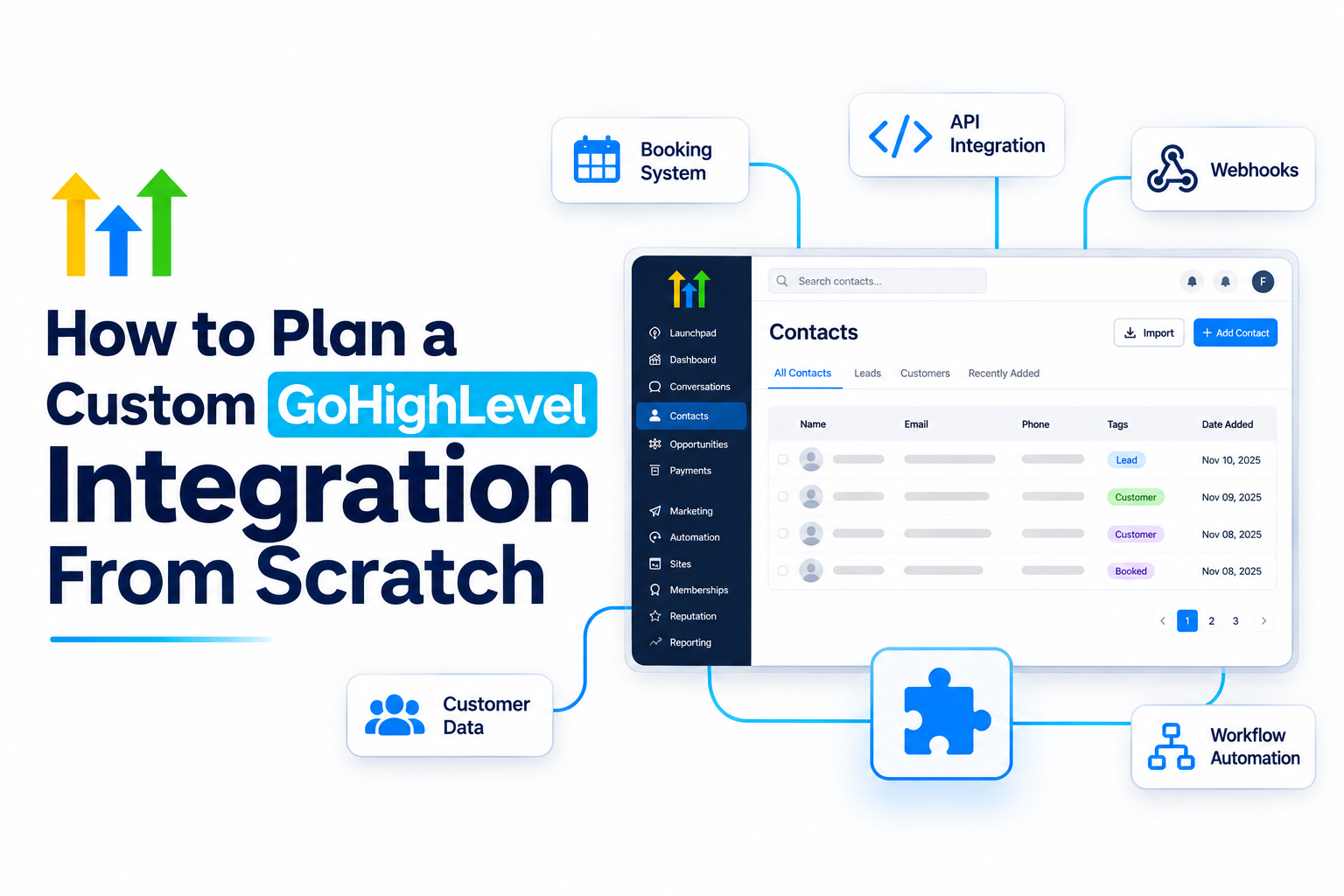
How to Plan a Custom GoHighLevel Integration From Scratch
Disconnected software systems can create unnecessary complexity for businesses. Customer information may be scattered across booking platforms, payment systems, websites, and CRMs, forcing teams to rely on manual data entry and repetitive tasks.
A custom GoHighLevel integration can help eliminate these operational gaps by connecting different applications and ensuring that information flows smoothly between them.
However, building a reliable integration requires more than connecting two platforms. It starts with understanding the business process, defining data requirements, selecting the right integration method, and designing automation that works consistently.
In this guide, we'll explore how to plan a custom GoHighLevel integration from scratch and build a reliable foundation for long-term business growth.
1. Define Your Business Requirements
Before connecting any applications, identify the specific problem your integration needs to solve.
The goal isn't simply to connect software. It's to improve an existing business process, reduce manual work, or make customer information more accessible.
Start by identifying tasks that currently require manual intervention.
For example:
Transferring booking details into GoHighLevel.
Updating CRM contacts after a purchase.
Sending notifications when a qualified lead enters an external system.
Synchronizing customer information between multiple applications.
Define measurable outcomes before development begins. These might include reducing duplicate records, improving response times, or ensuring every completed booking reaches the correct CRM pipeline.
Clear requirements help prevent unnecessary complexity and ensure that your integration delivers meaningful business value.
2. Identify the Systems and Their Responsibilities
Every custom CRM integration involves multiple applications, each with its own responsibilities.
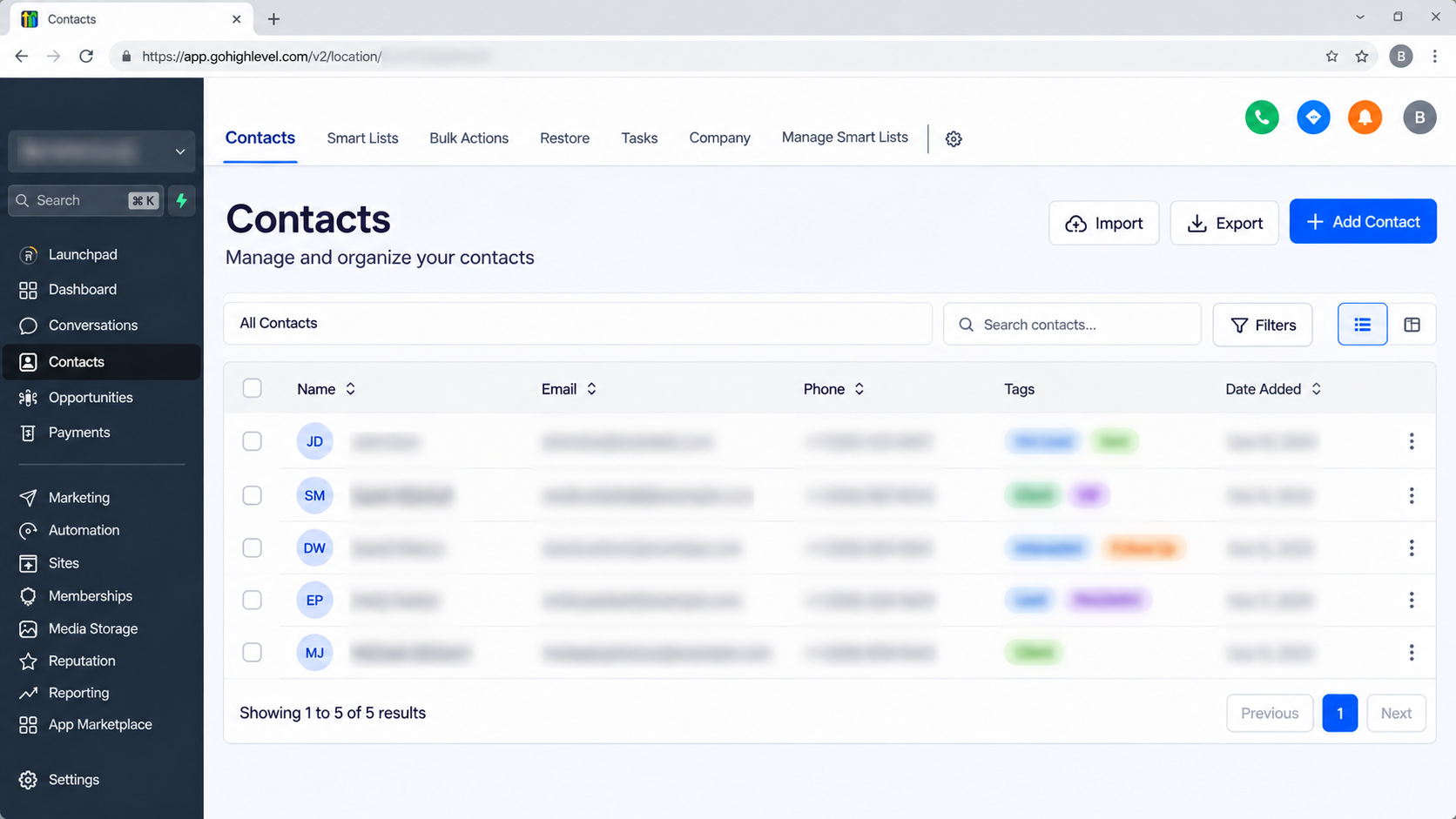
GoHighLevel may serve as the central CRM for contact management, communication, and workflow automation. Meanwhile, an external application may handle bookings, payments, inventory, or another specialized business function.
One of the most important planning decisions is identifying the source of truth for each type of data.
For example, a booking platform may be responsible for appointment dates, while GoHighLevel maintains customer communication details.
Without clearly defined ownership, multiple systems may overwrite information and create inconsistent records.
Document which application is allowed to create, update, or overwrite each data field before development begins.
3. Evaluate the Available Integration Methods
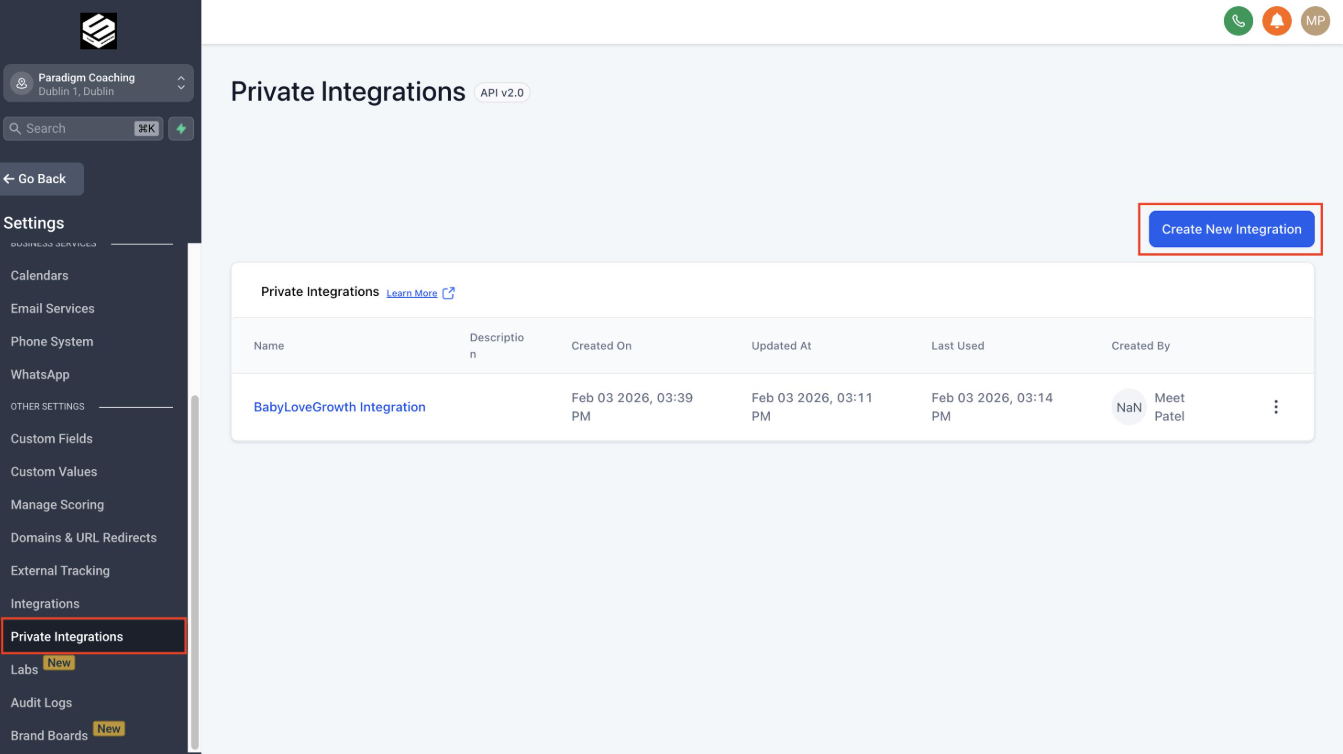
Not every GoHighLevel integration requires custom development. Choosing the right approach depends on the applications involved, the required functionality, and the complexity of your business logic.
Native Integrations
Native integrations are often the simplest option when the required connection is already supported.
They can reduce development time and ongoing maintenance. However, it's important to verify that the integration supports the necessary events, fields, and business requirements.
APIs and Webhooks
A GoHighLevel API integration allows external applications or custom middleware to interact with supported CRM resources.
Webhooks can communicate events between systems in real time or near real time, depending on the implementation.
For example, when a customer completes a reservation through an external booking platform, the platform can send an event to a receiving service. That service can validate the information and update the appropriate GoHighLevel contact record.
API capabilities, authentication requirements, permissions, and supported operations should always be verified against current documentation.
Middleware Platforms
Tools such as Make and Zapier can connect applications without requiring a fully custom integration layer.
They are often suitable for straightforward data transfers and common automation scenarios.
Custom development becomes more valuable when the integration requires advanced validation, specialized transformation logic, complex synchronization rules, or greater control over error handling.
4. Map the Data Before Building
Data mapping determines how information moves between applications.
For example, an external booking platform might use a field called customer_email, while GoHighLevel stores the information in its contact email field.
The integration must translate the source field into the appropriate destination field.
Source Data | GoHighLevel Destination |
|---|---|
Customer Name | Contact Name Fields |
Customer Email | Contact Email |
Customer Phone | Contact Phone |
Booking Status | Relevant Custom Field or Supported Process |
Booking Reference | Custom Field or External Reference Storage |
Data mapping should also account for missing values, invalid email addresses, phone number formatting, and unexpected field values.
Another important consideration is contact matching.
Should the integration create a new contact or update an existing one?
Email or phone matching can help identify existing records, but the strategy must account for incomplete information and possible matching conflicts.
A well-planned integration includes duplicate prevention from the beginning rather than treating it as an issue to fix later.
5. Design Integration Events and Automation Logic
A reliable GoHighLevel automation begins with clearly defined integration events.
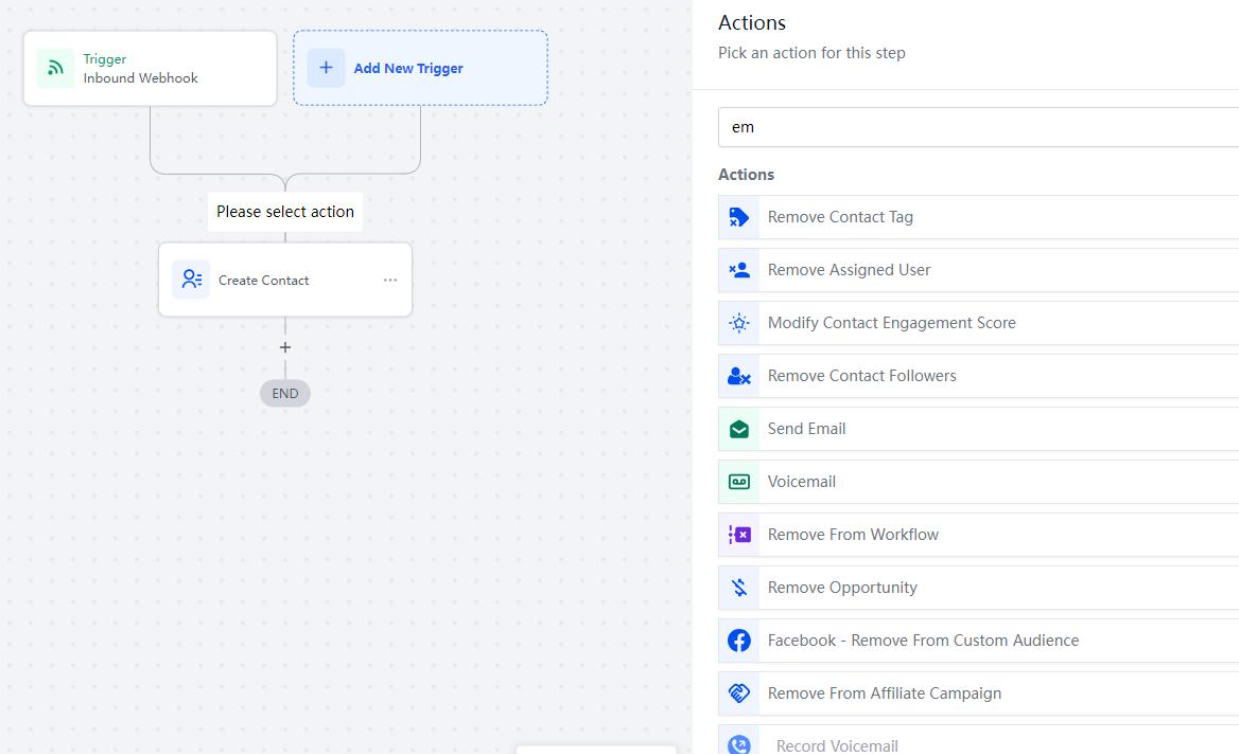
Determine what initiates the data transfer.
Common examples include:
A new booking.
A completed payment.
A form submission.
An updated customer record.
Next, define what happens after the event is received.
The integration may create or update a contact, apply relevant tags, or provide information that a GoHighLevel workflow can use for subsequent automation.
It's generally beneficial to separate data synchronization from business automation.
The integration layer should handle receiving, validating, and transferring information. GoHighLevel workflows can then manage supported follow-up processes, such as customer communication or internal notifications.
This separation makes troubleshooting easier because data transfer and CRM automation can be evaluated independently.
6. Plan Authentication, Security, and Error Handling
Security and reliability should be considered before an integration is deployed.
Use the authentication method supported by the relevant API and grant only the permissions required for the integration.
Credentials should be stored securely and never exposed in browser code, public pages, or client-facing applications.
Customer information should only be transferred when necessary for the intended business process. Privacy requirements, data retention policies, and access controls should also be considered.
Error handling is equally important.
Your integration should account for:
Invalid data.
Authentication failures.
Unavailable services.
Rejected API requests.
Unexpected responses.
Temporary service interruptions.
Controlled retries can help recover from temporary failures. However, requests that cannot succeed without correcting the underlying issue should not be retried indefinitely.
For operations that may be repeated, idempotent processing helps prevent duplicate contacts or repeated business actions when the same event is received more than once.
7. Test the Integration Before Deployment
Testing should cover the complete business process, not just a successful API request.
Validate that:
New contacts are created correctly.
Existing contacts are updated as expected.
Field mappings remain accurate.
The correct workflow follows each event.
Duplicate events are handled safely.
Missing and invalid values are managed appropriately.
Failed requests can be identified and recovered from.
A controlled deployment is preferable to immediately activating the integration across every business process.
Start with a limited environment or carefully selected test records. Expand deployment only after the expected behavior has been confirmed.
This approach reduces the risk of unexpected changes to customer records or business automation.
Practical Example: Integrating an External Booking Platform With GoHighLevel
Consider a service business that uses an external booking platform and GoHighLevel to manage customer relationships.
The business wants every confirmed booking to appear in the CRM without manually entering customer details.
Here's how the integration could be planned.
Source System: External booking platform.
Destination System: GoHighLevel contact records.
Trigger Event: A confirmed booking event.
Data Transferred: Customer name, email, phone number, booking reference, and appointment details.
Integration Logic: Validate the incoming information, identify an existing contact using the defined matching strategy, and create or update the appropriate record.
Expected Outcome: GoHighLevel contains the relevant customer information, allowing supported workflows to manage confirmation communication or internal notifications.
Error Handling: Invalid customer details are flagged, temporary failures are retried under controlled conditions, and duplicate events are processed without creating unnecessary records.
The exact implementation depends on the booking platform's API or webhook capabilities and the GoHighLevel operations available for the required data.
8. Monitor and Maintain the Integration
Launching an integration doesn't eliminate the need for ongoing maintenance.
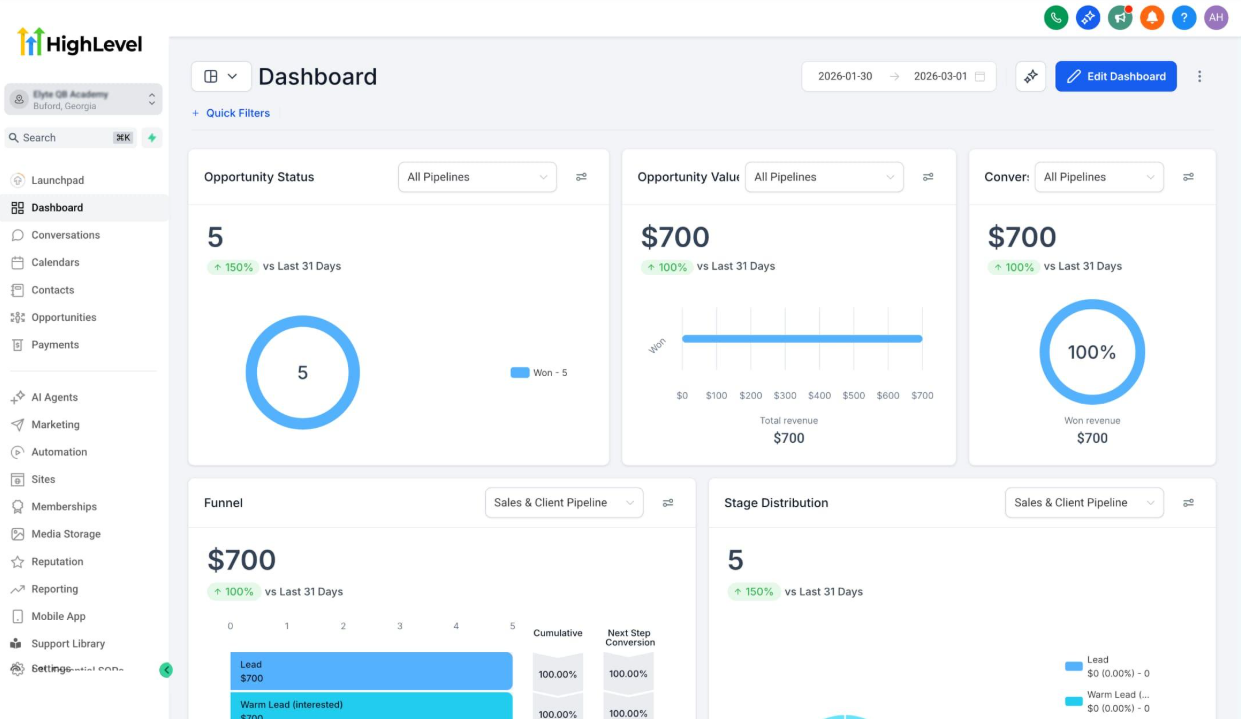
A reliable integration should be monitored for synchronization failures, unexpected data changes, duplicate records, and processing delays.
Establish a process for reviewing logs and resolving failed events.
API changes, authentication updates, and modifications to external applications can affect integration behavior over time.
Periodically review the integration against current documentation and business requirements.
Continuous monitoring helps identify issues before they affect customer communication, CRM data quality, or business operations.
Conclusion
Planning a custom GoHighLevel integration from scratch requires more than connecting applications.
It involves defining business objectives, establishing data ownership, selecting the appropriate integration method, mapping fields, designing reliable automation, and preparing for errors and ongoing maintenance.
A structured approach creates a CRM system that is easier to manage, troubleshoot, and scale.
At WispCode, we specialize in GoHighLevel system builds, custom CRM integrations, and workflow automation designed around real business operations.
If your business needs to connect GoHighLevel with an external application, explore WispCode's services to discuss an integration strategy that supports your processes and long-term goals.
Frequently Asked Questions (FAQs)
1. What is a custom GoHighLevel integration?
It connects GoHighLevel with external applications to automate data transfer and business processes.
2. Why does a business need a custom GoHighLevel integration?
It reduces manual work, improves data accuracy, and streamlines business operations.
3. Which integration methods can be used with GoHighLevel?
Native integrations, APIs, webhooks, and middleware platforms like Make and Zapier.
4. How can GoHighLevel integrations prevent duplicate contacts?
By using a defined contact-matching strategy based on email or phone number.
5. Is testing necessary before deploying a GoHighLevel integration?
Yes. Testing ensures accurate data synchronization, reliable automation, and proper error handling.
Need Expert Help with GoHighLevel?
New to GoHighLevel and ready to get started? Buy your GoHighLevel account here and launch with confidence.
Already know what you need and want our team to handle everything, from complete setup and customization to funnels, workflows, automations, CRM, and pipelines? Click here.