

How to Organize Contacts with GoHighLevel Tags
Contact Tags Best Practices in GoHighLevel
Introduction
As your contact list grows, keeping everything organized becomes more important. Without a proper system, it becomes difficult to identify leads, track customer activity, and send the right message to the right audience. Searching through hundreds or even thousands of contacts can quickly become time consuming.
GoHighLevel makes contact management much easier with Contact Tags. Tags allow businesses to label contacts based on their status, interests, services, or any other information that helps keep the CRM organized. Instead of relying on spreadsheets or manually searching through contacts, businesses can quickly find the people they need.
Using tags correctly also improves automation, reporting, and marketing campaigns. A well planned tagging system keeps your CRM clean, saves time, and helps your team work more efficiently.
What Are Contact Tags?
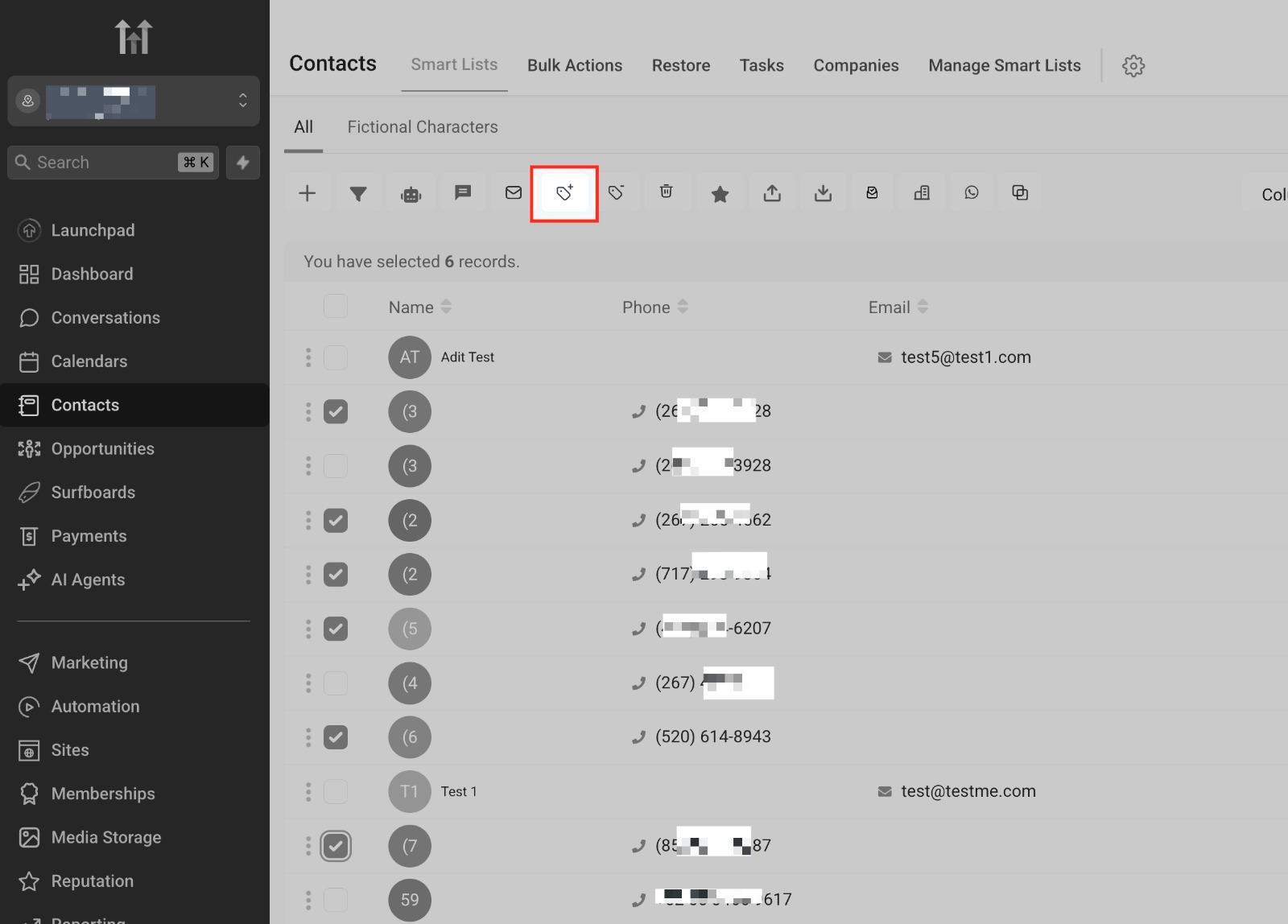
Contact Tags are labels that can be attached to individual contacts inside GoHighLevel. These labels help identify important information without editing the contact's profile every time something changes.
For example, a business can create tags such as New Lead, Booked Appointment, VIP Customer, Quote Sent, or Follow Up Required. As customers move through the sales process, tags can be added or removed to reflect their current status.
Because tags are flexible, businesses can create a system that matches their own workflow and makes contact management much easier.
Keep Your Tag Names Simple and Consistent
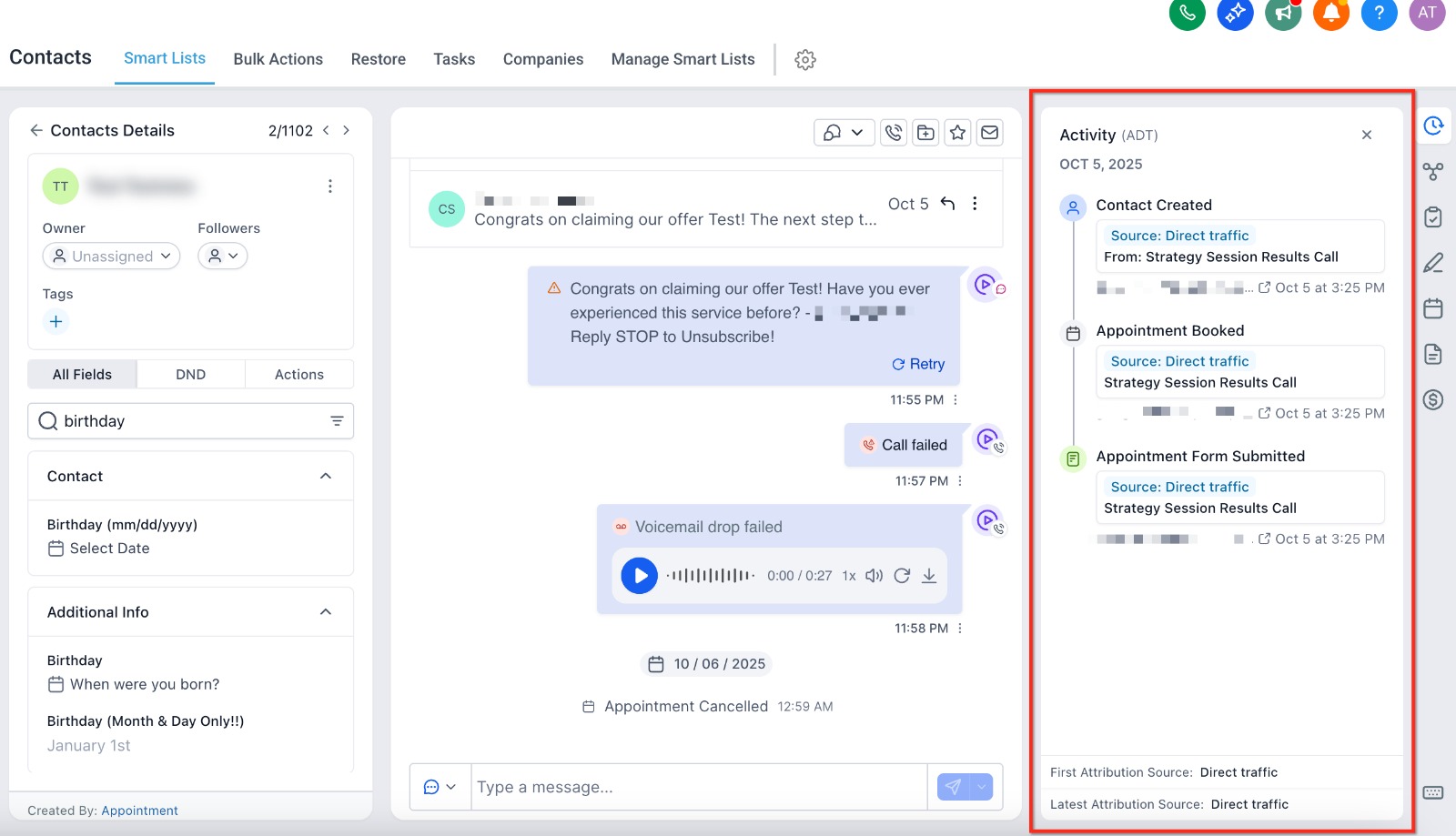
One of the biggest mistakes businesses make is creating too many similar tags. For example, using tags like Lead, New Lead, Fresh Lead, and Website Lead for the same purpose creates confusion.
Instead, create a simple naming system that everyone on your team understands. Use clear and consistent names that describe exactly what the tag represents.
A well organized tagging system makes searching, filtering, and reporting much easier while reducing mistakes across your CRM.
Use Tags to Track the Customer Journey
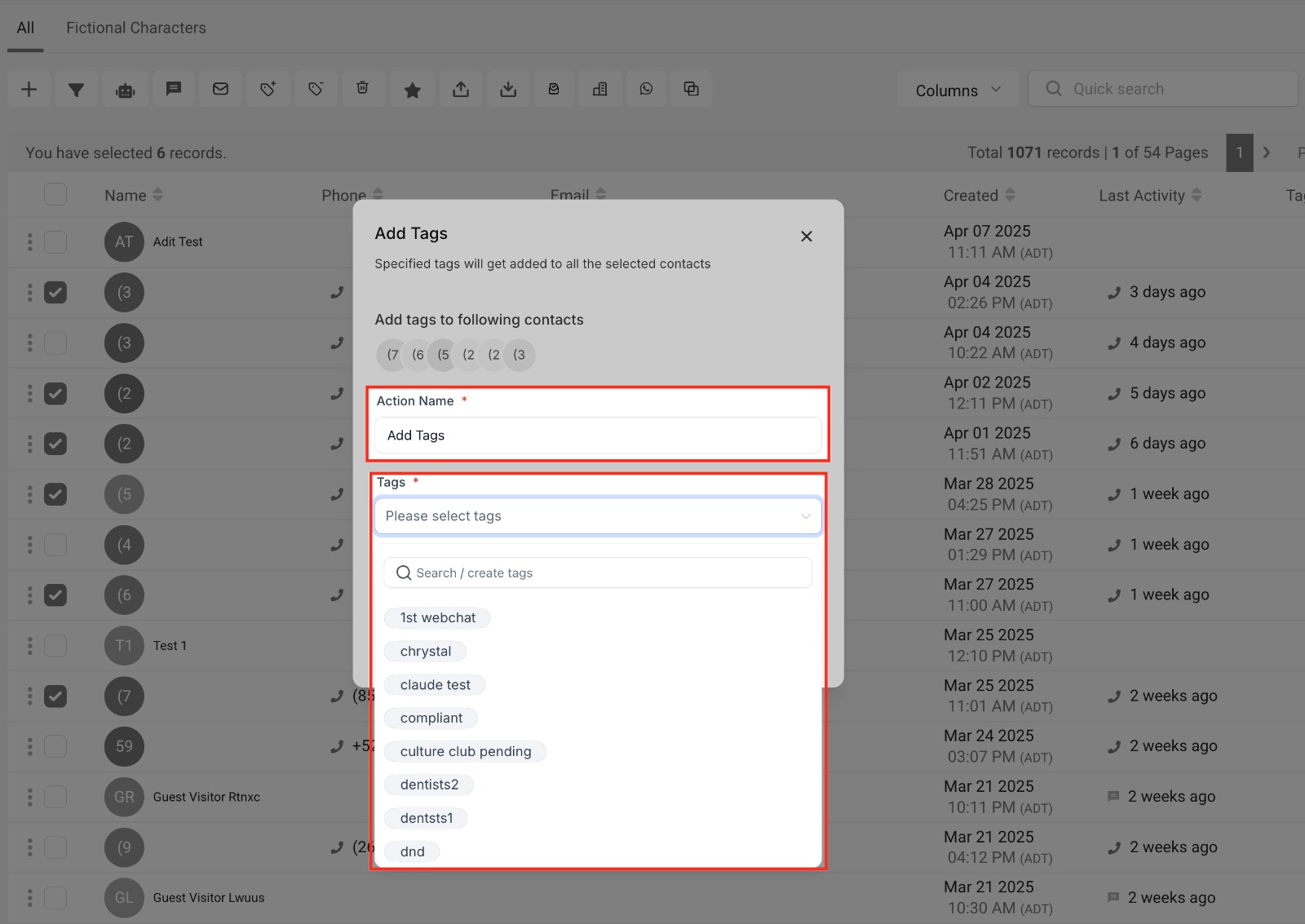
Tags become much more valuable when they reflect each stage of the customer journey. Instead of only identifying where a lead came from, they can also show what actions the customer has taken.
For example, you might use tags such as Consultation Booked, Proposal Sent, Customer, and Repeat Client. As contacts move through different stages, workflows can automatically update these tags without manual effort.
This gives your team a quick overview of every contact while making it easier to trigger automations and create targeted marketing campaigns.
Avoid Creating Too Many Tags
While tags are useful, creating too many of them can make your CRM difficult to manage. When several tags serve the same purpose, team members may become unsure which one to use, leading to inconsistent data.
Before creating a new tag, check whether an existing one already meets your needs. Keeping your tagging system simple makes it easier to search contacts, build automations, and generate accurate reports.
A clean tagging structure also helps new team members understand your CRM more quickly and reduces the chances of errors.
Automate Tags with Workflows
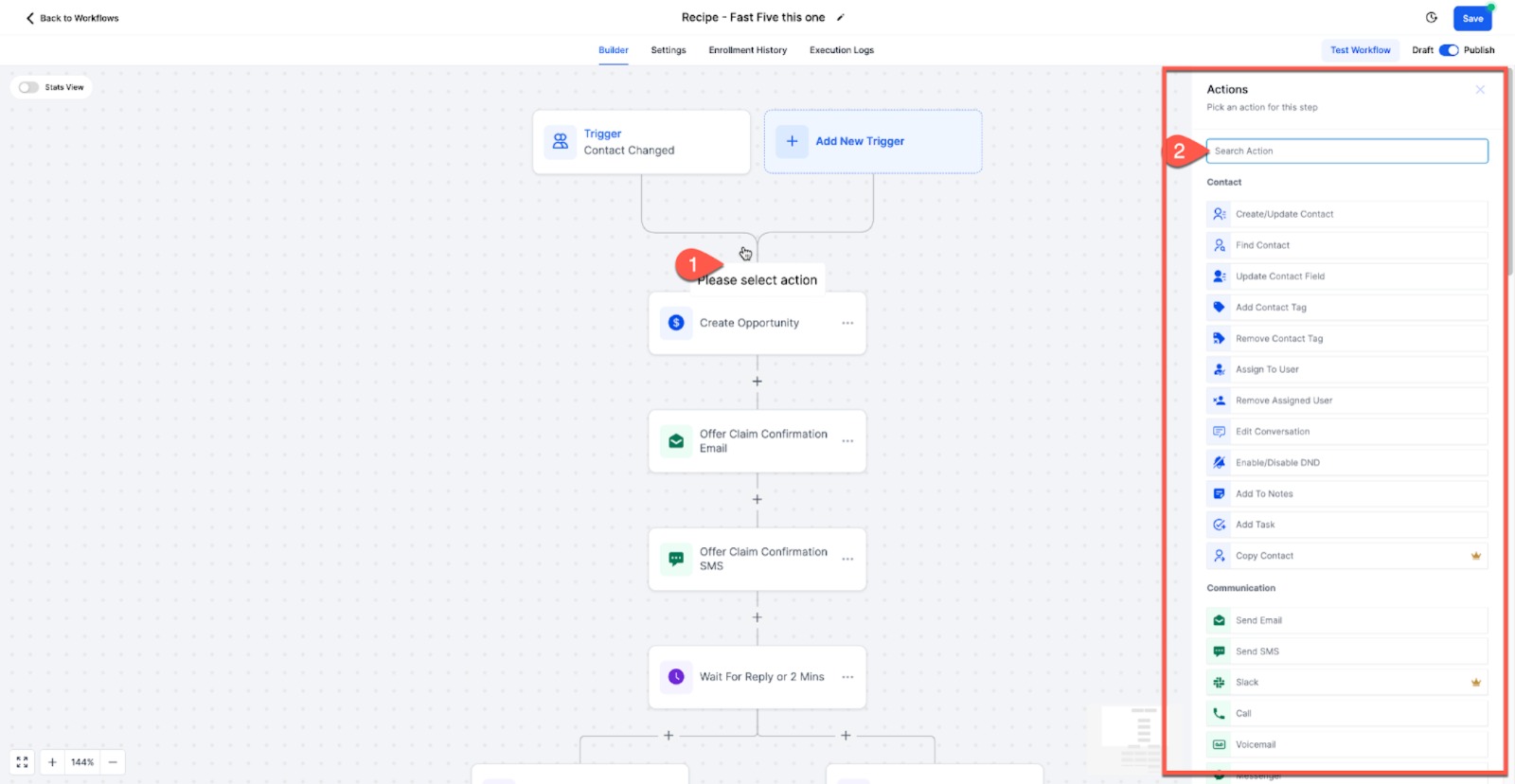
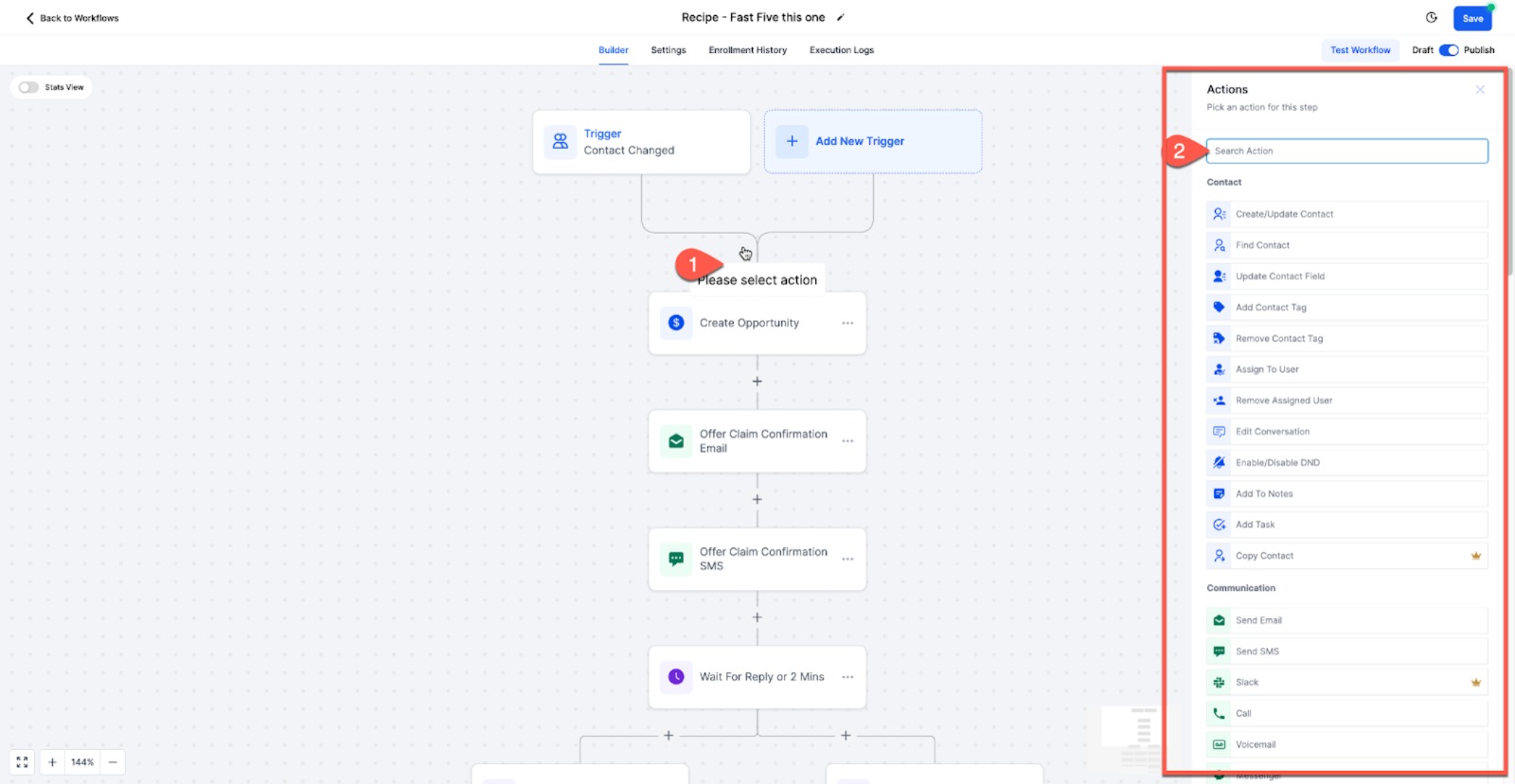
One of the biggest advantages of GoHighLevel is the ability to automate tag management. Instead of manually updating every contact, workflows can automatically add or remove tags based on customer actions.
For example, a New Lead tag can be added when someone submits a contact form. After they book an appointment, the workflow can remove the original tag and apply Appointment Booked. Once they become a customer, another workflow can assign the Customer tag automatically.
Automating this process saves time, keeps contact records accurate, and ensures every automation runs using the latest customer information.
Review Your Tags Regularly
Even a well planned tagging system should be reviewed from time to time. As your business grows, some tags may no longer be needed while new services or marketing campaigns may require additional ones.
Reviewing your tags regularly helps remove duplicates, eliminate outdated labels, and maintain a clean CRM. It also ensures your automations and marketing campaigns continue working as expected.
A simple review every few months can keep your contact database organized and make daily CRM management much more efficient.
Conclusion
Contact Tags are one of the simplest yet most valuable features in GoHighLevel. They help businesses organize contacts, improve automation, and create more targeted marketing campaigns.
By keeping tag names consistent, tracking the customer journey, avoiding unnecessary tags, and using workflow automation, businesses can maintain a clean CRM that is easy to manage as it grows.
When used correctly, Contact Tags save time, improve team collaboration, and make it easier to deliver a better experience for every customer.
Frequently Asked Questions (FAQs)
1. What are Contact Tags in GoHighLevel?
Contact Tags are labels that help businesses organize contacts based on their status, actions, interests, or other important information.
2. Why are Contact Tags important?
They make it easier to organize contacts, trigger automations, filter customer lists, and send more targeted marketing campaigns.
3. Can GoHighLevel add tags automatically?
Yes. Workflows can automatically add or remove tags when a contact submits a form, books an appointment, or completes another action.
4. How many Contact Tags should I create?
Use only the tags that are necessary for your business. Keeping your tagging system simple and consistent makes your CRM easier to manage.
5. What are the best practices for using Contact Tags?
Use clear naming conventions, automate tag management with workflows, avoid duplicate tags, and review your tags regularly to keep your CRM organized.
Need Expert Help with GoHighLevel?
New to GoHighLevel and ready to get started? Buy your GoHighLevel account here and launch with confidence.
Already know what you need and want our team to handle everything, from complete setup and customization to funnels, workflows, automations, CRM, and pipelines? Click here.



