

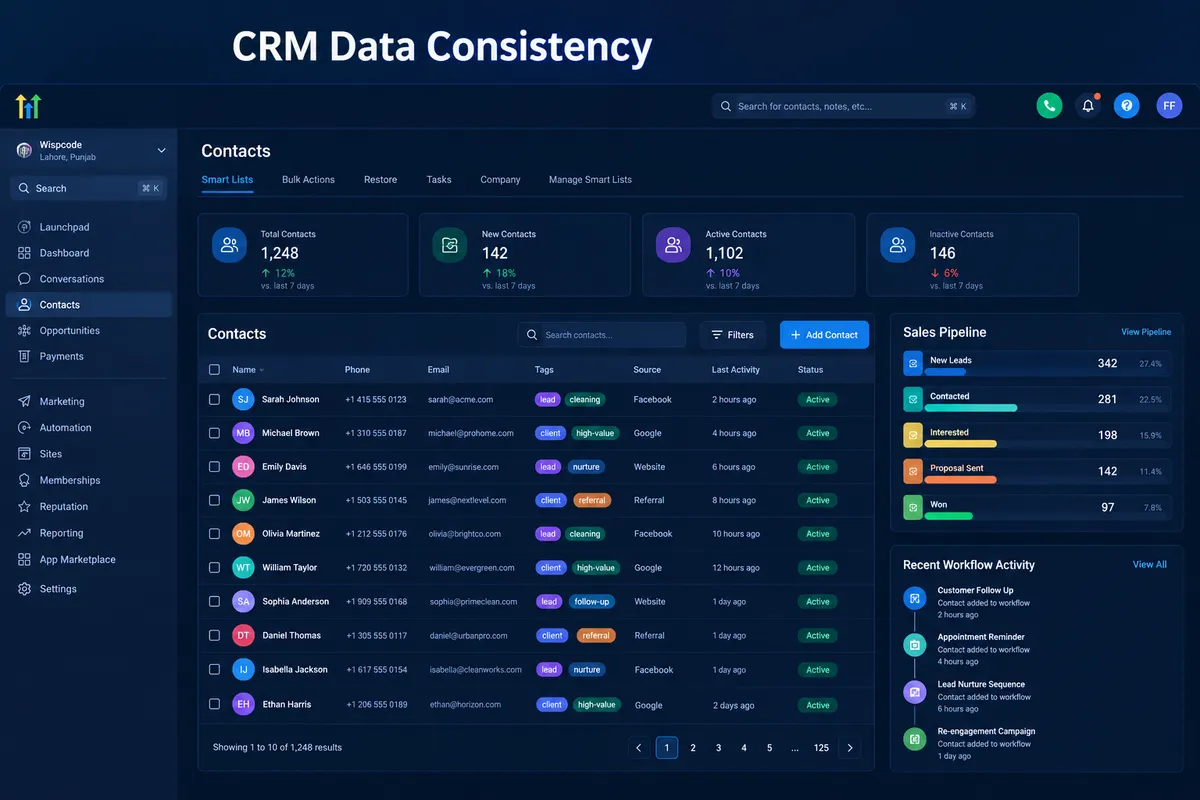
Maintaining Consistent CRM Data Across Sales Teams
How to Maintain Consistent CRM Data Across Sales Teams
A lead should not have three different phone numbers, two conflicting sales statuses, and duplicate contact records simply because different representatives manage the same account. These inconsistencies make it harder to maintain consistent CRM data across sales teams, leading to confusing follow ups, unreliable reporting, wasted sales time, and missed opportunities. With a properly structured GoHighLevel CRM, businesses can establish clear data standards, coordinate team activities, and build a more reliable sales process.
Why CRM Data Consistency Matters
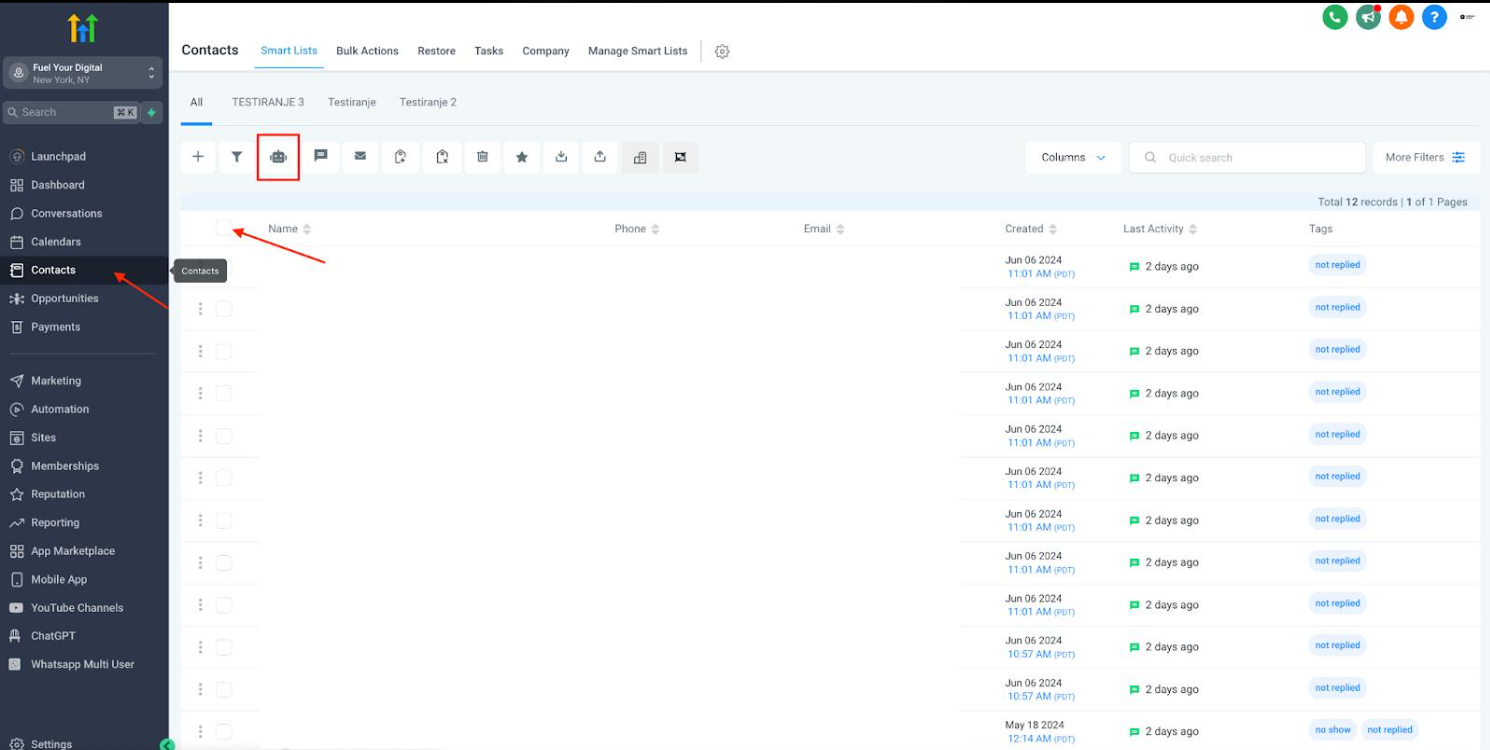
CRM data consistency means that customer information is recorded, updated, and organized according to shared rules. Maintaining consistency becomes challenging when representatives enter information differently, create similar tags, or move opportunities through the pipeline without agreed criteria.
Common problems include:
Duplicate contacts and conflicting customer details.
Missing information and outdated phone numbers.
Inconsistent tags, custom fields, and qualification labels.
Incorrect opportunity stages and incomplete activity records.
Unreliable sales reports and poor team coordination.
These issues affect the entire customer journey. A representative might contact someone who has already booked a meeting, while a sales manager might forecast revenue using opportunities that are not genuinely qualified.
How GoHighLevel Supports Consistent CRM Data
1. Standardize Contact Records and Custom Fields
GoHighLevel provides a shared contact database where authorized team members can access customer information according to their permissions. Establish rules for entering names, email addresses, phone numbers, and other essential details.
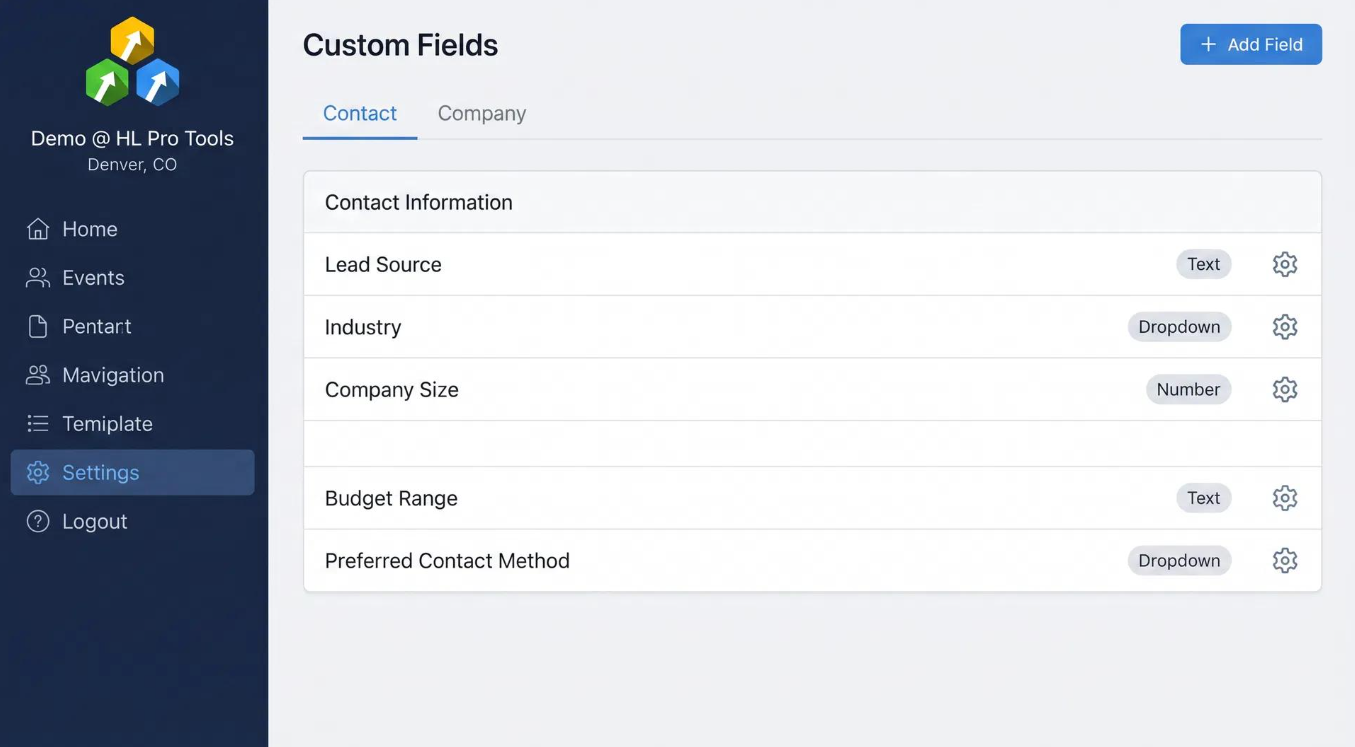
Use custom fields to capture information consistently, such as service interest, company name, lead source, or preferred contact method. Distinguish contact information from opportunity specific information when designing your CRM structure.
Remember that custom fields do not automatically guarantee consistent entries. Teams still need clear instructions and appropriate checks to maintain data quality.
2. Establish a Clear Tagging Convention
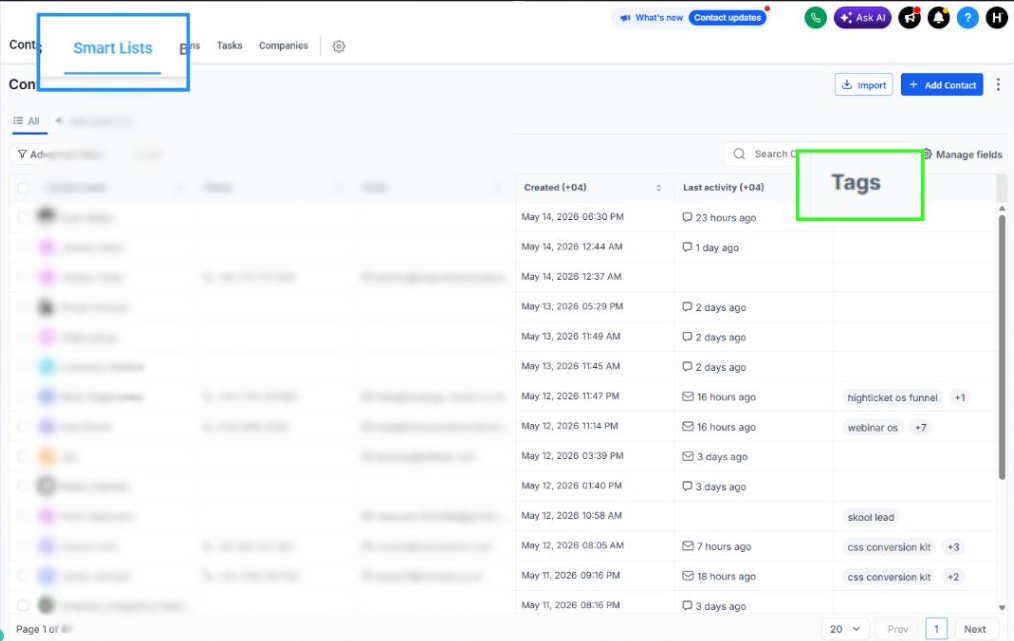
Tags help organize contacts, but inconsistent naming creates confusion. For example, representatives might create Qualified Lead, Qualified, and Lead Qualified to describe the same situation.
Create a documented naming convention and explain when each tag should be applied.
For example:
Source: WebsiteStatus: QualifiedInterest: Roofing
Use these labels consistently and review existing tags before creating new ones. Avoid using tags as substitutes for dedicated contact fields or opportunity stages when those structures better represent the information.
3. Define Opportunity Stages Clearly
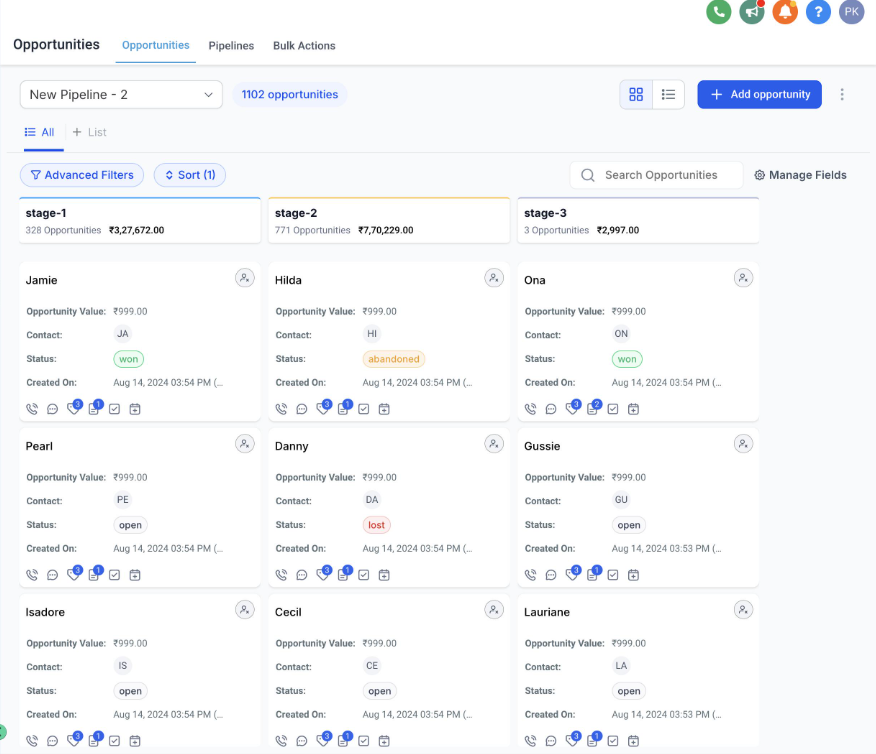
GoHighLevel pipelines help teams track opportunities through defined sales stages. However, contact status, opportunity status, and pipeline stage represent different information and should not be treated as interchangeable.
Define the conditions required to enter each stage. For example, an opportunity should move to a meeting booked stage only after the appointment has actually been scheduled.
This gives representatives a shared understanding of pipeline progress and helps managers review sales activity more accurately.
4. Use Workflows Carefully
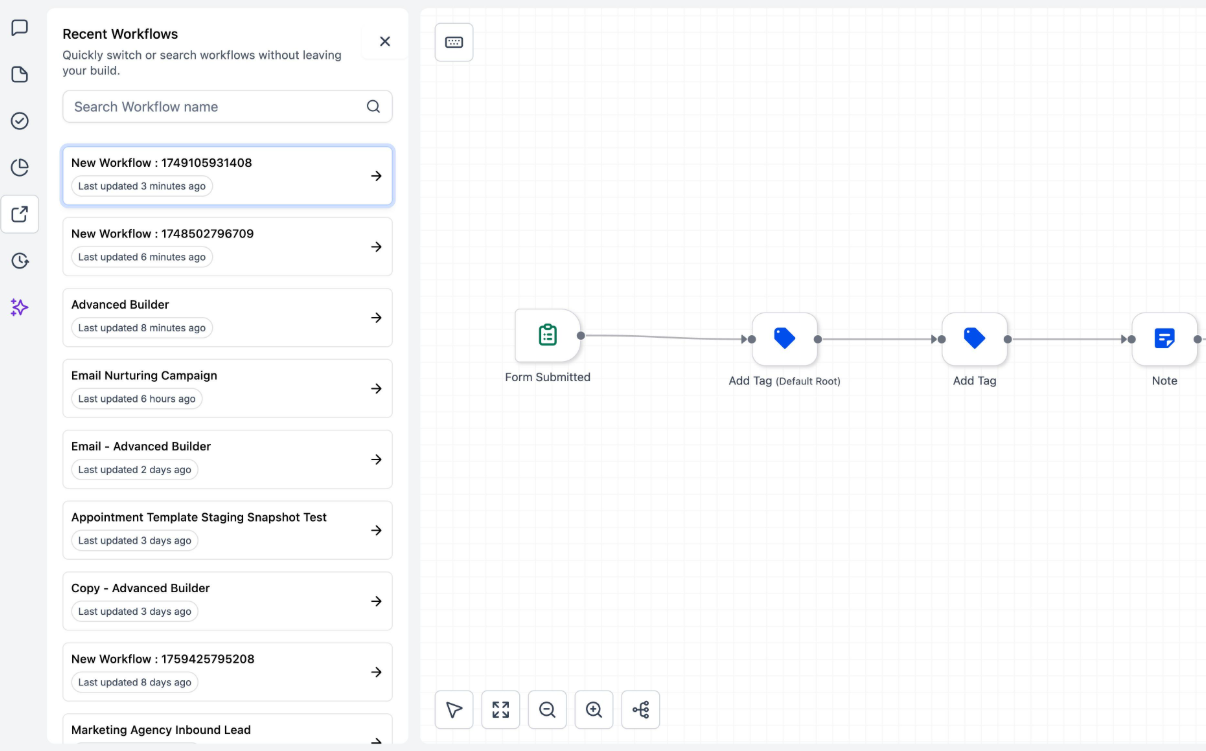
GoHighLevel workflows can support consistent CRM data management through appropriately configured triggers, conditions, and actions. Depending on the workflow design, they may apply standardized tags, update supported fields, or notify team members when relevant conditions are met.
However, automation is not a substitute for good data design. Incorrect conditions or poorly configured actions can introduce new inconsistencies.
Test workflows with representative scenarios before relying on them, and review their effects after changes are made.
5. Assign Responsibilities and Review Records
Define who can create contacts, update qualification information, move opportunities, and review questionable records. Configure available user permissions appropriately rather than giving every team member unrestricted access.
Managers should regularly inspect contact information, pipeline records, and relevant reports to identify missing details, unusual stage distributions, and inconsistent entries.
A Practical Process for Improving CRM Data Quality
Follow these steps to strengthen your GoHighLevel CRM.
1. Audit existing records. Identify duplicates, missing contact details, outdated information, and inconsistent tags before introducing new standards.
2. Document data entry rules. Establish consistent formats for names, phone numbers, email addresses, and required business information.
3. Standardize CRM structures. Review custom fields, tags, and pipeline stages. Remove unnecessary overlap through a controlled cleanup process.
4. Assign team responsibilities. Decide who creates records, updates opportunity details, and reviews data quality. Explain the rules to every representative.
5. Configure appropriate workflows. Automate suitable repetitive actions, such as applying a tag when a verified condition is met. Confirm that each action updates the intended record.
6. Test before deployment. Check normal scenarios, missing information, and unexpected conditions. Verify that workflows do not create conflicting updates.
7. Schedule regular reviews. Review records weekly or monthly according to lead volume and team activity. Correct recurring problems and update documentation when necessary.
Automation can reduce repetitive work, but human review remains essential for identifying inaccurate information and resolving ambiguous records.
Example: Two Representatives Managing the Same Lead
Consider a roofing company where two representatives handle a website inquiry. The first labels the contact Hot Lead, while the second uses Interested. One moves the opportunity to qualified, although the customer has not completed the qualification process.
The company introduces standardized qualification fields, an agreed tagging convention, and documented pipeline stage criteria. A properly tested workflow applies the appropriate tag when its configured conditions are satisfied.
Both representatives can now work from a clearer record, while managers can review opportunities using consistent definitions. The system does not eliminate every error, but it makes the process easier to manage and audit.
Conclusion
Maintaining consistent CRM data across sales teams requires standardized data entry, clearly defined responsibilities, and carefully configured automation. GoHighLevel provides useful tools for organizing contacts, custom fields, tags, pipelines, and workflows. When these tools follow documented rules and receive regular human oversight, businesses can maintain more reliable records and improve coordination across their sales teams.
Frequently Asked Questions
1. What does CRM data consistency mean?
CRM data consistency means recording and maintaining customer information using shared formats, definitions, and processes so team members can rely on the same information.
2. How can GoHighLevel help maintain consistent CRM data?
GoHighLevel supports consistency through contact records, custom fields, tags, pipelines, workflows, and available reporting, provided these tools are configured and used correctly.
3. How can sales teams reduce duplicate contact records?
Train representatives to search existing contacts before creating new ones, establish consistent entry rules, and review potential duplicates regularly.
4. Can GoHighLevel workflows help standardize CRM data?
Yes. Appropriately configured workflows can apply tags, update supported fields, and notify users when specified conditions are met. Testing is essential.
5. How often should a sales team review its CRM data?
Weekly reviews suit active teams with high lead volumes, while monthly reviews may work for smaller teams. Review frequency should reflect operational needs.
Need Expert Help with GoHighLevel?
New to GoHighLevel and ready to get started? Buy your GoHighLevel account here and launch with confidence.
Already know what you need and want our team to handle everything, from complete setup and customization to funnels, workflows, automations, CRM, and pipelines? Click here.



