

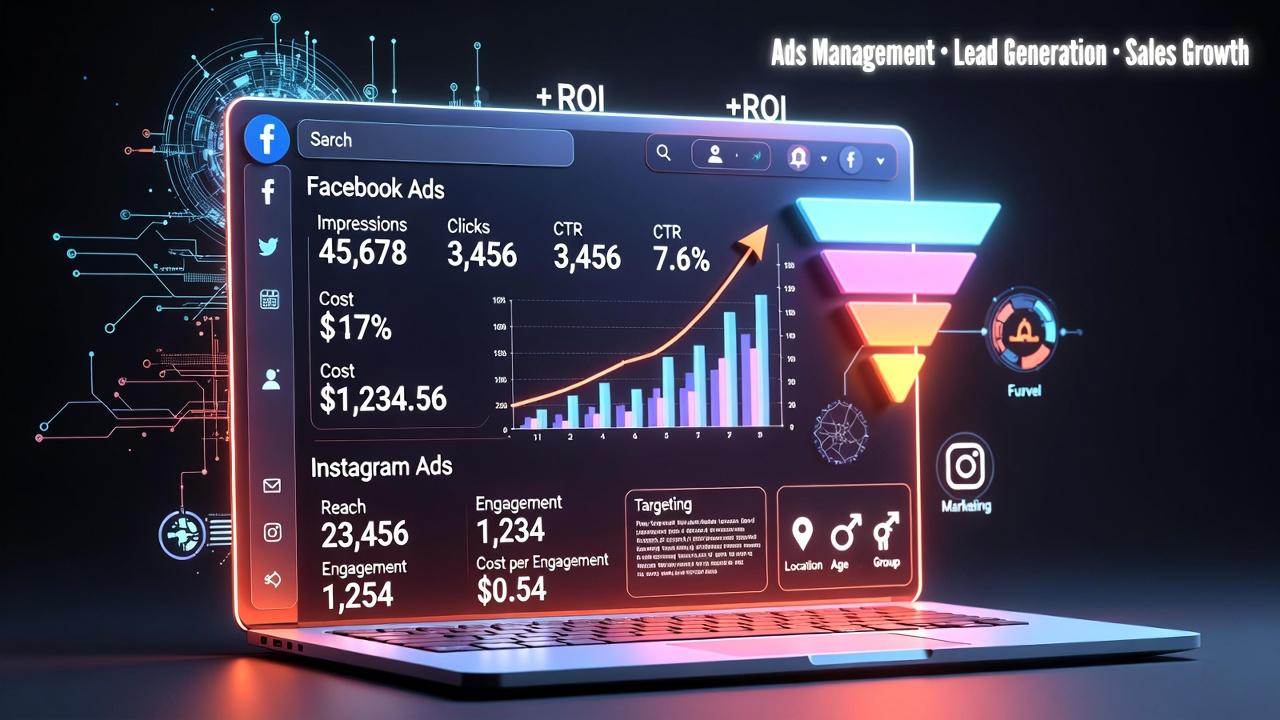
Master Meta Ads Reporting in GoHighLevel: A Complete Beginner's Guide
Complete Guide to Meta Ads Reporting in GoHighLevel
Running successful Meta (Facebook and Instagram) advertising campaigns is only half the battle. The real challenge begins after your ads go live understanding what's working, identifying what needs improvement, and proving your return on investment (ROI). For many marketers and agencies, this often means switching between Meta Ads Manager, CRM software, spreadsheets, and reporting tools just to build a complete picture.
That's where Meta Ads Reporting in GoHighLevel becomes valuable. By bringing advertising insights into the same platform where you manage leads, opportunities, conversations, and customer relationships, GoHighLevel helps reduce reporting complexity and makes campaign monitoring more efficient.
In this guide, you'll learn what Meta Ads Reporting in GoHighLevel is, how it works, why it matters, and how you can use it to make smarter marketing decisions.What Is Meta Ads Reporting in GoHighLevel?
Meta Ads Reporting in GoHighLevel allows users to connect supported Meta advertising accounts and view advertising performance alongside other business and marketing data within GoHighLevel's reporting environment.
Instead of constantly moving between multiple platforms, agencies and businesses can review advertising results while also monitoring how generated leads progress through their CRM, pipelines, appointments, and customer journey.
This feature is especially useful for:
Marketing agencies managing multiple clients
Digital marketers running Meta campaigns
Local businesses generating leads through Facebook and Instagram
Service-based businesses tracking advertising results
Multi-location businesses monitoring marketing performance
Rather than replacing Meta Ads Manager, GoHighLevel helps centralize important reporting data so teams can evaluate campaign performance within their broader sales and marketing workflow.

Why Businesses Need Centralized Ad Reporting
Advertising data becomes much more valuable when it's connected to the rest of your business operations.
Without centralized reporting, businesses often face challenges such as:
Switching between several reporting platforms
Spending hours preparing client reports
Difficulty connecting ad performance with actual sales outcomes
Limited visibility into lead quality
Slower marketing decision-making
When reporting is spread across multiple systems, it's easier to miss important trends or delay optimization decisions.
Centralizing advertising insights inside GoHighLevel helps teams spend less time gathering data and more time improving campaign performance.

Key Features of Meta Ads Reporting in GoHighLevel
While reporting capabilities may continue to evolve, GoHighLevel currently provides practical ways to review advertising performance after connecting supported Meta advertising accounts.
Some of the key capabilities include:
Connected Meta Advertising Account Reporting
Users can connect eligible Meta advertising accounts to bring campaign reporting into GoHighLevel. This creates a more unified marketing dashboard without relying solely on external reporting tools.
Campaign Performance Overview
The reporting interface provides a consolidated view of campaign performance, making it easier to monitor advertising activity without constantly switching between applications.
Lead Performance Visibility
One of the biggest advantages of using GoHighLevel is the ability to review advertising alongside CRM data. Businesses can better understand how advertising-generated leads move through their sales process instead of focusing only on ad engagement.
Spend Tracking
Advertising spend is available within reporting, helping businesses compare investment with marketing outcomes and evaluate campaign efficiency.
Centralized Marketing Dashboard
Rather than reviewing advertising separately from customer interactions, GoHighLevel brings multiple marketing and business reports into one environment, making ongoing performance monitoring more convenient.
Simplified Agency Reporting
For agencies managing several clients, having advertising insights inside the same platform used for CRM, automation, and pipeline management helps simplify internal reporting workflows.

Benefits for Agencies and Businesses
Meta Ads Reporting provides practical advantages across different types of organizations.
Marketing Agencies
Agencies can monitor advertising performance while simultaneously reviewing lead activity, pipeline progress, and client outcomes from a single platform.
Digital Marketers
Marketers spend less time switching between software and more time analyzing campaign results and making data-driven improvements.
Small Businesses
Business owners gain a clearer understanding of how their advertising contributes to lead generation without relying on several disconnected tools.
Local Service Businesses
Companies that depend on appointment bookings or inquiries can connect advertising insights with customer management activities already taking place inside GoHighLevel.
Multi-Location Businesses
Organizations managing several locations can review marketing performance more efficiently while keeping reporting centralized.
How to Access Meta Ads Reporting in GoHighLevel
Getting started is straightforward once your Meta advertising account is properly connected.
The general process includes:
Connect your supported Meta advertising account through the available integrations within GoHighLevel.
Allow the necessary permissions so GoHighLevel can access reporting data.
Navigate to the reporting area of your GoHighLevel account.
Select the appropriate account or location if you manage multiple businesses.
Review available advertising insights alongside your CRM and marketing reports.
Depending on your GoHighLevel plan and platform updates, available reporting views may vary slightly, so always ensure your integrations remain connected and authorized.

Best Practices for Meta Ads Reporting
To get the most value from Meta Ads Reporting in GoHighLevel, follow these best practices:
Connect the correct Meta advertising account before reviewing reports.
Monitor campaign performance consistently instead of checking only after campaigns end.
Compare performance over time to identify meaningful trends.
Use reporting to guide optimization decisions rather than relying on assumptions.
Focus on lead quality, not just clicks or impressions.
Review advertising performance together with CRM activities such as opportunities, appointments, and customer conversations.
Ensure your lead tracking setup is working correctly so reporting reflects actual marketing outcomes.
Small improvements made consistently often produce better long-term advertising results.
Common Mistakes to Avoid
Many advertisers overlook valuable insights because they focus on only a small portion of the available data.
Avoid these common mistakes:
Reviewing reports too infrequently.
Making optimization decisions after only a short period of campaign activity.
Looking only at clicks instead of evaluating lead outcomes.
Ignoring longer-term performance trends.
Forgetting to verify conversion and lead tracking.
Failing to compare advertising performance with actual business results inside the CRM.
A balanced approach leads to more informed marketing decisions.
Why Meta Ads Reporting Works Better Inside GoHighLevel
One of GoHighLevel's biggest strengths is that advertising data doesn't exist in isolation.
Instead, businesses can review Meta advertising alongside:
CRM contacts
Sales opportunities
Customer conversations
Appointment activity
Marketing automation
Overall business reporting
This broader view helps marketers move beyond simple advertising metrics and better understand how campaigns contribute to actual customer acquisition and business growth.
Rather than managing disconnected systems, teams can evaluate marketing performance within the same platform they already use to manage leads and customer relationships.

Conclusion
Understanding advertising performance is essential for improving campaigns and maximizing marketing investment. Meta Ads Reporting in GoHighLevel helps businesses and agencies centralize important advertising insights alongside CRM and customer data, making reporting more organized and actionable.
Instead of spending valuable time moving between multiple platforms, users can monitor campaign performance, evaluate lead activity, and make more informed marketing decisions from one workspace.
If you're already using GoHighLevel to manage your leads, automation, and customer relationships, exploring Meta Ads Reporting in GoHighLevel is a practical next step toward building a more efficient reporting process and gaining better visibility into your marketing performance.
Frequently Asked Questions (FAQs)
What is Meta Ads Reporting in GoHighLevel?
Meta Ads Reporting in GoHighLevel allows users to connect supported Meta advertising accounts and review campaign performance alongside CRM and marketing data from a centralized reporting environment.
Can GoHighLevel replace Meta Ads Manager?
No. GoHighLevel does not replace Meta Ads Manager. Instead, it centralizes advertising insights with CRM, pipeline, and marketing data to simplify reporting.
Who benefits most from Meta Ads Reporting?
Marketing agencies, digital marketers, local businesses, service providers, and multi-location businesses can all benefit from centralized Meta Ads reporting.
Can I track advertising performance and CRM data together?
Yes. One of the biggest advantages of Meta Ads Reporting in GoHighLevel is the ability to review advertising performance alongside leads, opportunities, appointments, and customer activities within the CRM.
Why should businesses use Meta Ads Reporting in GoHighLevel?
It helps reduce the need to switch between multiple platforms, simplifies reporting, improves visibility into lead performance, and supports better marketing decision-making.
Need Expert Help with GoHighLevel?
New to GoHighLevel and ready to get started? Buy your GoHighLevel account here and launch with confidence.
Already know what you need and want our team to handle everything, from complete setup and customization to funnels, workflows, automations, CRM, and pipelines? Click here.



