

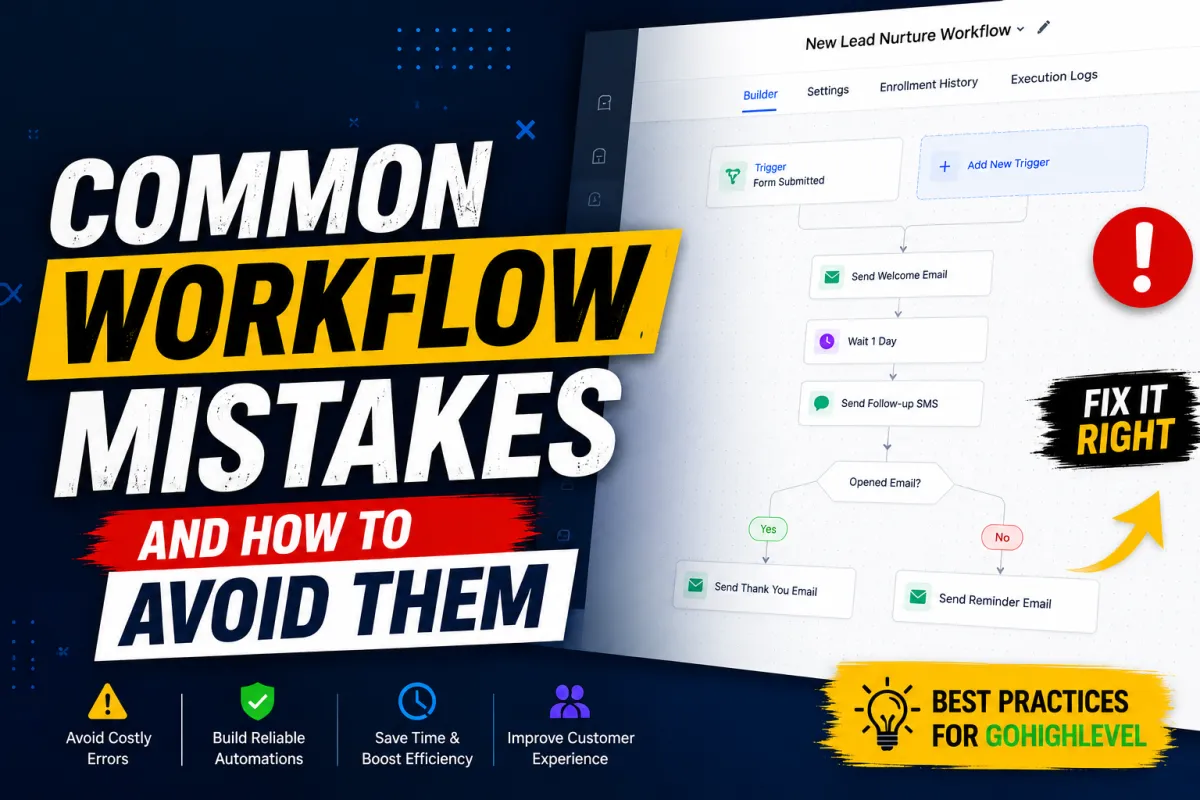
Common Workflow Mistakes
Common Workflow Mistakes and How to Avoid Them
Introduction
GoHighLevel Workflows are one of the platform's most powerful features, allowing businesses to automate repetitive tasks, streamline communication, and create personalized customer journeys. Whether you're nurturing leads, confirming appointments, sending follow-up emails, or managing opportunities, workflows help ensure that every customer receives the right message at the right time.
However, even a small mistake in your automation setup can lead to missed opportunities, duplicate messages, poor customer experiences, or unnecessary manual work. A workflow that isn't carefully planned can quickly become difficult to manage as your business grows.
In this guide, we'll explore the Common Workflow Mistakes in GoHighLevel, explain why they happen, and share practical solutions to help you build reliable, efficient, and scalable GoHighLevel Workflows.
What Are GoHighLevel Workflows?
GoHighLevel Workflows are automation tools that perform actions based on predefined workflow triggers, conditions, and events. Instead of completing repetitive tasks manually, businesses can automate processes such as:
Sending emails and SMS messages
Assigning leads to team members
Creating or updating opportunities
Scheduling follow-up tasks
Moving contacts through sales pipelines
Managing appointment reminders
Updating contact information
Effective workflow automation saves time, improves consistency, and helps businesses deliver a better customer experience. However, these benefits depend on designing workflows correctly and maintaining them over time.
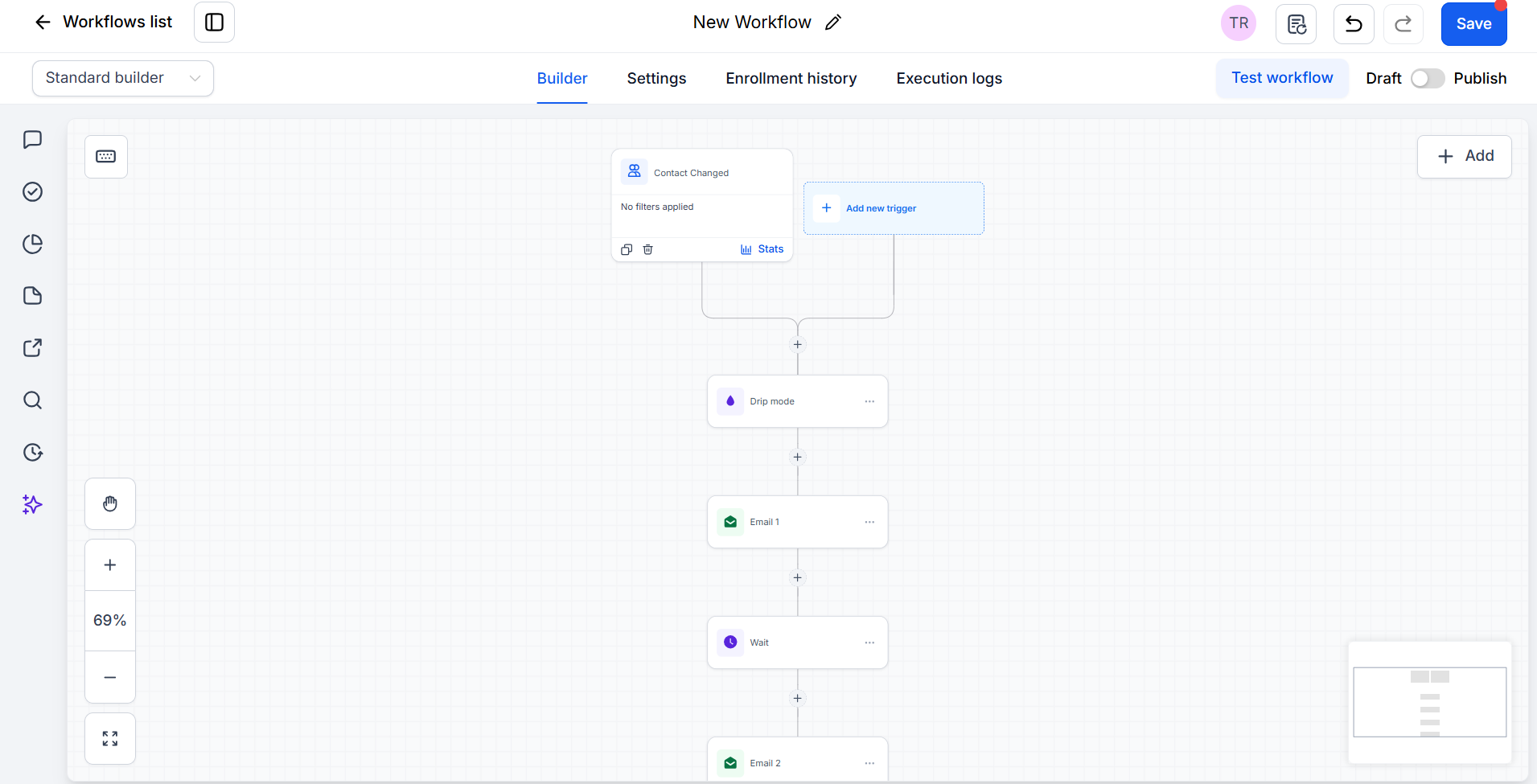
Common Workflow Mistakes in GoHighLevel
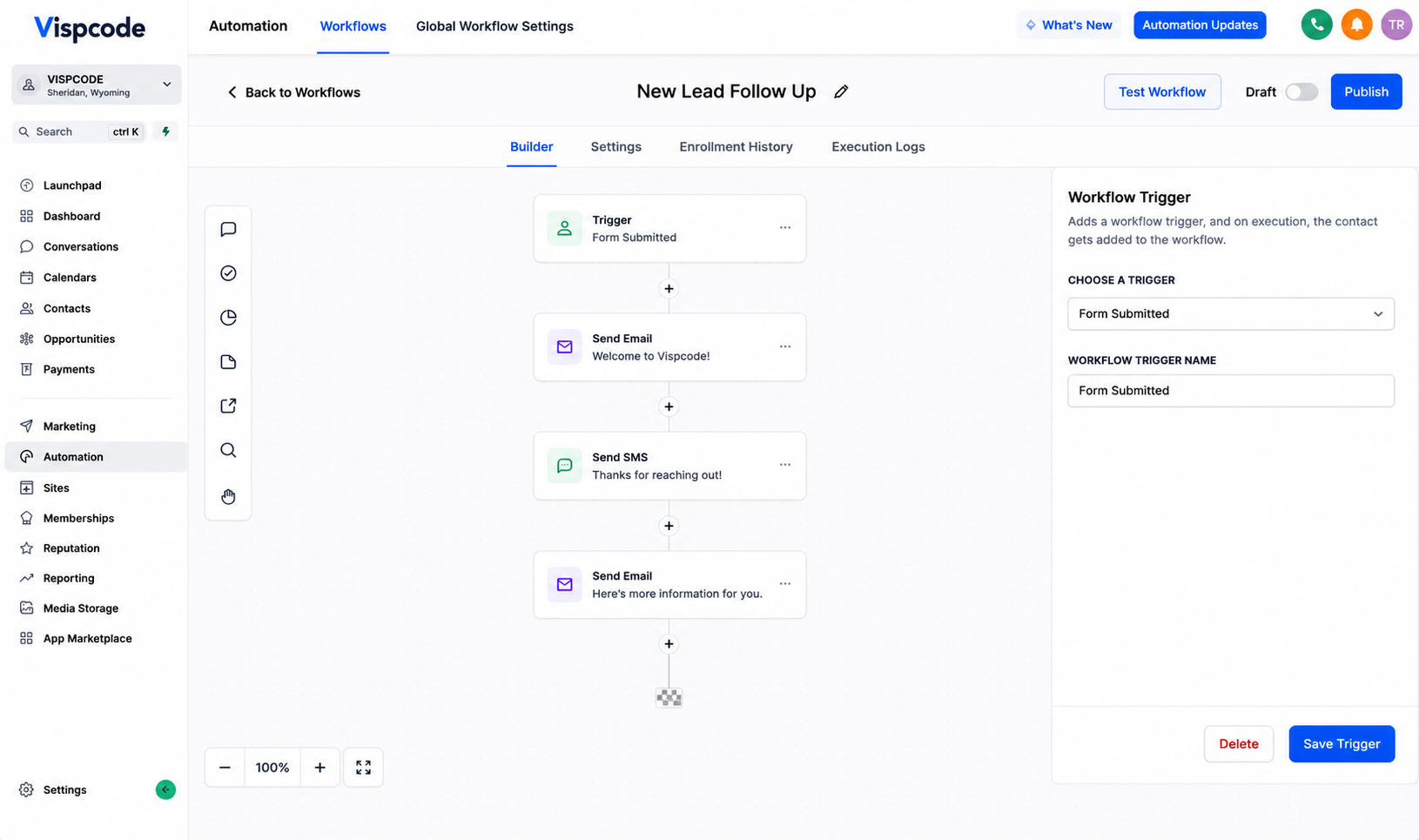
Using the Wrong Workflow Trigger
Every workflow begins with a trigger. Selecting the wrong trigger can prevent your automation from running when expected or cause it to activate at the wrong time.
For example, using a trigger based on a contact update when your goal is to respond to a form submission may cause the workflow to miss new leads entirely.
How to avoid it:
Clearly define what event should start the workflow.
Review available trigger options before publishing.
Confirm that the selected trigger matches your intended customer journey.
Best practice: Build your workflow around the customer's actual actions rather than assumptions.
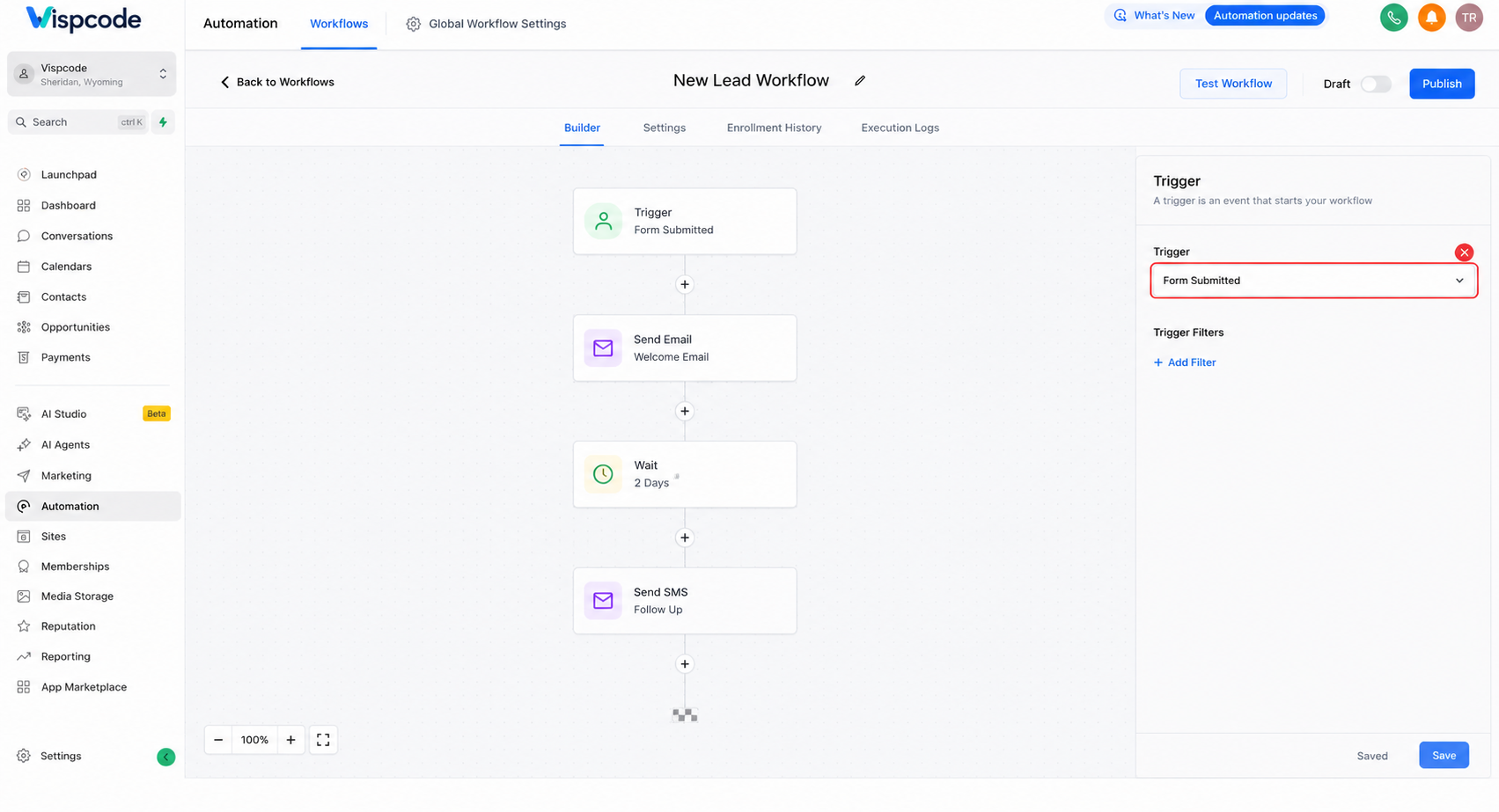
Forgetting Exit Conditions
Many workflows continue running until every step has been completed. Without proper exit conditions, contacts may continue receiving messages even after they've already completed the desired action, such as booking an appointment or becoming a customer.
This can create confusion and make your communication appear uncoordinated.
How to avoid it:
Add appropriate conditions to stop unnecessary communication.
Remove contacts from nurture sequences once they reach the intended outcome.
Review workflows that contain long follow-up sequences.
Best practice: Every workflow should have a clear beginning, progression, and logical endpoint.
Creating Duplicate Automations
As businesses grow, it's common to create multiple workflows with similar purposes. Without proper planning, a single contact may qualify for several workflows simultaneously.
The result may include duplicate emails, repeated SMS reminders, or conflicting automation actions.
How to avoid it:
Review existing workflows before creating new ones.
Consolidate similar automations whenever possible.
Use filters and conditions to control workflow enrollment.
Best practice: Keep automation centralized instead of creating multiple workflows that perform nearly identical tasks.
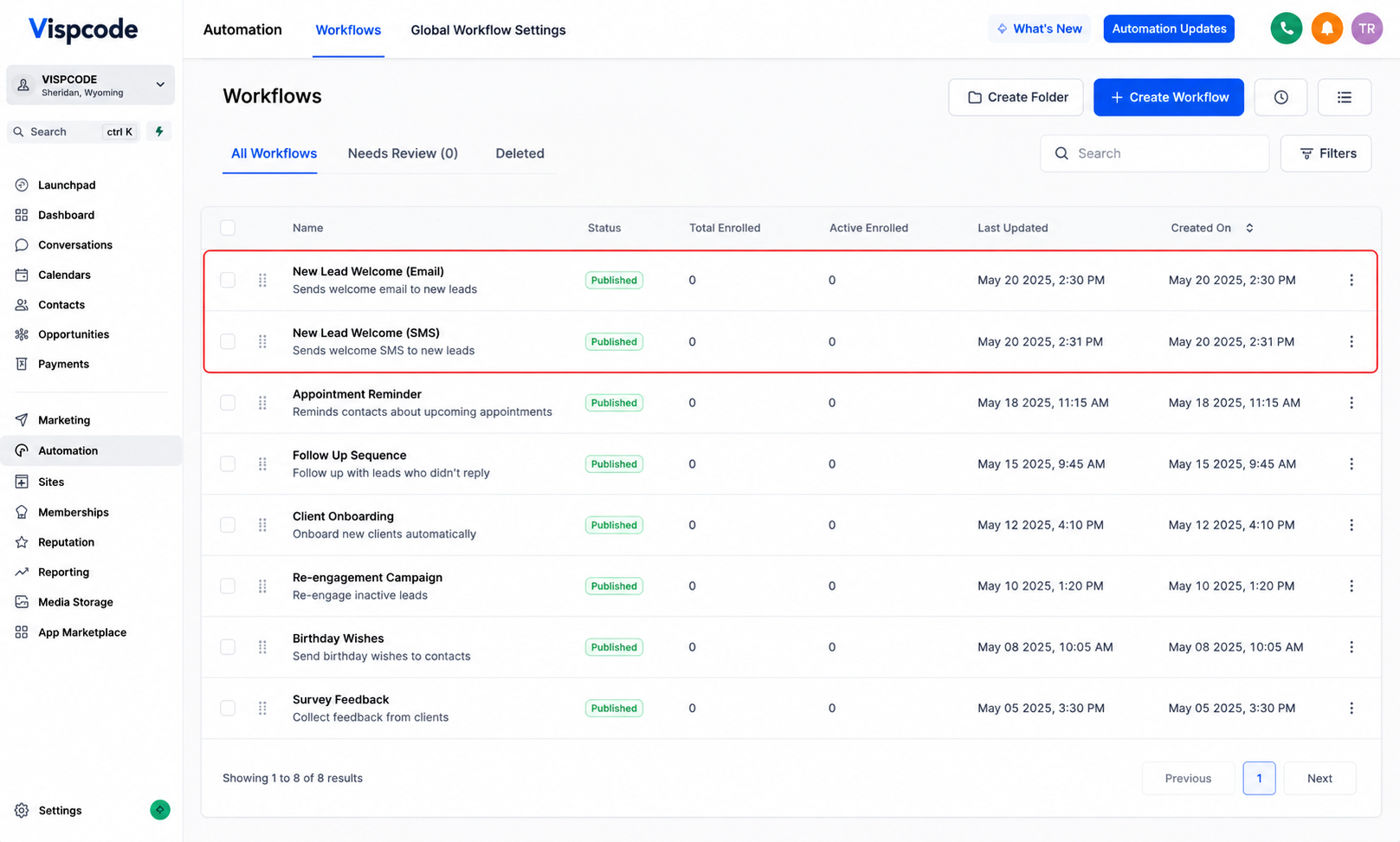
Sending Too Many Emails or SMS Messages
Automation should improve communication, not overwhelm customers.
Sending excessive emails or SMS messages within a short period can reduce engagement and increase unsubscribe rates.
How to avoid it:
Space communications using appropriate wait steps.
Review all customer touchpoints across different workflows.
Focus on sending relevant messages instead of frequent ones.
Best practice: Prioritize quality and timing over message volume.
Missing Wait Steps Between Actions
A workflow that performs multiple actions immediately may create a poor customer experience. Contacts could receive several messages within minutes, making the communication feel automated rather than thoughtful.
How to avoid it:
Add wait steps where appropriate.
Consider how much time customers realistically need before receiving the next communication.
Match delays to the purpose of the workflow.
Best practice: Build natural communication sequences that reflect real customer interactions.
Not Testing Workflows Before Publishing
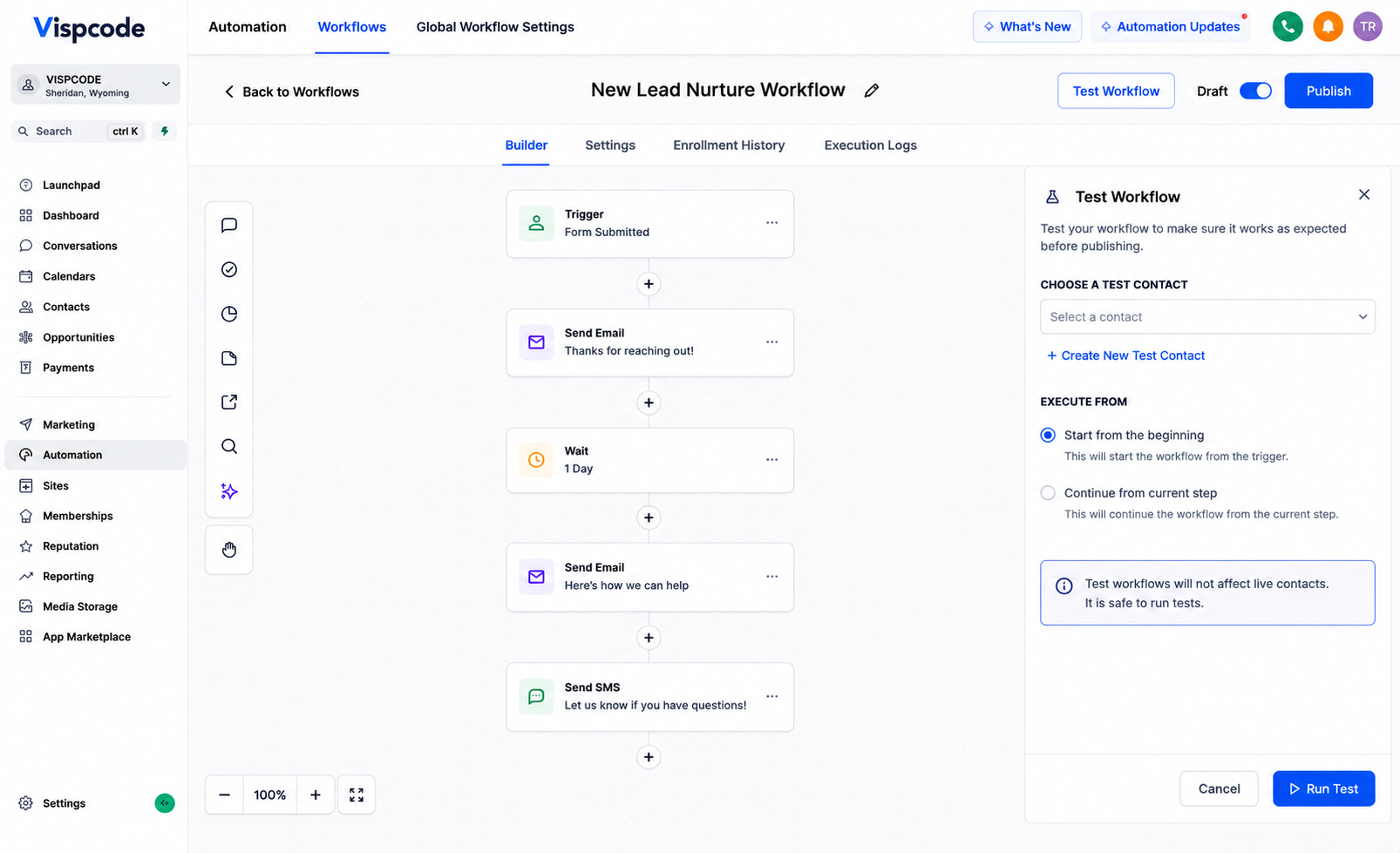
One of the most common workflow mistakes is activating automation without testing it first.
Small configuration errors, such as incorrect triggers, missing conditions, or misplaced actions, may only become visible after real customers enter the workflow.
How to avoid it:
Test workflows using sample contacts.
Verify every trigger, condition, and action.
Confirm that contacts move through the workflow as expected.
Best practice: Never publish an important automation without completing a full test.
Ignoring Workflow Goals and Filters
Goals and filters help guide contacts through the correct automation path based on their actions or status.
Without them, contacts may continue following irrelevant steps even after completing an important milestone.
How to avoid it:
Use conditions to personalize workflow paths.
Configure goals where appropriate to move contacts efficiently.
Regularly review workflow logic to ensure contacts follow the intended journey.
Best practice: Design workflows that adapt to customer behavior rather than treating every contact the same.
Poor Workflow Organization and Naming
As more workflows are added, vague names such as "Workflow 1" or "Test Automation" make management increasingly difficult.
Poor organization also increases the chance of editing the wrong workflow or creating unnecessary duplicates.
How to avoid it:
Use descriptive naming conventions.
Group workflows by purpose or department.
Archive outdated automations that are no longer in use.
Best practice: Well-organized workflows are easier to troubleshoot, update, and scale.
Failing to Monitor Workflow Performance
Automation is not a one-time task. Business processes change, marketing campaigns evolve, and customer behavior shifts over time.
Ignoring existing workflows may allow outdated automation to continue running without delivering the desired results.
How to avoid it:
Review active workflows regularly.
Check whether workflows still align with current business processes.
Update messaging and automation logic as needed.
Best practice: Treat workflow optimization as an ongoing process rather than a one-time setup.
Real Business Example
A digital marketing agency created a lead nurture workflow for website form submissions. Shortly afterward, another team member built a separate workflow for new contacts generated through landing pages. Since both workflows could enroll the same contact, some leads received duplicate welcome emails and overlapping follow-up messages.
The agency reviewed its GoHighLevel Automation setup, consolidated similar workflows, refined enrollment conditions, and added appropriate filters to prevent duplicate enrollment. After testing the updated workflow, communication became more consistent, internal management improved, and new leads experienced a smoother onboarding journey.
Workflow Best Practices
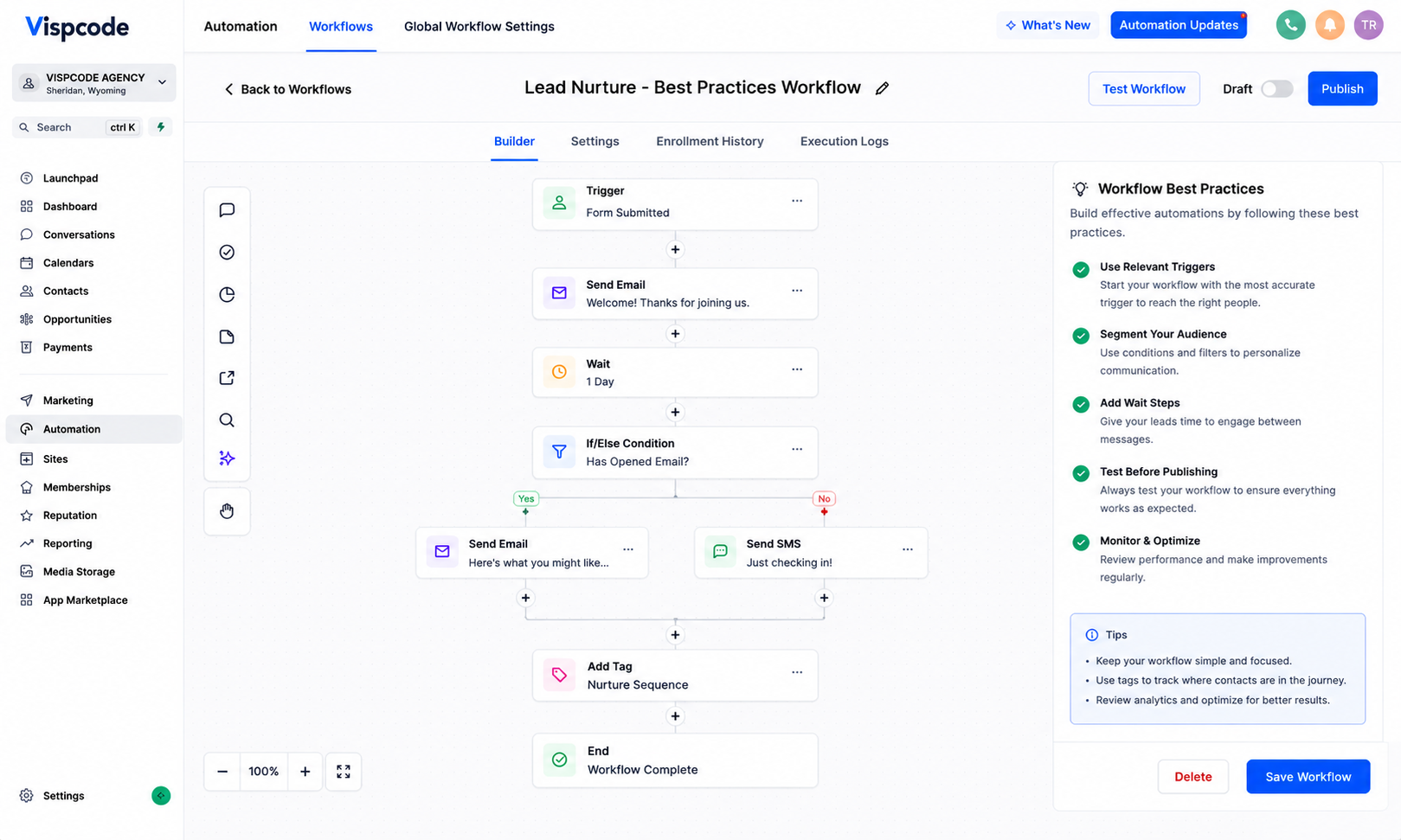
Following proven workflow best practices can help you build more reliable automations:
Test every workflow before activating it.
Use descriptive workflow names that clearly identify each automation.
Avoid duplicate workflow triggers whenever possible.
Add wait steps to create natural communication timing.
Use goals and conditions to guide contacts through the correct path.
Keep workflows simple whenever practical.
Review active workflows regularly to ensure they still meet business needs.
Monitor workflow performance and update automations as your processes evolve.
Conclusion
Building effective GoHighLevel Workflows requires more than connecting triggers and actions. Careful planning, thorough testing, and regular maintenance are essential for creating automation that supports your business goals without confusing customers.
Avoiding these Common Workflow Mistakes in GoHighLevel helps improve CRM automation, strengthens customer communication, and keeps your marketing automation running smoothly. By selecting the right triggers, using appropriate conditions, clearly organizing workflows, and reviewing your automations regularly, you can build systems that are easier to manage and more effective over time.
As your business grows, make workflow optimization a regular habit. Clean, organized, and well-tested workflows will not only reduce errors but also create a more reliable experience for both your team and your customers.
Need Expert Help with GoHighLevel?
New to GoHighLevel and ready to get started? Buy your GoHighLevel account here and launch with confidence.
Already know what you need and want our team to handle everything, from complete setup and customization to funnels, workflows, automations, CRM, and pipelines? Click here.



