

How to Assign Opportunity Owners Automatically Using the Add Owner to Opportunity Action in GoHighLevel
How to Assign Opportunity Owners Automatically Using the Add Owner to Opportunity Action in GoHighLevel
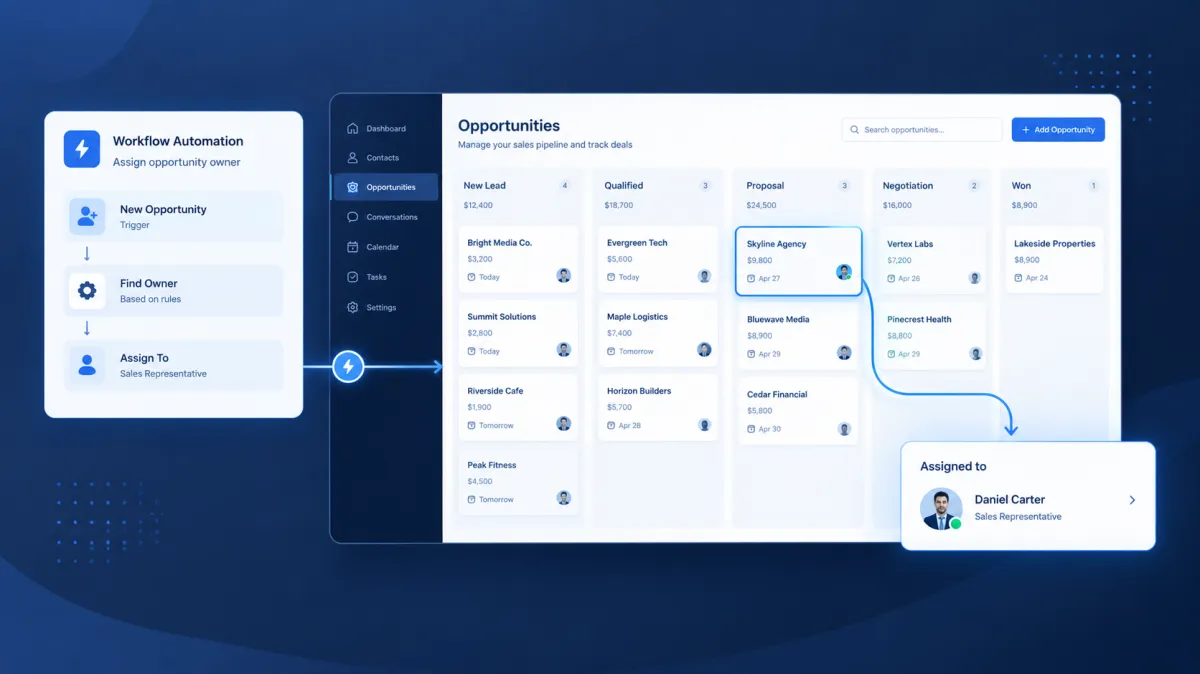
When an opportunity enters your sales pipeline without a clear owner, it can quickly become someone else’s problem. Sales representatives may not know who should follow up, managers may have to assign opportunities manually, and valuable opportunities can remain without proper attention. Instead of relying on someone to constantly check the pipeline and assign responsibility, GoHighLevel provides the Add Owner to Opportunity action to automatically assign an existing opportunity to a specific user within a workflow.
What Is the Add Owner to Opportunity Action?
The Add Owner to Opportunity action is a GoHighLevel workflow action that assigns a selected user as the owner of an existing opportunity. It is designed specifically for situations where an opportunity already exists and needs an owner assigned through a workflow.
The action allows you to select the user who should become the opportunity owner. You can also choose whether the action should apply only when the opportunity currently has no owner.
This distinction is important because the action can either preserve existing ownership or replace it, depending on how the setting is configured.
The action works with an opportunity that is already available in the workflow context. If there is no opportunity available for the workflow to act on, the action does not perform an assignment.
Why Automatically Assign Opportunity Owners?
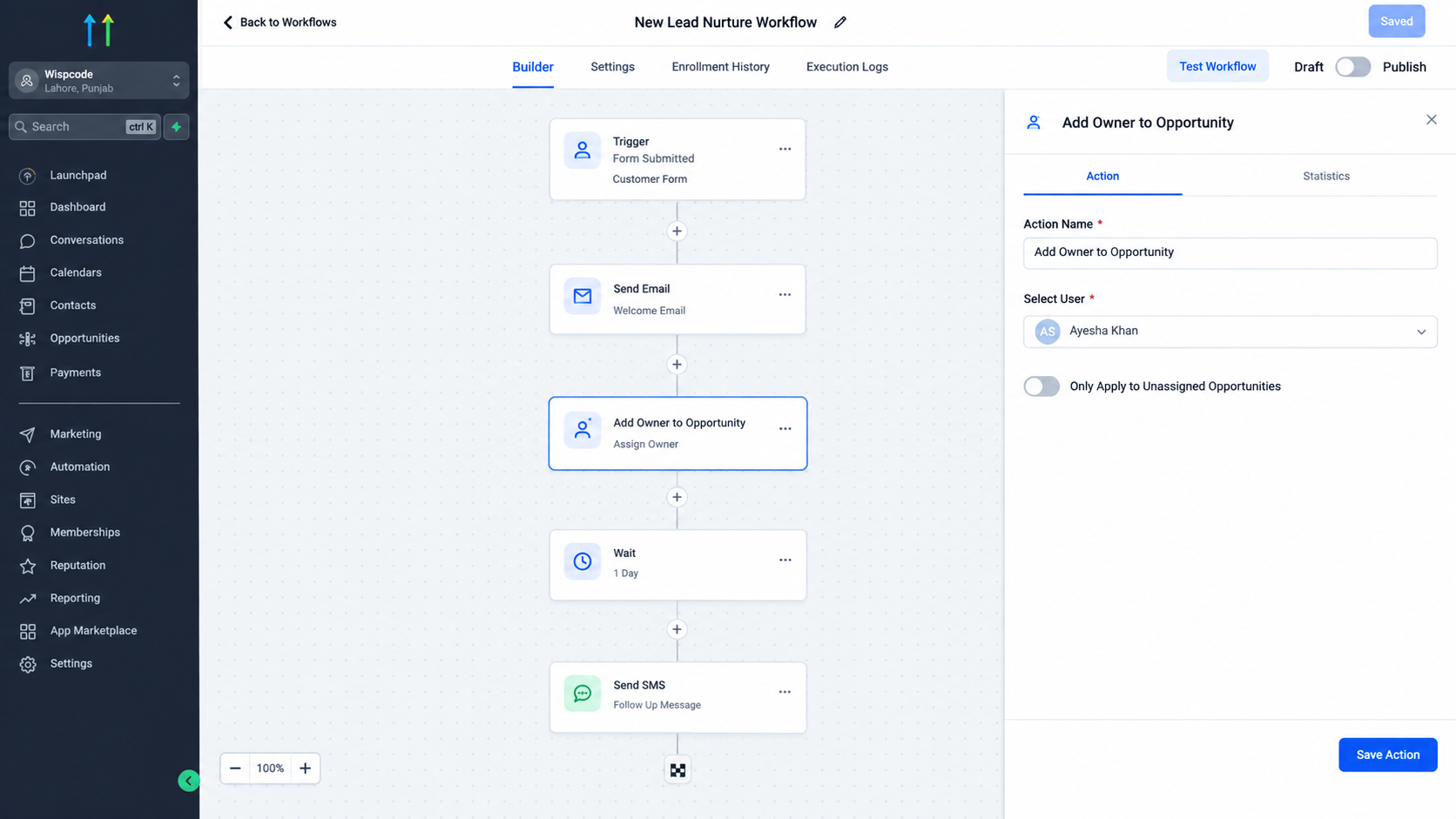
Clear ownership gives sales teams a defined person responsible for an opportunity. When responsibility is assigned consistently, it becomes easier to understand who should manage follow up and continue moving the opportunity through the sales process.
The GoHighLevel Add Owner to Opportunity action can be useful when businesses want to:
• Reduce manual opportunity assignment
• Give specific sales representatives responsibility for opportunities
• Maintain clearer ownership across a sales pipeline
• Create more consistent follow up processes
• Keep opportunity ownership aligned with an automated workflow
The action itself does not manage the entire sales process. Its purpose is specifically to assign ownership to an existing opportunity.
How the Add Owner to Opportunity Action Works
The basic process is straightforward:
Workflow trigger → Workflow actions → Add Owner to Opportunity → Assigned opportunity owner → Sales follow up
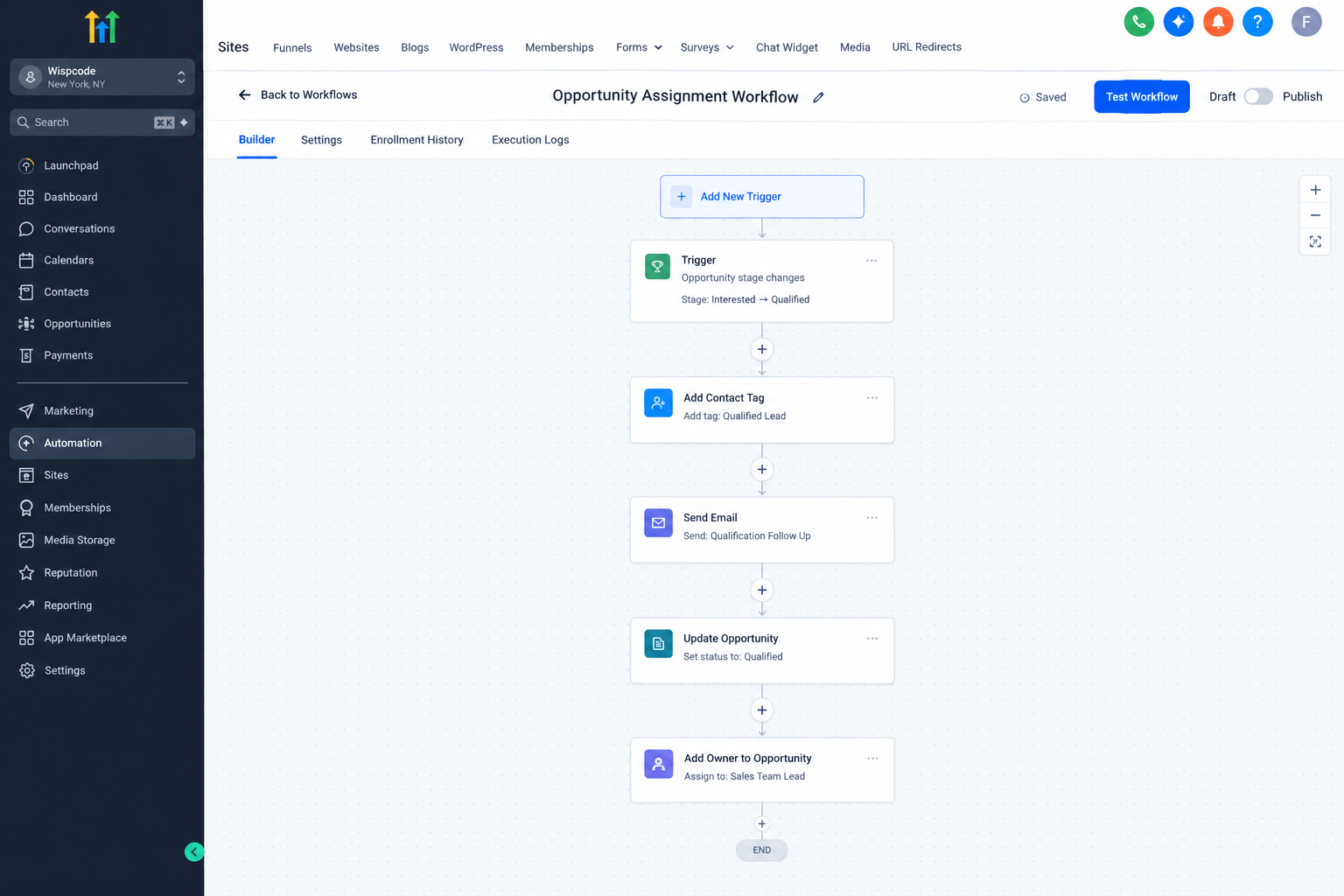
A workflow begins when its configured trigger occurs. The workflow then reaches the Add Owner to Opportunity action and assigns the selected user to the opportunity available in that workflow.
For example, imagine a business has a workflow that identifies a particular type of sales opportunity. Once the relevant opportunity is available, the workflow can use Add Owner to Opportunity to assign it to a designated sales representative.
The result is simple: the opportunity has a clearly defined owner who can take responsibility for the next stage of the sales process.
How to Use Add Owner to Opportunity in a Workflow
When adding the action to a GoHighLevel workflow, you select the user who should become the opportunity owner.
The action also includes an option called Only Apply to Unassigned Opportunities. When enabled, the action only assigns ownership when the opportunity does not already have an owner. If an owner already exists, the existing ownership remains unchanged.
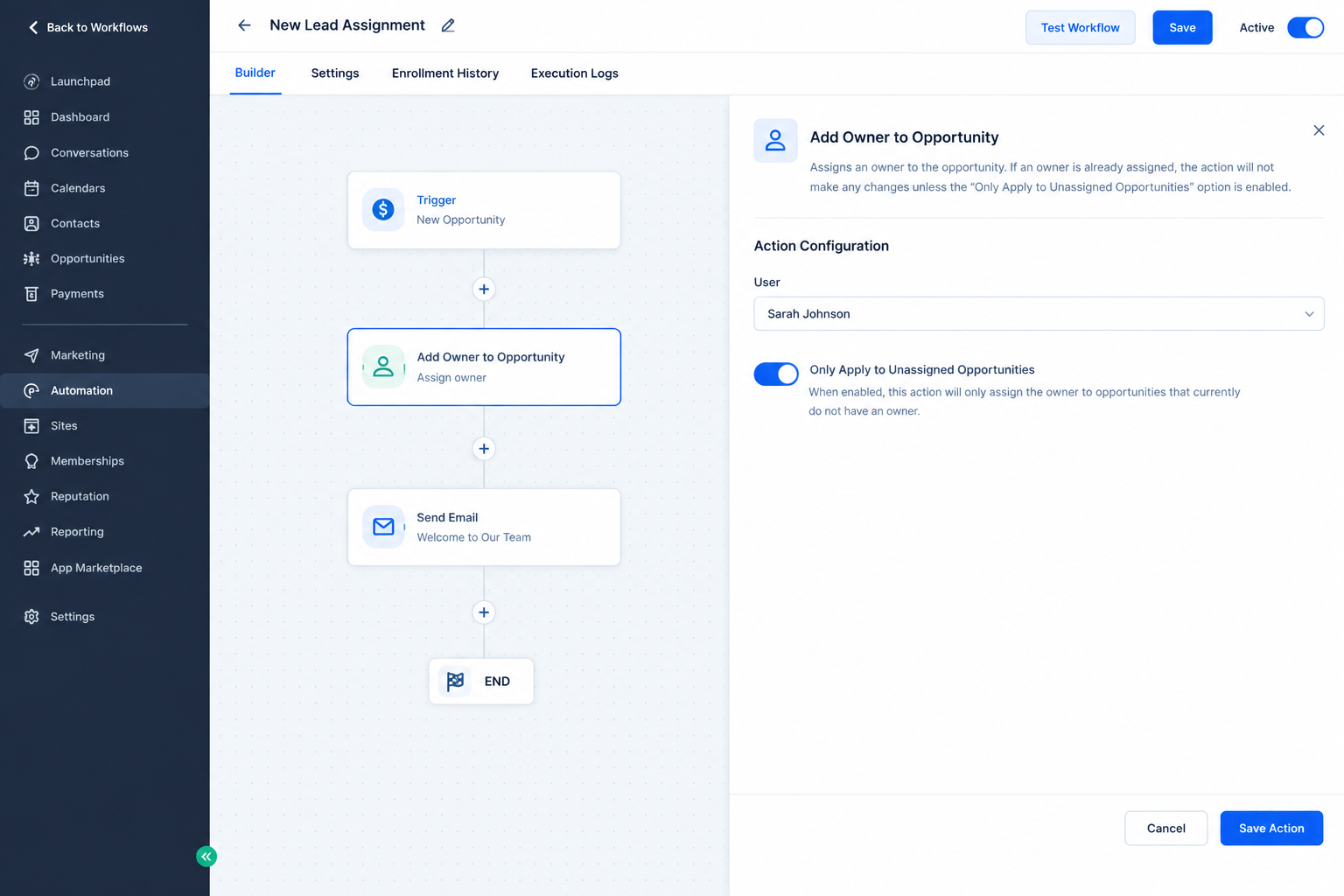
When this option is not enabled, the selected user can replace the opportunity's existing owner. This makes the setting important when deciding whether your workflow should protect existing ownership or deliberately reassign responsibility.
For example, a workflow could identify an opportunity that requires attention from a particular sales representative. The workflow reaches Add Owner to Opportunity, selects that representative, and assigns ownership to the existing opportunity.
The important point is that the action assigns an owner. It does not create the opportunity itself.
Practical Use Cases
Assigning Opportunities to Sales Representatives
A business may want certain opportunities to be handled by a specific team member. Add Owner to Opportunity can assign the existing opportunity to that user as part of a workflow.
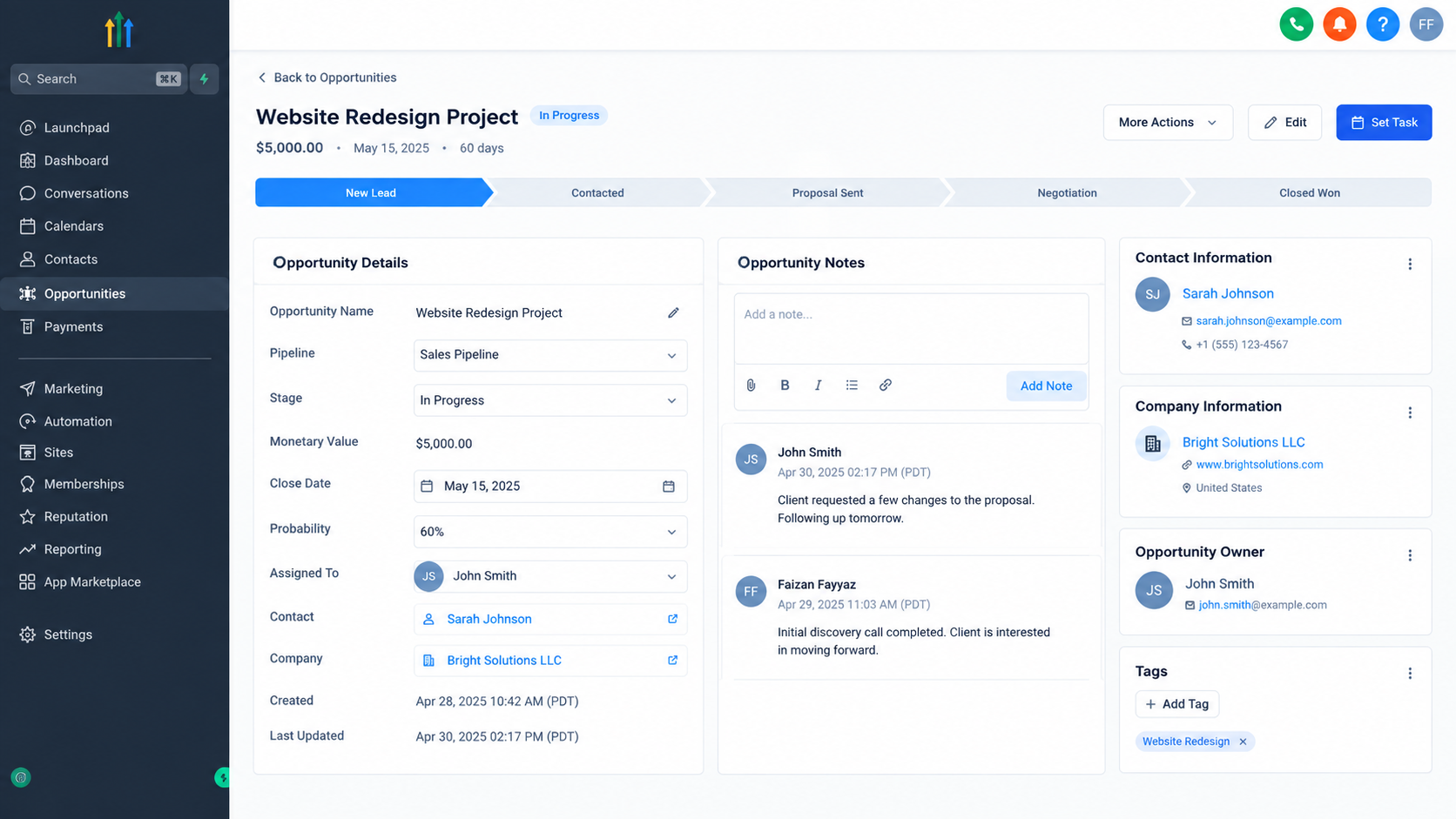
Giving Responsibility to a Specific Team Member
When a workflow reaches a point where a particular user should take responsibility, the action can make that ownership assignment automatically.
Creating Clearer Pipeline Ownership
An opportunity with a clearly assigned owner makes responsibility easier to identify. Team members can see which user is responsible for managing the opportunity.
Supporting Organized Follow Up
Once an opportunity has an owner, the assigned team member knows that the opportunity belongs to them. This can support a more organized sales follow up process.
Reducing Manual Assignment
Instead of requiring someone to repeatedly open opportunities and assign owners manually, businesses can include ownership assignment within relevant workflows.
Important Considerations When Assigning Opportunity Owners
The most important consideration is whether you want to change existing ownership.
If your workflow should only assign opportunities that currently have no owner, enable Only Apply to Unassigned Opportunities. If your process requires the selected user to become the owner regardless of existing ownership, leave that option disabled.
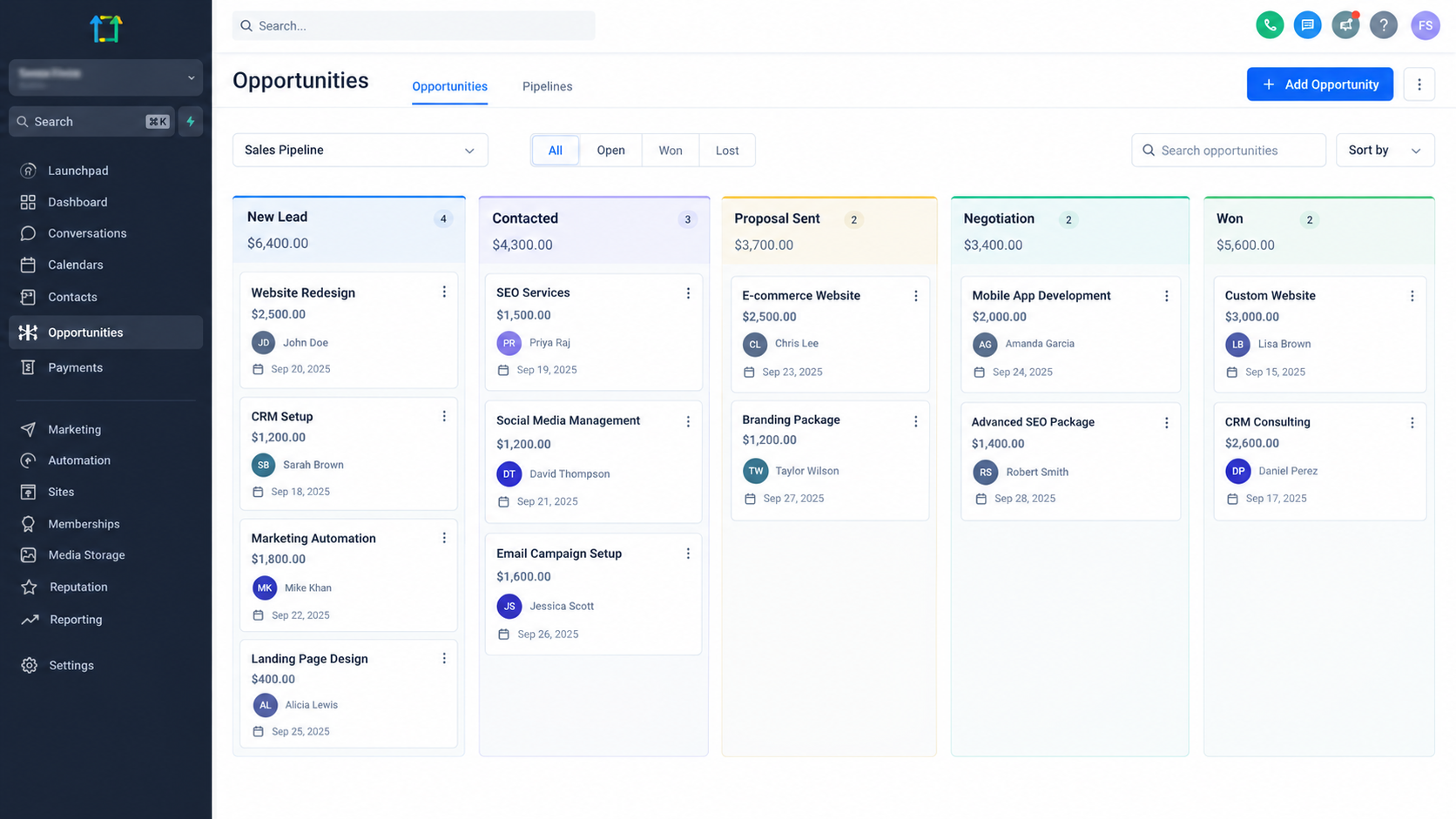
You should also make sure the workflow has an opportunity available in its context. The Add Owner to Opportunity action operates on an existing opportunity. If there is no opportunity available, the action is skipped.
GoHighLevel also supports synchronization between contact ownership and opportunity ownership through its opportunity settings. When that synchronization is configured, changing the opportunity owner can also change the contact owner. When synchronization is not configured, the ownership change applies only to the opportunity.
Conclusion
The GoHighLevel Add Owner to Opportunity action provides a focused way to assign responsibility for existing opportunities through workflows. Instead of relying entirely on manual assignment, businesses can define where ownership should be assigned as part of their automated sales processes.
Whether the goal is to assign opportunities to a specific sales representative, preserve ownership for already assigned opportunities, or create clearer responsibility within a pipeline, this action can make opportunity assignment more consistent and structured.
The key is understanding what the action actually does: it assigns a selected user as the owner of an existing opportunity. Used in the right workflow context, that simple function can help keep opportunity ownership organized and clear.
Frequently Asked Questions
1. What does Add Owner to Opportunity do?
It assigns a selected user as the owner of an existing opportunity in a GoHighLevel workflow.
2. Can it replace an existing opportunity owner?
Yes. When the action is not restricted to unassigned opportunities, it can replace the current owner.
3. Can it assign only unassigned opportunities?
Yes. Enable Only Apply to Unassigned Opportunities to prevent already assigned opportunities from being changed.
4. Does the action create an opportunity?
No. The action assigns ownership to an existing opportunity. It does not create the opportunity itself.
5. What happens if there is no opportunity available?
The action is skipped because it requires an opportunity in the workflow context.
Need Expert Help with GoHighLevel?
New to GoHighLevel and ready to get started? Buy your GoHighLevel account here and launch with confidence.
Already know what you need and want our team to handle everything, from complete setup and customization to funnels, workflows, automations, CRM, and pipelines? Click here.



